
Bitly alternative, with both price lists in the open
Both sides shorten links and make QR codes. What separates them is what each one counts, how long you can look back at it, and what putting your own name on a link costs. Every Bitly figure below was read from its own pricing page on 16 September 2026 and is linked at the foot of this page.
No card. 3 editable codes and unlimited static ones.
- Bitly figures read 16 September 2026
- Unlimited scans on every plan
- Your own domain from $12
One counts what you make each month, the other what is live
This is the difference that decides whether a switch makes sense, and it is not a feature either side can add.
Bitly’s plans are monthly allowances: a number of links, a number of QR codes and a number of redirects per month, where its pricing page explains a redirect as “Change the destination page for links and QR Codes”. Create thirty links in January and the allowance is back in February.
A plan here is a ceiling on live dynamic codes instead. One dynamic code is one short link with a picture of itself, so a printed menu code and a link in a bio are the same object counted once. Nothing refills, and nothing is charged for changing a destination: a code can be repointed daily for a year without touching the plan.
On QR codes specifically, the monthly numbers are small: Growth, at $29 a month, makes ten of them in a month, and Premium two hundred. The $39 plan here holds 600 live at once — a larger number, but not an endless one, and it does not come back next month. Whichever side you are on, count the printed things you need working at the same time, not the ones you will make in January.
Which is better depends entirely on the work. A campaign team minting hundreds of fresh links a month is counting Bitly’s way. A business with fifty printed things in the world that must keep working, and occasionally move, is counting ours.
Bitly’s plans, in its own numbers
Copied from bitly.com on 16 September 2026. Prices are US dollars. Above these sits an Enterprise tier, priced on request, which its page gives 2 years of data. Where a cell says "not listed", the page gives no figure — which is not the same as a zero.
| Plan | Price | QR codes | Links | Redirects | Data history |
|---|---|---|---|---|---|
| Free | $0 | 2 a month | 5 a month | Not listed | Not listed |
| Core | $10 a month, billed yearly only ($120 a year) | 5 a month | 100 a month | 5 a month | 30 days of click and scan data |
| Growth | $29 a month billed yearly ($348 a year), or $35 monthly | 10 a month | 500 a month | 20 a month | 4 months of click and scan data |
| Premium | $199 a month billed yearly ($2,388 a year), or $300 monthly | 200 a month | 3,000 a month | 110 a month | 1 year of click and scan data |
A free custom domain is listed from Growth upwards. Figures move, so check them against their page rather than trusting a rival’s summary, including this one.
The plans here, for the same money
Every number in this table is read straight from the file the product enforces, so it cannot quietly disagree with what you get.
| Plan | Price a month | Live dynamic codes | Custom domains | Scan history |
|---|---|---|---|---|
| Free | Free | 3, shared with QR Menus and forms | 0 | 90 days |
| Starter | $12 | 100 | 1 | 365 days |
| Pro | $39 | 600 | 10 | Unlimited |
| Business | $99 | 2,000 | 50 | Unlimited |
Scans are never capped or charged for, on any plan, and a static code costs nothing and needs no account at all — the bulk generator makes up to 500 of them in a batch, in your browser.
Where Bitly is the better answer
Three places their list beats ours outright. If one of them describes your work, stay where you are.
Far more links a month at the top
Premium creates up to 3,000 links and 200 QR codes every month, and those allowances come back the next month. No plan here holds that many live at once, and ours never refill. A team whose job is minting links in volume should count it their way before moving.
The same yearly price at the bottom
Core is $120 for the year, which is exactly what Starter costs paid yearly. If you pay monthly, Starter is $12 and Core is not sold that way at all.
A name people have heard of
A bit.ly address is recognised, and that is worth something on a link in an email or a text message. Ours is not, which is part of why a domain of your own is on the cheapest paid plan here.
Where the swap is worth making
All of these are things the product does today, on the plan named beside them.
- Repointing is free and unlimited. Change where a dynamic code goes whenever you like, on Free as well. There is no monthly count of destination changes to run out of before the end of a campaign.
- Your own domain at the cheapest paid step. Starter, $12 a month, includes a verified domain such as go.yourbrand.com for every code and link. Bitly lists its free custom domain from Growth.
- Static codes, unlimited and free. No account, no plan, no expiry, and nothing in the middle that can be switched off. For a code that must still work in ten years, this is the honest answer.
- Longer history, lower down. Starter keeps 365 days; Pro and Business keep everything. Free accounts here still see 90 days.
- Routing on every plan. Send iPhones to one place and Android phones to another, Canada to the Canadian shop, or a page that changes on a date — with no upgrade. Cities, scan counts and A/B splits come higher up.
- Pages and forms, not only links. A QR Menu puts several buttons behind one printed code, and a QR Form collects an answer from a scan. Both are included from the free plan, inside its editable items.
What a move actually involves
Worth knowing before you plan one, because part of it is impossible and nobody says so.
A short link already printed on somebody else’s domain cannot come with you. That address is answered by their servers; no service can adopt it. The same is true in reverse, and it is the strongest argument for putting links on a hostname you control from the start.
So a switch is usually a line drawn on a date: new print runs and new campaigns are made here, while the old links stay where they are, under whatever terms that account carries. If your links are already on a domain of your own, the DNS record is yours to repoint, and the addresses survive the move.
Bringing a list across is one file: a spreadsheet of names and destinations imported in one go, with the new short links downloaded back as a CSV for whoever does your artwork.
Check it at the source
- Bitly pricing. Every Bitly figure on this page, read 16 September 2026
- QRSalt pricing. Our side, feature by feature, from the same file the product enforces
Last reviewed , against the product as it works today.
What it costs to make the swap
Free is enough to test a code on real print before deciding anything. Starter at $12 a month, or $120 for the year, adds 100 live codes, your own domain and 365 days of history.
Free
Free
Unlimited static codes. Three editable ones that never expire.
- Unlimited static QR codes, forever
- 3 editable items in total — dynamic QR codes, QR Menus and QR Forms share them
- Dynamic codes never expire, and each comes with a short link
- Short links on their own, no QR code needed
3dynamic codes
Starter
$12/mo
For one business with codes out in the world.
- 5 QR Menus
- QR Forms
- Advanced tracking and analytics
- Live map of scans as they happen
100dynamic codes
Pro
Most chosen$39/mo
For agencies and teams running codes at scale.
- 50 QR Menus
- Unlimited analytics history
- 10 custom domains
- API access
600dynamic codes
Business
$99/mo
For organisations running codes across many brands.
- 400 QR Menus
- 50 custom domains
- Up to 25 team members and team management
- Up to 10 workspaces
2,000dynamic codes
Unlimited scans on every plan. Cancel online in two clicks. Compare every plan and feature
The rest of the toolbox
Open a row to see the screen and which plan has it.
Custom domains
Short links on your own domain, chosen code by code.Starter and up
Codes open go.yourbrand.com/menu rather than a link with our name in it, so the address under the code is yours. You add two DNS records and we check them. Then pick the domain for each code as you make it, or move a whole list of codes onto it at once.
Starter and up
QR codes on your own domain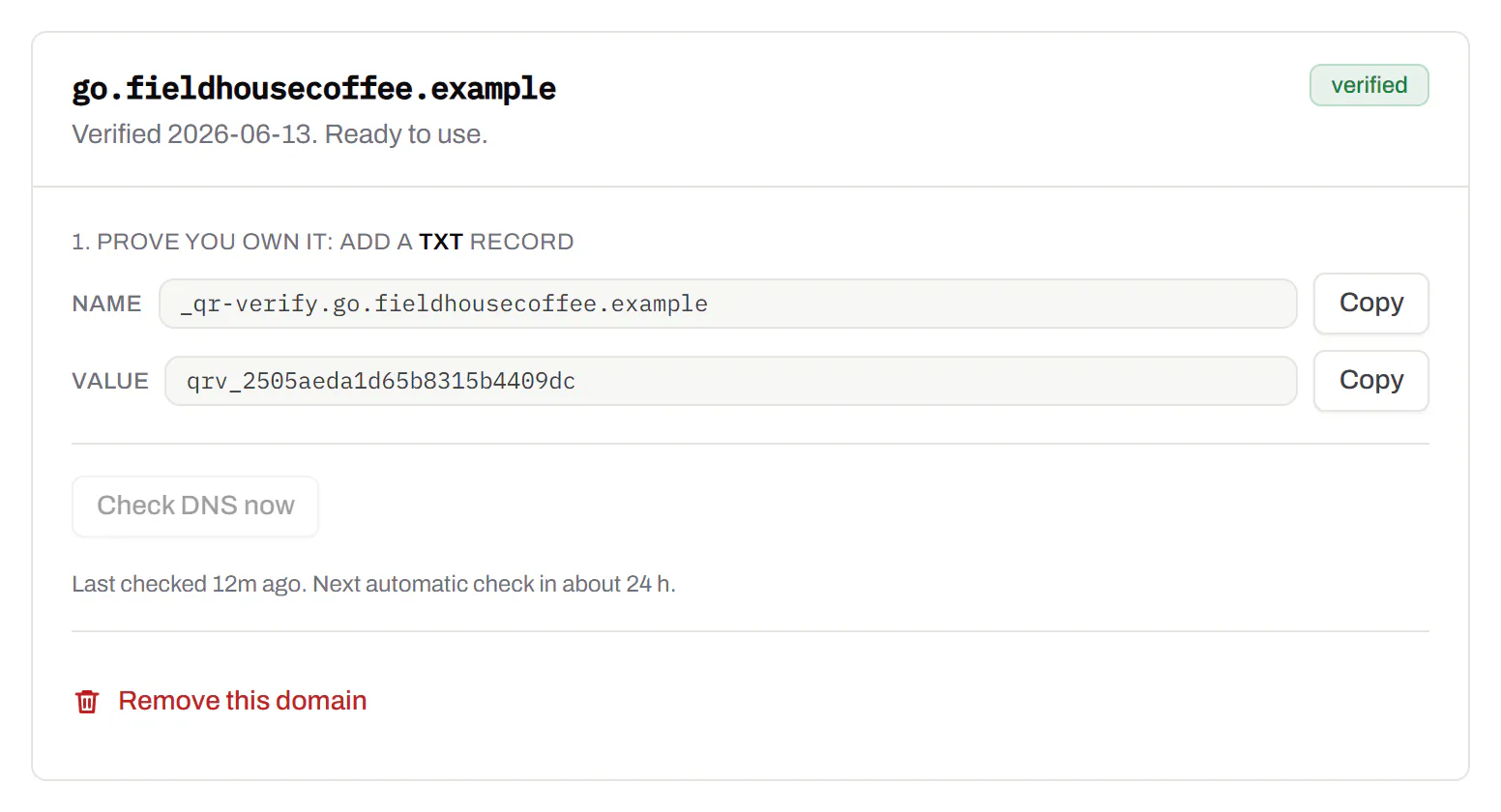
Bulk QR code generator
A spreadsheet in, one dynamic code per row out.Starter and up
Paste or upload a list of names and links, match the columns, and get a dynamic code for every row - one per table, stall, badge or product - each with its own scans and destination.
Starter and up
The bulk generator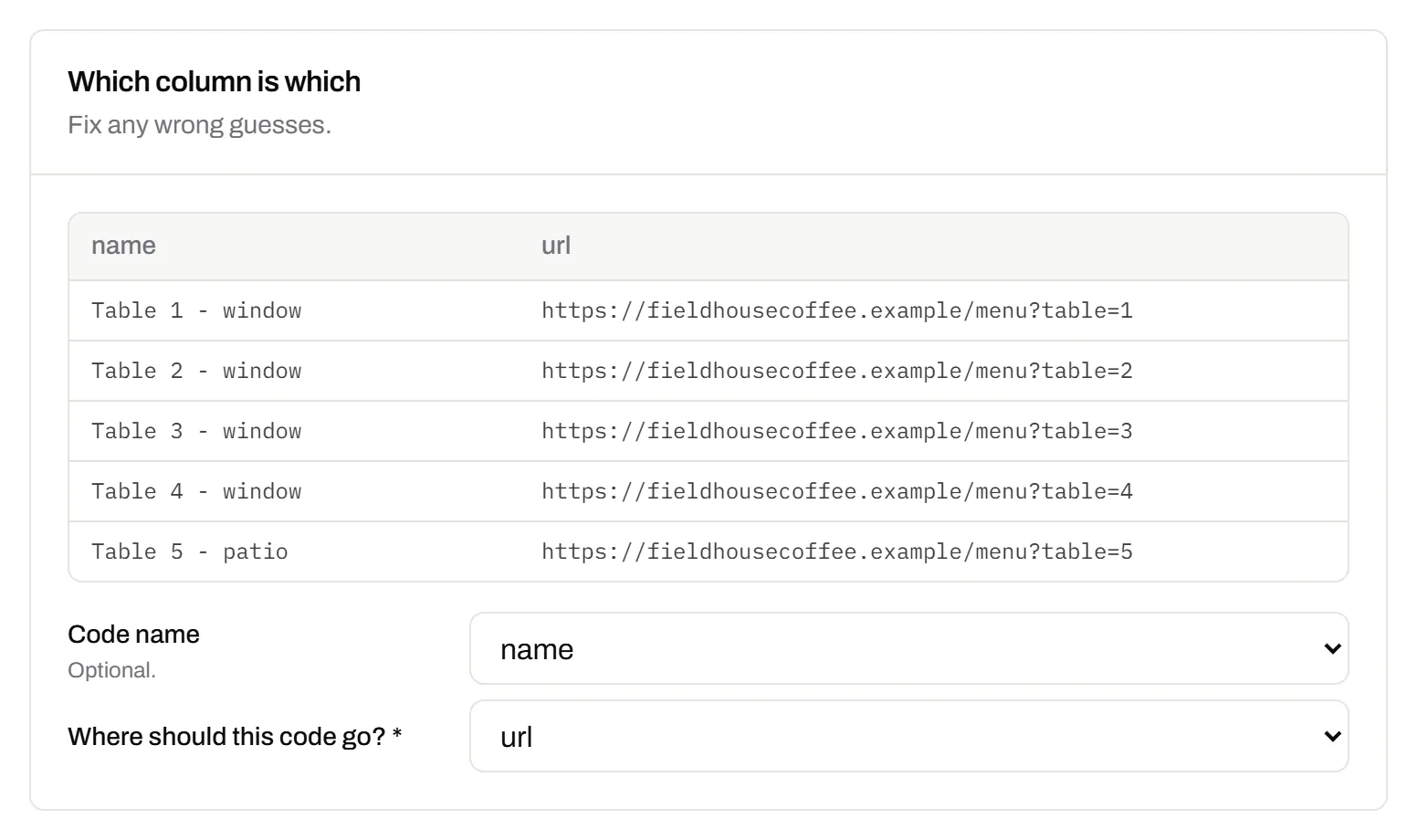
Change many codes at once
Tick the codes, then pause, tag, file or move them together.Pause and resume on every plan · folders and tags on Starter and up
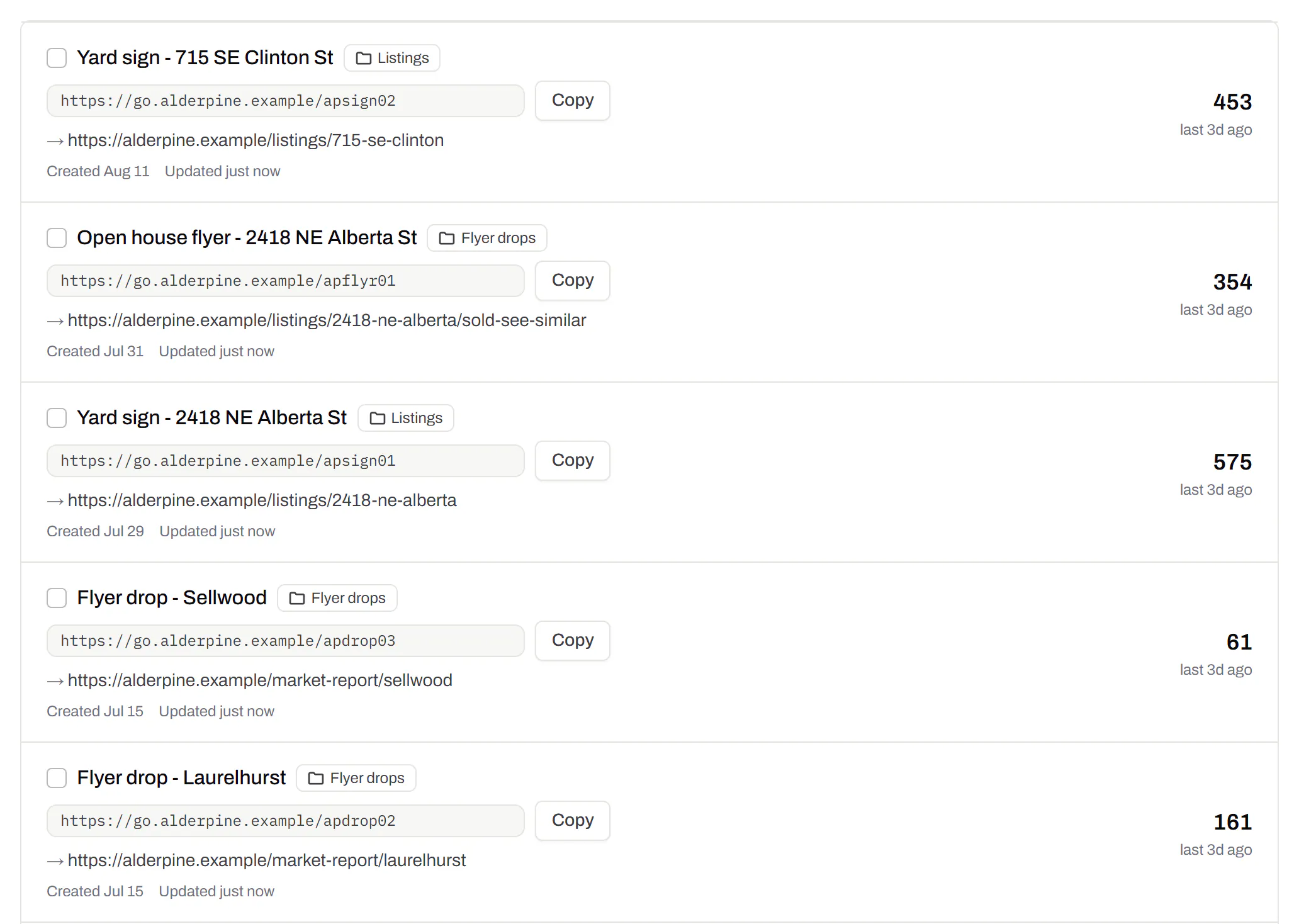
Tick codes in the list, or pick every code with a tag, and pause or resume them, add or remove tags, move them to a folder or onto your own domain, or add campaign tags, in one go. The API does the same in one request.
Pause and resume on every plan · folders and tags on Starter and up
Short links, with your own ending
The link on its own, for a bio, an email or an ad.Every plan · custom endings on Business
Paste a link and get a short one you can change, route and count, with no QR code unless you want one. Every dynamic code already has its short link beside it, and a short link gets its QR code in one click - the same link, so clicks and scans count together. On Business you choose how the link ends, like /spring-menu, instead of random letters.
Every plan · custom endings on Business
The URL shortener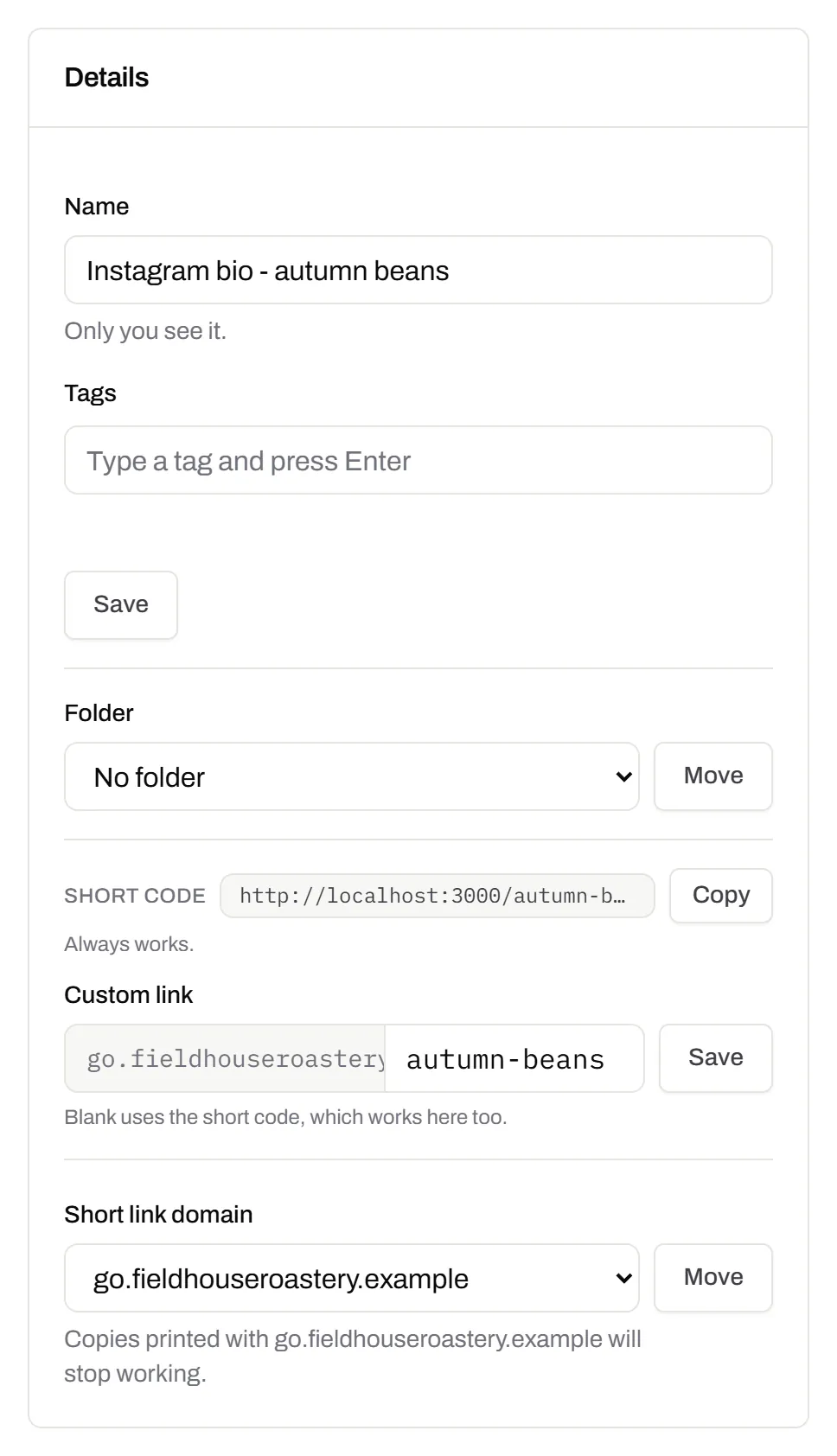
GS1 Digital Link for products
The retail code that carries your GTIN and still opens a web page.Every plan, Free included
Your domain and the GTIN from under the barcode, with batch, serial and dates if you want them, in the link format GS1 set for retail. A phone opens your page; the product data rides along in the address. The GTIN’s check digit is checked before anything is made.
Every plan, Free included
QR codes for packaging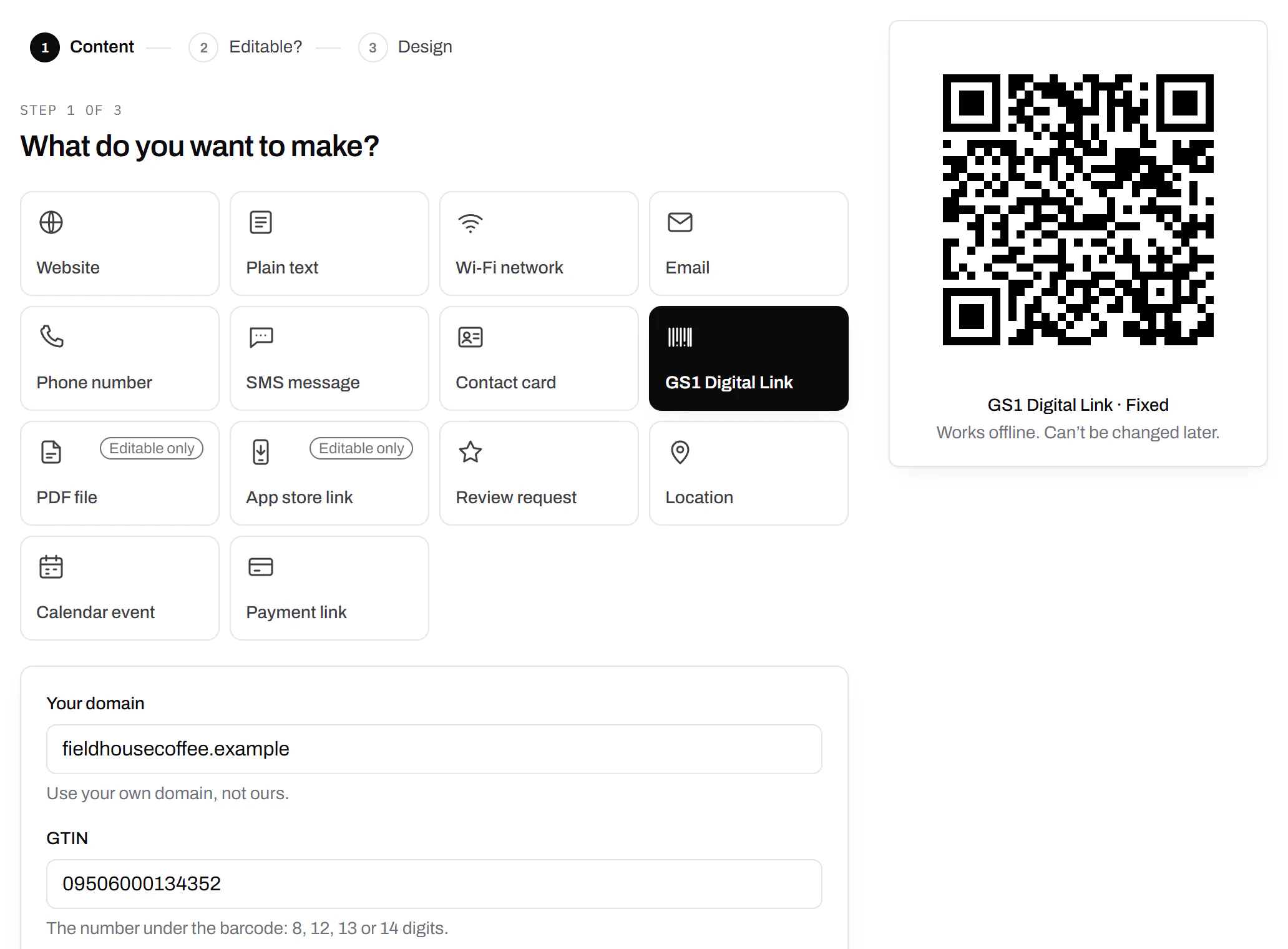
Wi-Fi, contact cards, email, phone and SMS
Networks, contacts, calendar dates and places, not only links.Every plan, Free included
A website, plain text, a Wi-Fi network, an email, a phone number, a text message, a contact card, a GS1 Digital Link, a PDF, a location, a calendar event and more. Most download free, with no account; the few marked “Editable only” need one.
Every plan, Free included
Contact card codes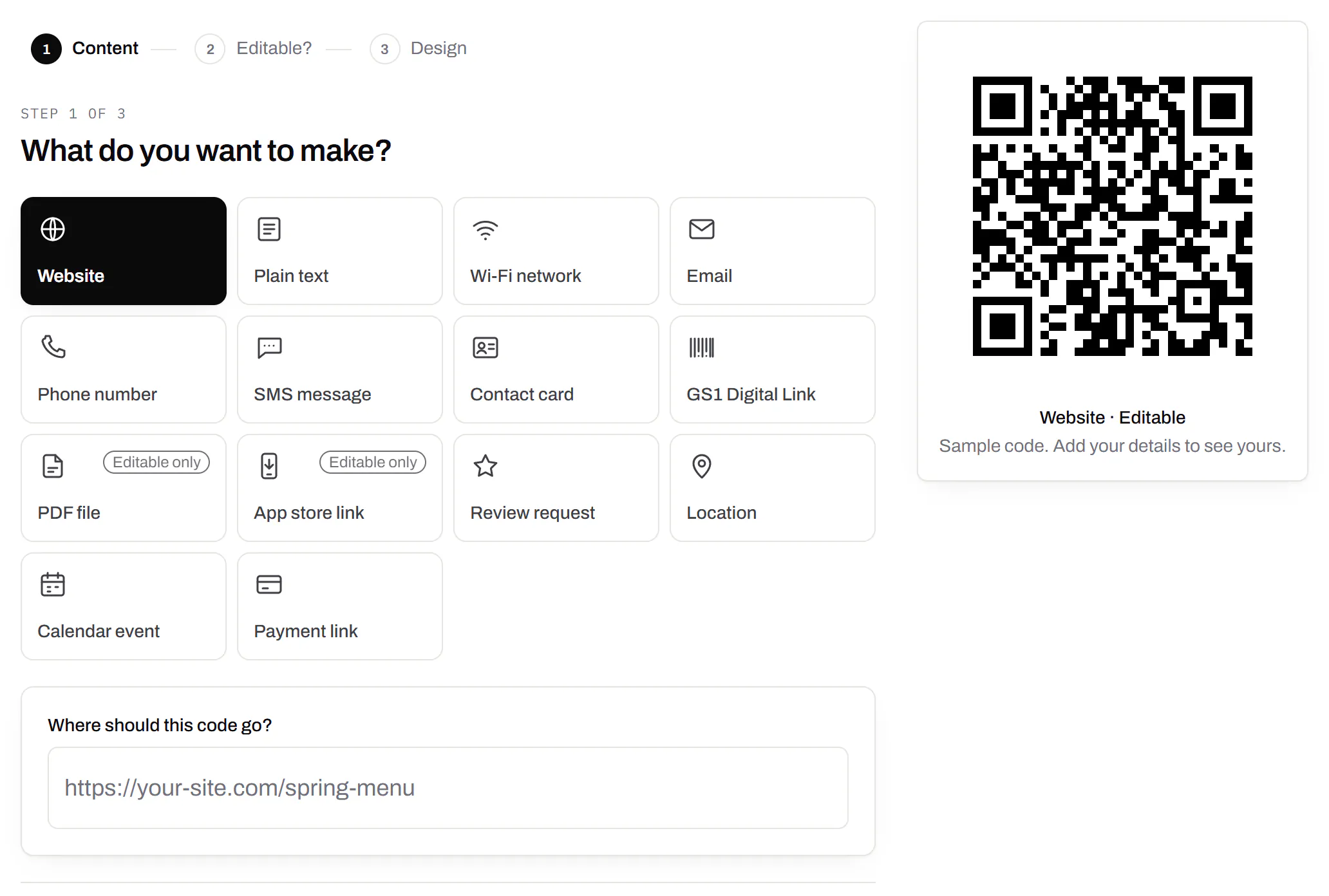
PDF codes you can update
Upload a PDF, print the code, swap the file later.Every plan, Free included
We host the file and the code opens it. Upload a new version and the same printed code opens that one, with the old file kept in its history in case you need it back.
Every plan, Free included
PDF to QR code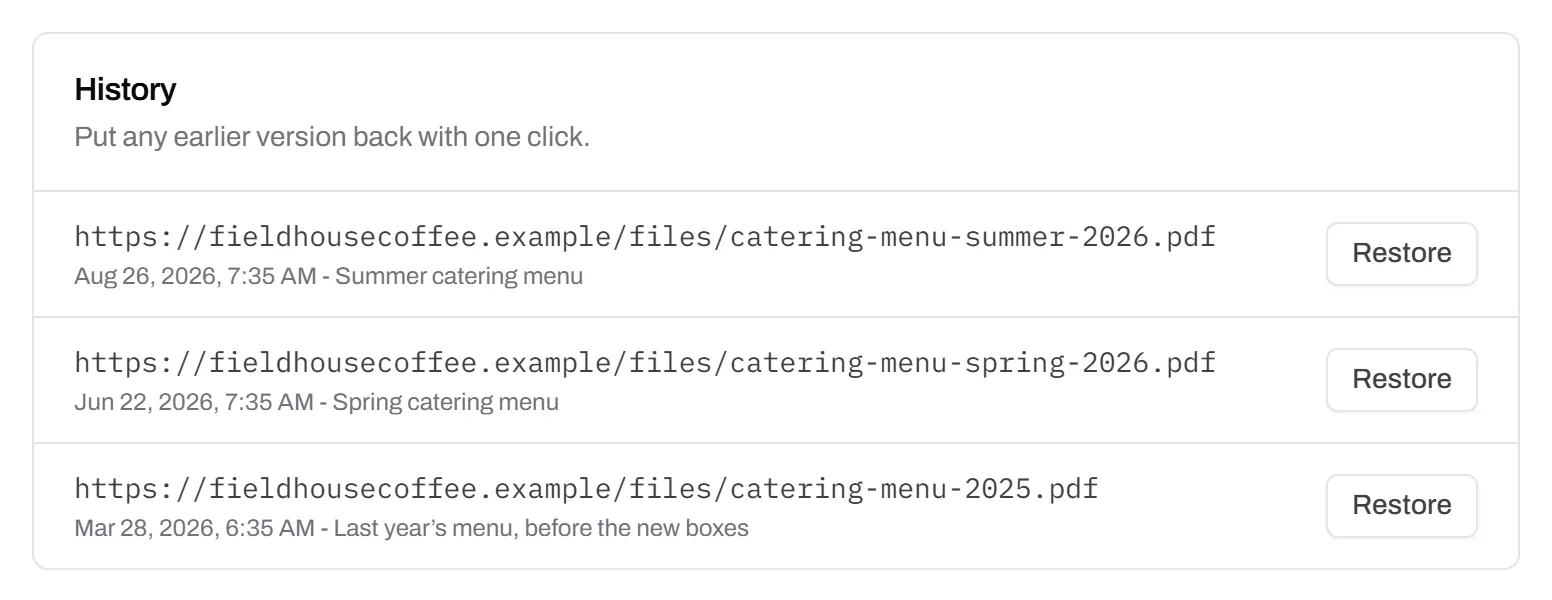
Your logo in the middle
Upload any image; we size it so the code still scans.Every plan, Free included
PNG, JPEG, WebP or GIF, up to 15 MB - we shrink it ourselves, so nobody has to compress a file first. Error correction goes up to make room, and the logo is never allowed to cover more of the pattern than the code can lose.
Every plan, Free included

Print-ready downloads
PNG and SVG on every plan, and a PDF for the printer.PNG and SVG on every plan · PDF on Starter and up
PNG for screens and quick jobs, SVG for anything that gets scaled, and a print-ready PDF on Starter and up.
PNG and SVG on every plan · PDF on Starter and up

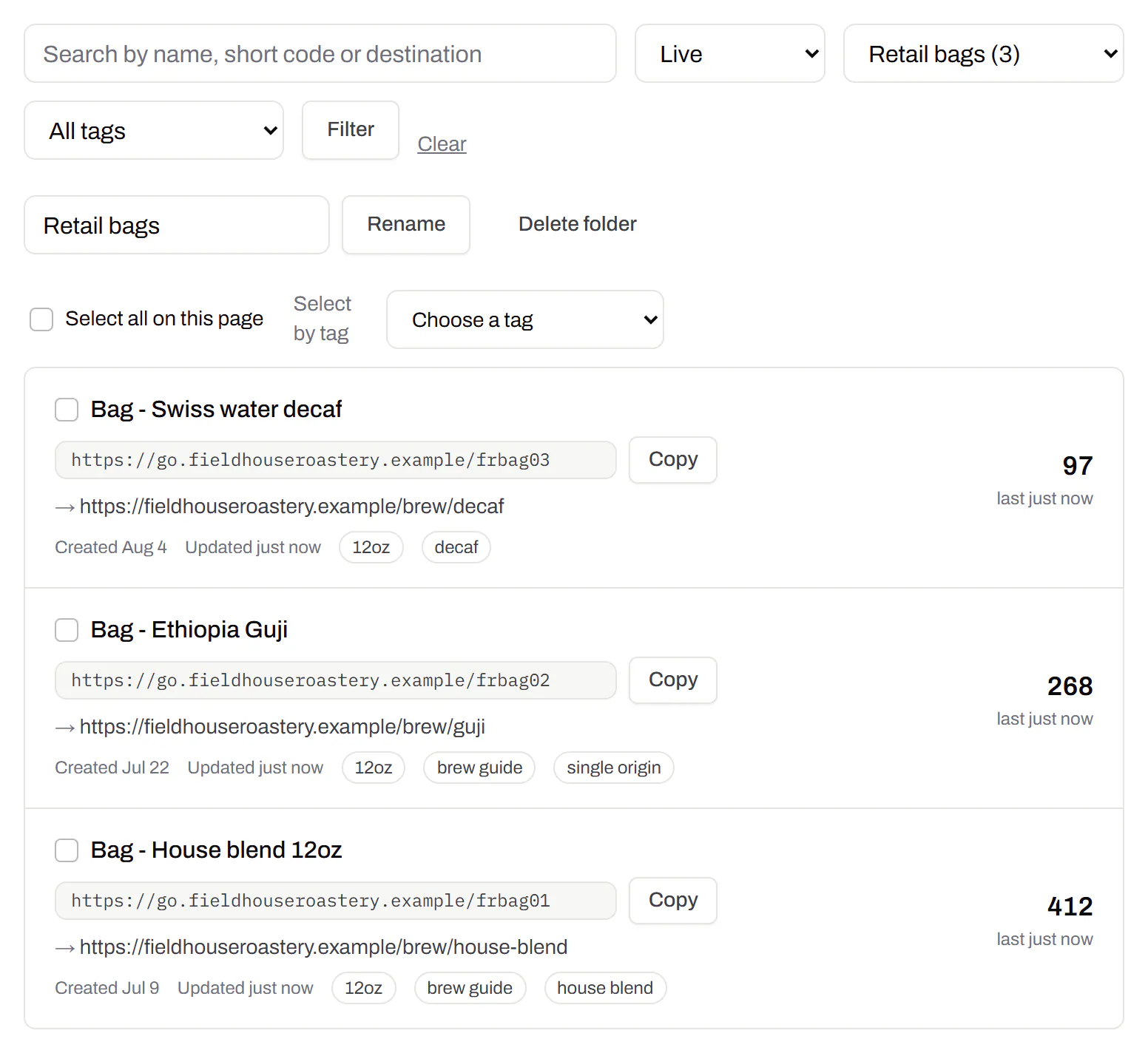
Folders and tags
Keep one location’s or one campaign’s codes together.Starter and up
Put codes in a folder per shop, listing or campaign and filter the list by it. Deleting a folder never deletes a code - they move to No folder, and you can undo it.
Starter and up
Campaign presets
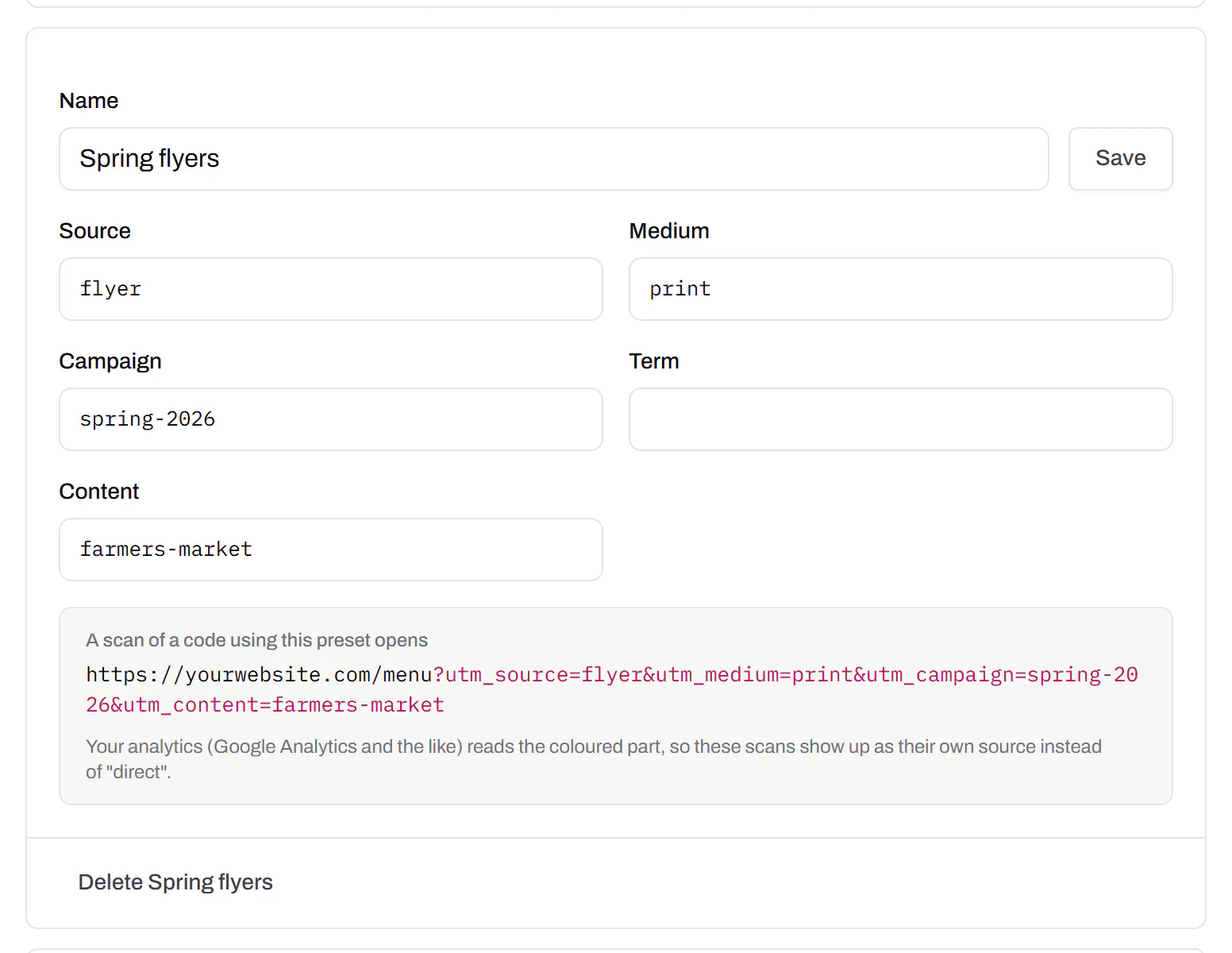
Saved UTM parameters, so printed scans are not “direct”.Starter and up
A printed code arrives in your web analytics as direct traffic. A preset fills in source, medium and campaign in one click, so the flyer and the table tent show up as themselves.
Starter and up
City-level scan locations
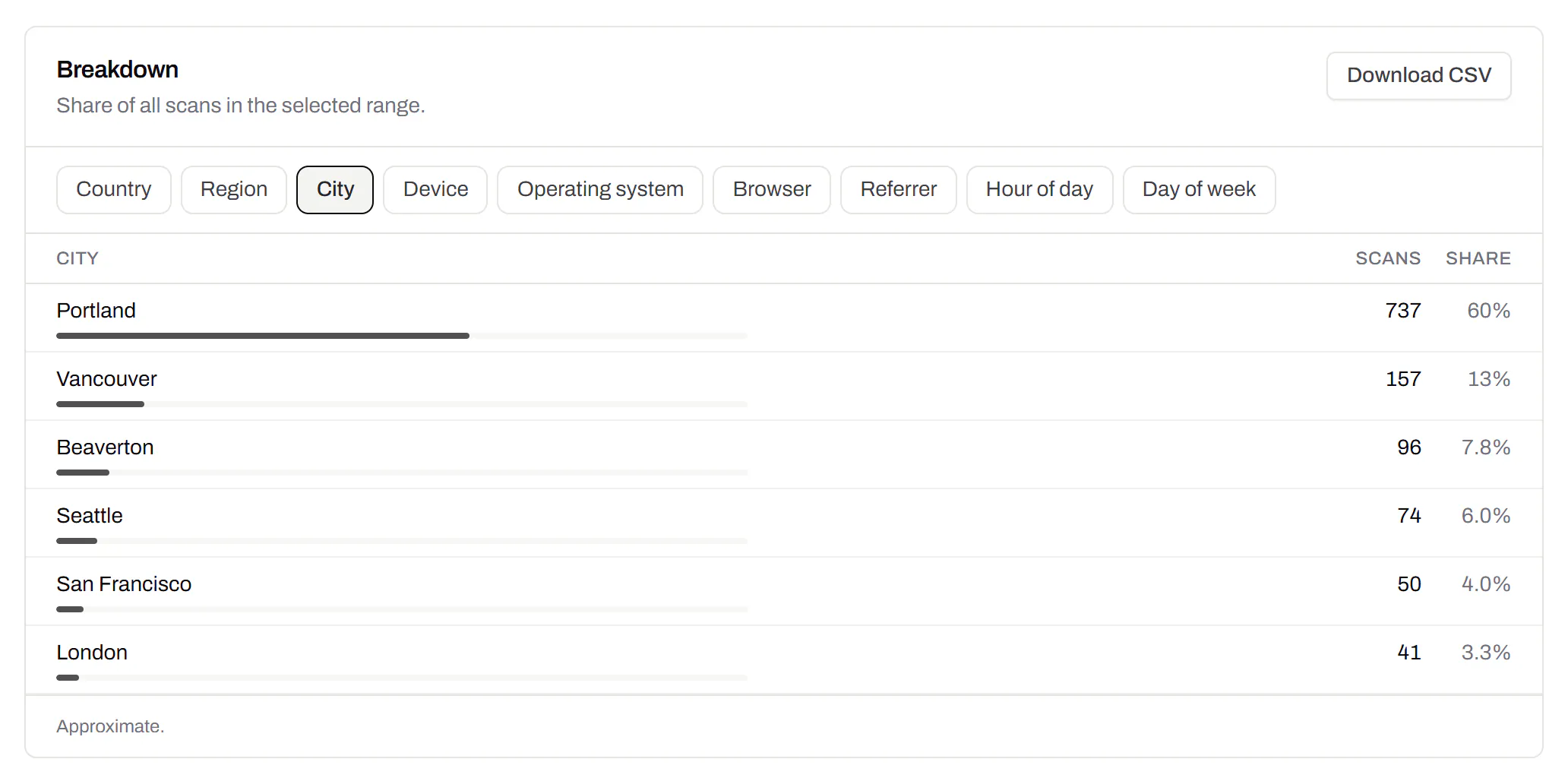
Which towns the scans came from, not only which countries.Pro and Business
Scans by city and region for each code, and towns on the live map. Coarse on purpose: the place the phone’s network reports, never a street or a precise position.
Pro and Business
CSV export
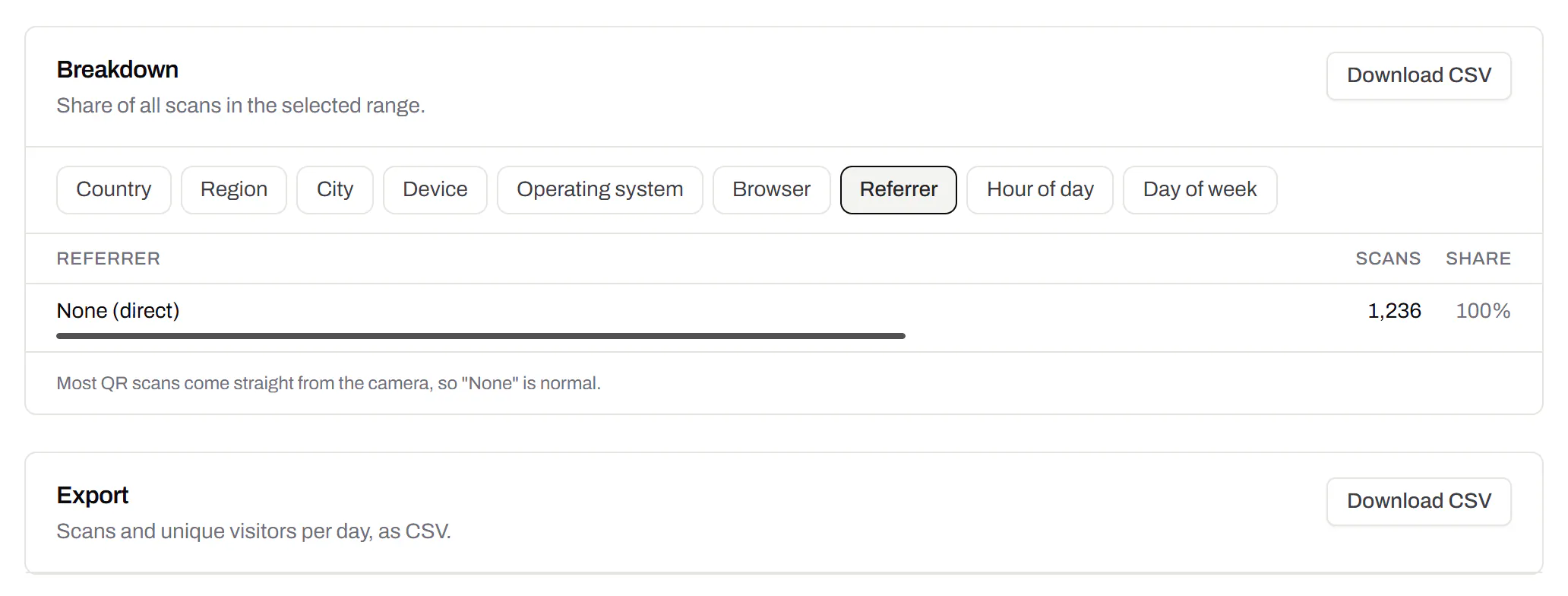
Daily scans per code, in a spreadsheet.Pro and Business
Download scans and unique visitors by day for one code or all of them - with each code’s name and short link - as CSV for your own reports, or for whoever asked how the campaign did.
Pro and Business
Webhooks
Your server hears about every scan and every change.Business
Pick the events - a scan, a code made or changed, a form answered, a QR Menu edited - and give us an address. Each one arrives as a signed POST, retried if your server is down, and every delivery is listed with the response it got.
Business
The API and webhooks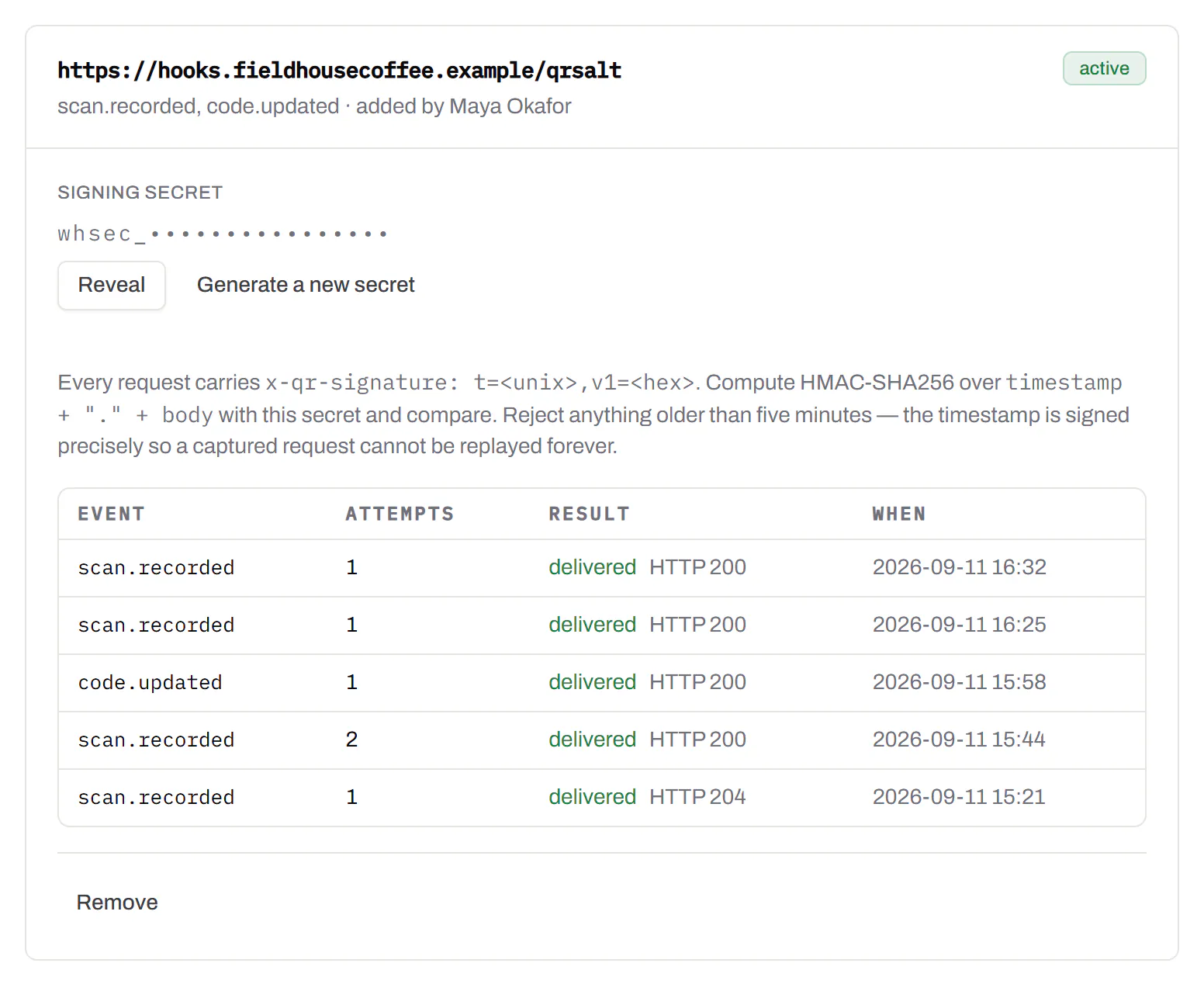
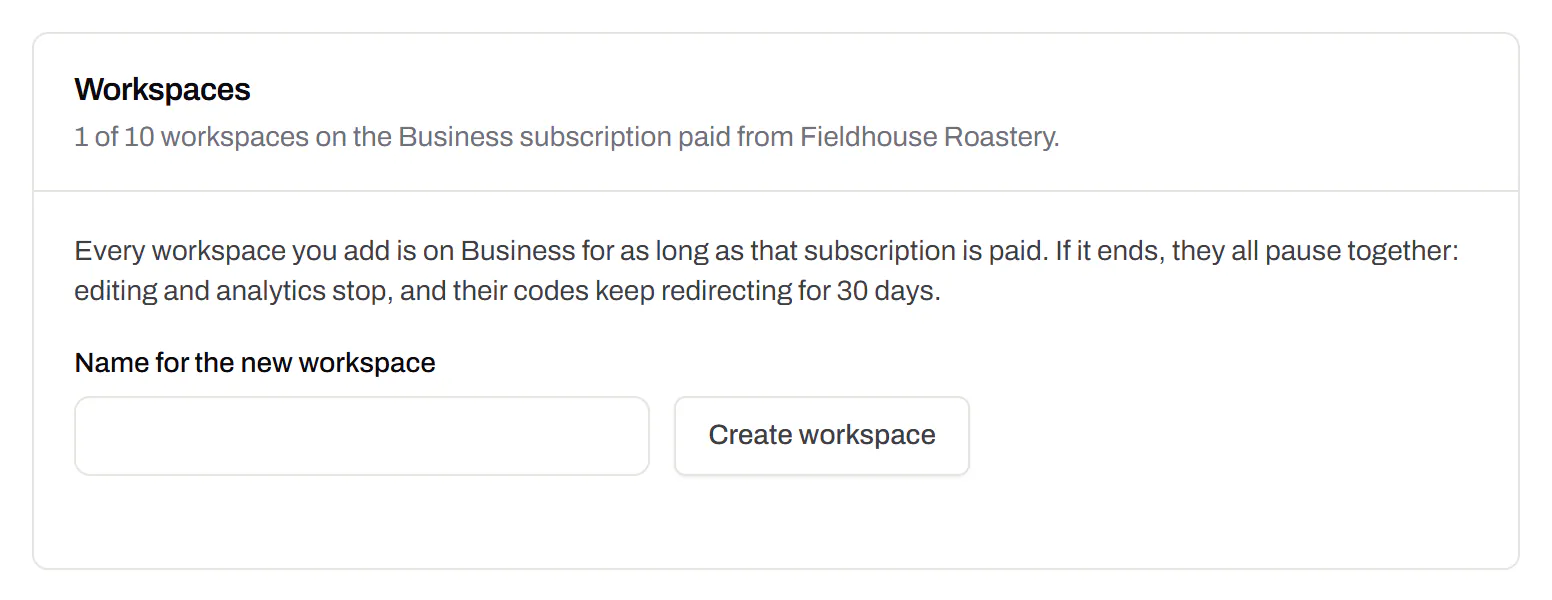
Separate workspaces
One subscription, a workspace per brand or client.Business
Each workspace has its own codes, team and analytics, so a client never sees another client’s. Up to 10 under one subscription.
Business
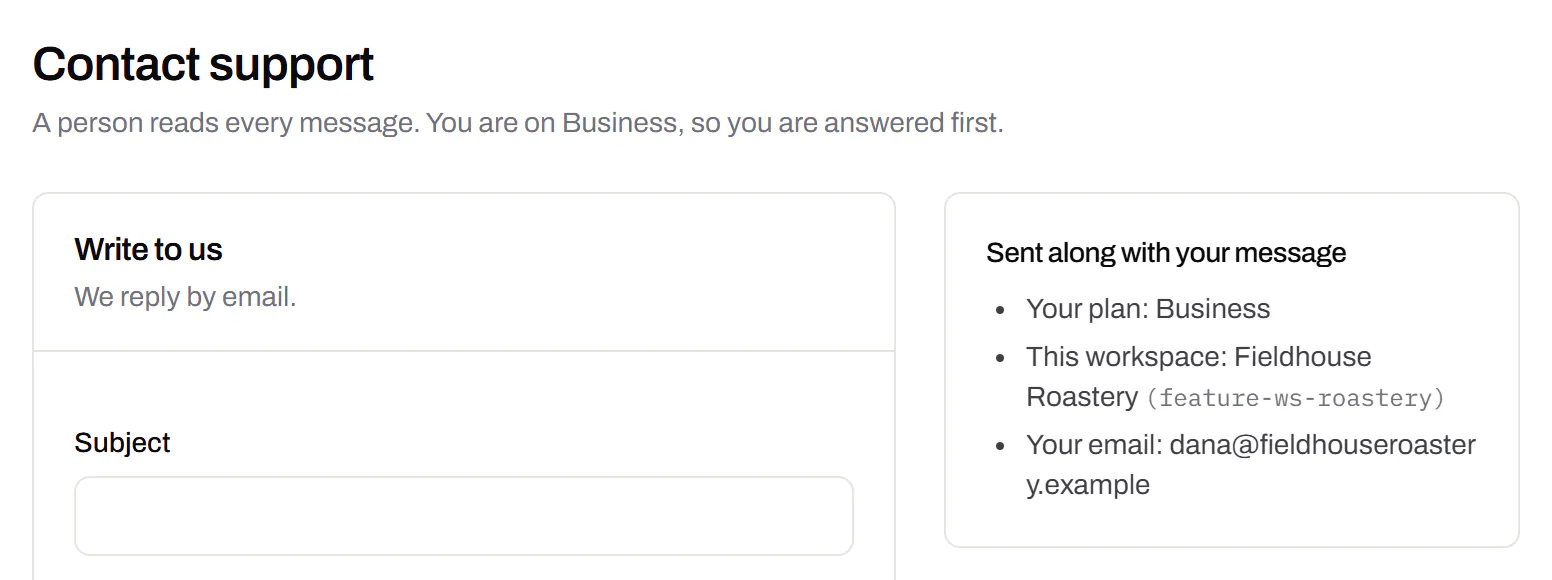
Priority email support
Paid plans’ emails are answered first.Starter and up
A person reads every message. On a paid plan yours is answered before free accounts’ - an order we keep, not a promised hour. Your plan and workspace go along with it, so nobody has to ask which account is yours.
Starter and up
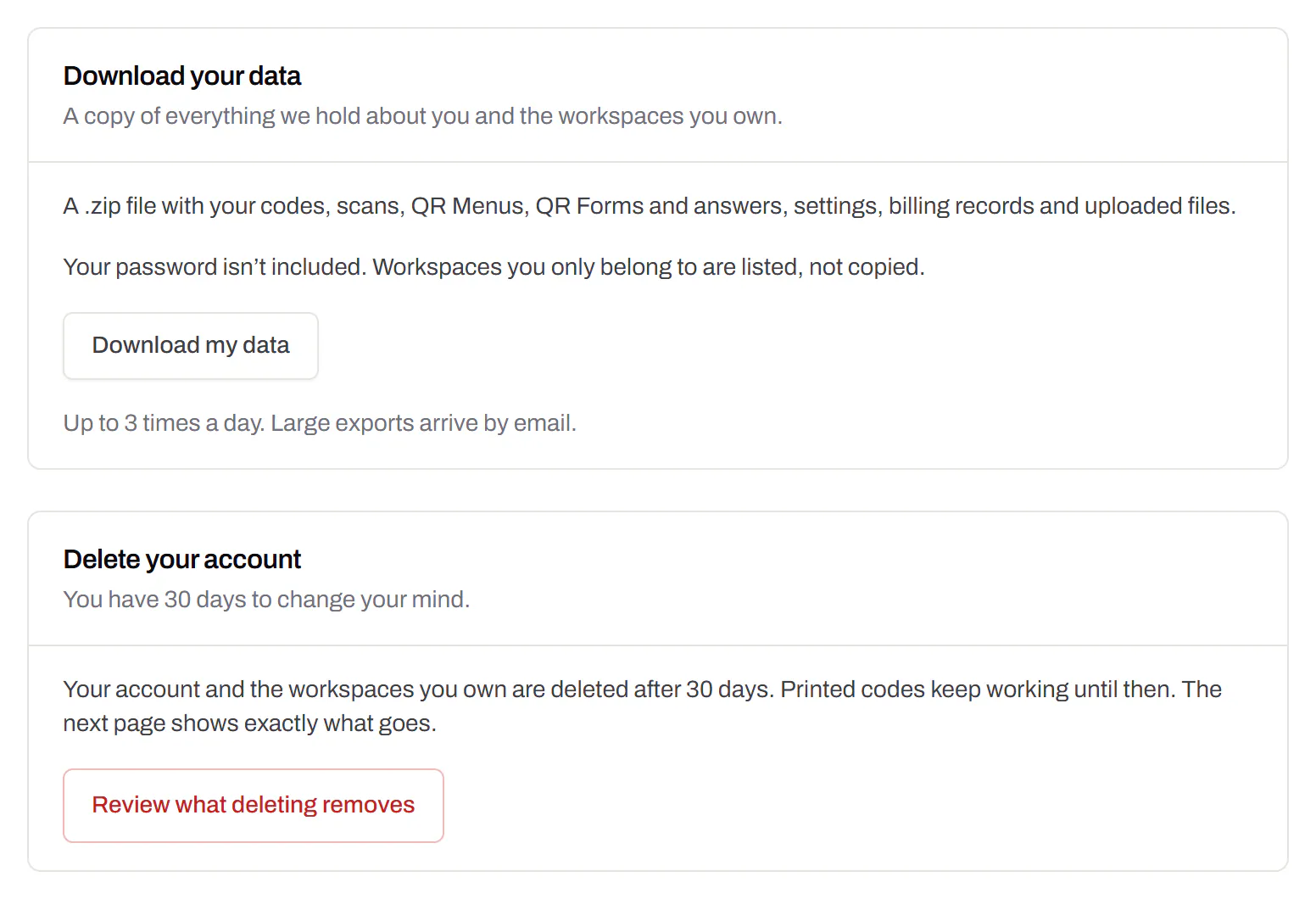
Your data, to take or delete
A full export any time, and deletion you can take back.Every plan, Free included
Download everything - codes, history, scans, form answers and the files you uploaded - as one .zip with spreadsheets inside. Deleting the account gives you 30 days to change your mind, and your printed codes keep working until then.
Every plan, Free included
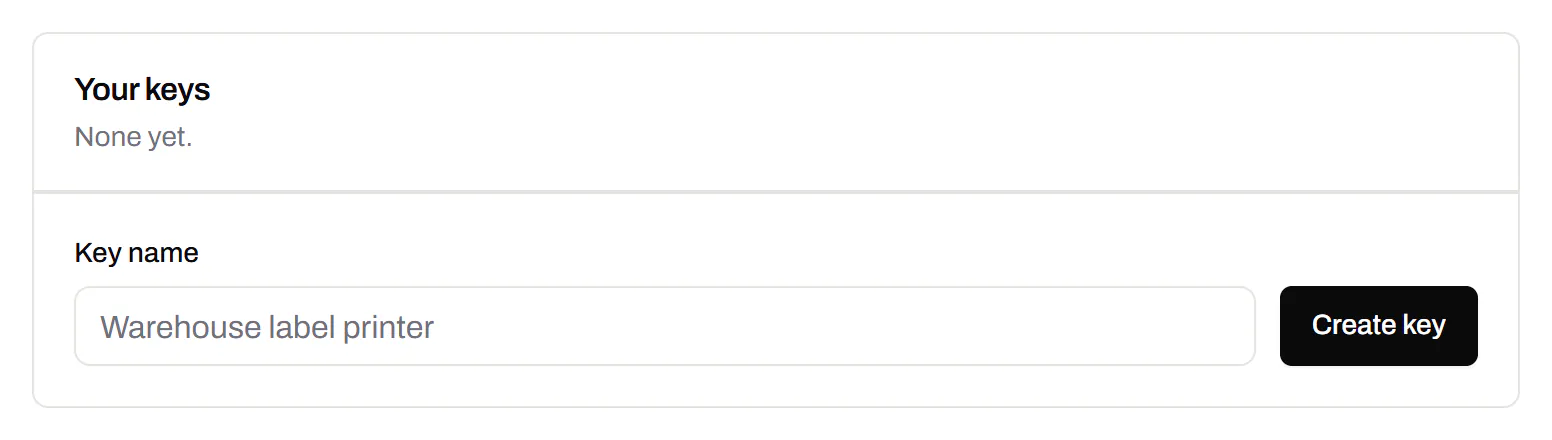
An API for the codes you print
A REST API for your own code: make dynamic codes and short links, change where they go, render SVG, PNG or PDF, add your domains and change hundreds of codes in one request. No-code tools like Zapier, Make and n8n can call it too, with a plain HTTP step. The API comes with Pro and up, and every request carries your key.
Render a code · Pro and up
curl -o code.svg \
  -H "Authorization: Bearer $QRSALT_KEY" \
  "https://app.qrsalt.com/api/qr?data=https://example.com"
An SVG back, ready for a label, a template or an image tag.
Re-point a printed code · Pro and up
curl -X PATCH https://app.qrsalt.com/api/v1/codes/{id} \
  -H "Authorization: Bearer $QRSALT_KEY" \
  -H "content-type: application/json" \
  -d '{"destination":"https://example.com/winter"}'
The printed code opens the new page, and the old one is kept in its history. Keys can only ever touch their own workspace.
Change many codes at once · JavaScript
// Move a campaign's codes onto your own domain
await fetch('https://app.qrsalt.com/api/v1/codes/bulk', {
  method: 'POST',
  headers: {
    authorization: `Bearer ${process.env.QRSALT_KEY}`,
    'content-type': 'application/json',
  },
  body: JSON.stringify({ ids, action: 'domain', domain: 'go.example.com' }),
})
Pause, tag, file or move codes in one call. The answer lists what changed and what was skipped.
Switching, answered
- What is the main difference between the two?
- What gets counted. Bitly’s plans are monthly allowances: so many links, QR codes and redirects created each month, listed on its pricing page. A plan here is a standing number of live dynamic codes — 100 on Starter — with no monthly reset and no charge for changing where one points.
- What does Bitly mean by "redirects"?
- On its pricing page the feature is described as changing which page a link or QR code opens, and every paid tier is given a monthly number of them, read on 16 September 2026. Nothing of that kind is metered here: a dynamic code can be repointed as often as the work needs it, on any plan including Free.
- Can I move links I have already printed?
- Not if they are on someone else’s domain: the address in the picture belongs to them, and only they can answer it. What you can move is a domain of your own — if your links live on go.yourbrand.com, the hostname is yours and pointing its DNS here brings the links with it.
- Do QR codes here expire?
- Static codes never expire and need no account. Dynamic codes work while the account has a plan, and Free counts as one. Cancel a paid plan and they keep redirecting for 30 days, with an email first, after which they pause on a page that explains — nothing is deleted.
- How much history do I get?
- Free keeps 90 days of scan history, Starter 365 days, and Pro and Business keep it without a limit. Bitly’s pricing page lists 30 days of click and scan data on Core, 4 months on Growth and a year on Premium; it states no length for Free.
- Is there a free plan worth using?
- Unlimited static QR codes with no account, plus 3 editable items — dynamic codes, a QR Menu or a form — that never expire, with 90 days of scan history and routing by device, country, language and date.
- Do you have an API?
- Yes, with Pro and Business: create codes and short links, change destinations, read scans, and a playground on the docs page that runs the calls in your browser before you write any code.