App Store QR code that opens the right store
Paste your App Store and Google Play links, and each phone opens its own store. Free account, no card.
Dynamic & Editable
Always on: only a code that goes through us can send each phone to its own link.
Dynamic codes live in your account
That’s what lets you change where it points after it’s printed, and see every scan. The content and design you set up here come with you.
Free includes 3 dynamic codes. No card needed.
This is an example. Your code is made in your account, with this design.
Design
Style
Colour#000000
Shapesquare
Body shape
Corner shape
Inside shape
Framenone
Logonone
Print settingsECC M
On this page
One QR code for both stores
Print the App Store link alone and every Android scan lands on a page it can’t install from. This code holds both listings and a fallback, and each scan picks one.
iPhones: the App Store
Straight to your apps.apple.com listing, with no menu to pick from first.
Android: Google Play
The Play listing for your package name, even when the only badge printed beside the code is Apple’s.
iPads, laptops and the rest
Your fallback link, or a page with a button per store. iPads land here because Safari on an iPad identifies itself as a Mac by default.
Know which store your scans go to
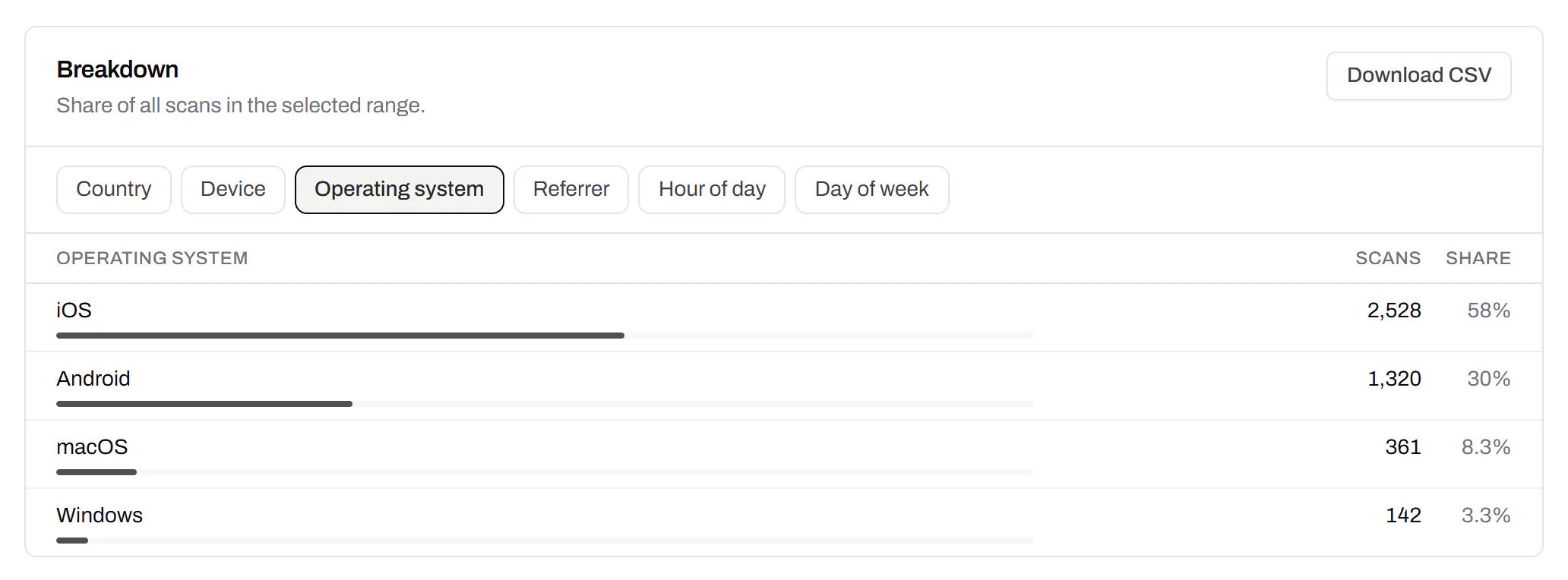
The split between the two stores, per code
See how many scans came from iOS, Android and computers, and which listing deserves the screenshots first. The breakdown comes with Starter and up.
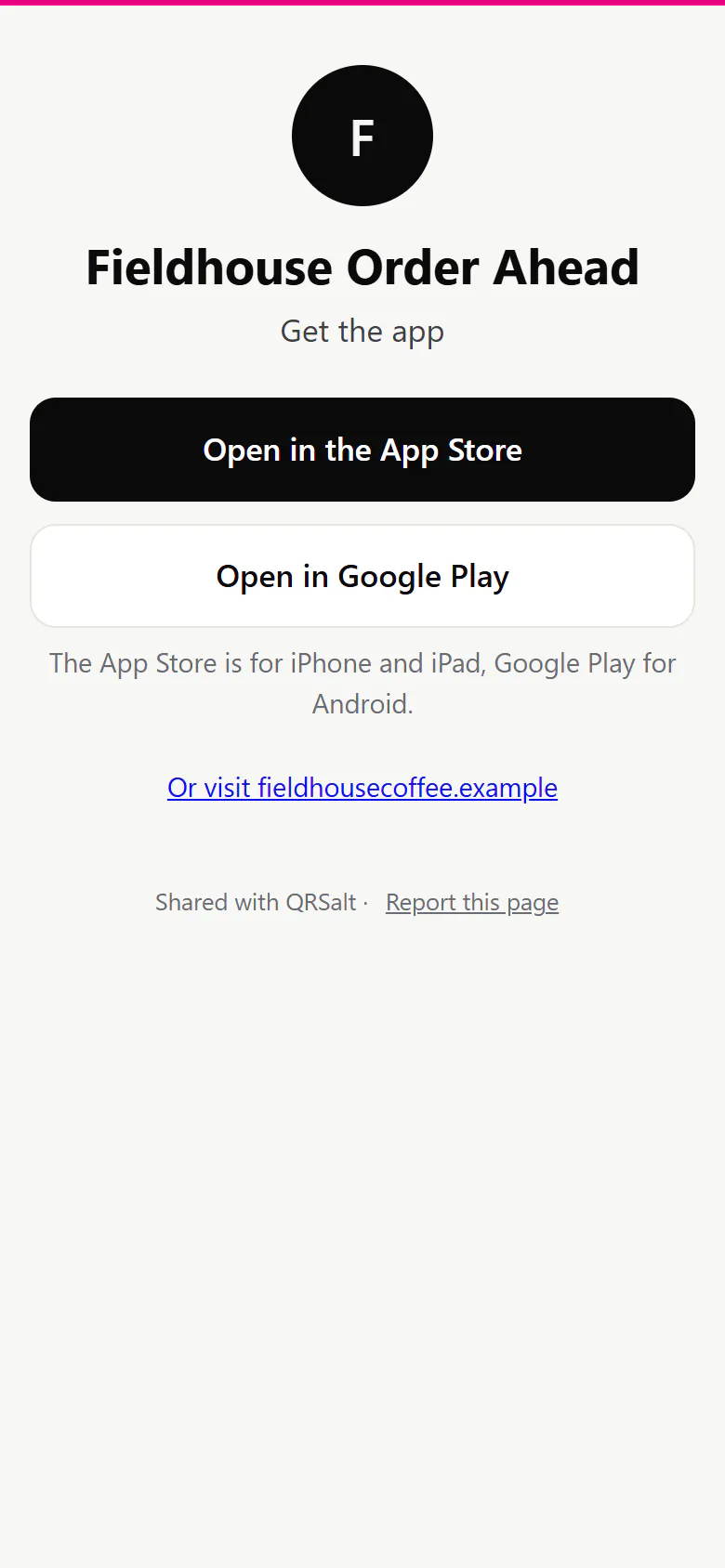
What a laptop or an unknown phone sees
With no fallback set, a small page with your app’s name and one button per store, each saying which phones it’s for.
Send one country to a different listing
Your routing rules run before the store choice, on any plan. Try a pretend scan before you print.
Smart QR codes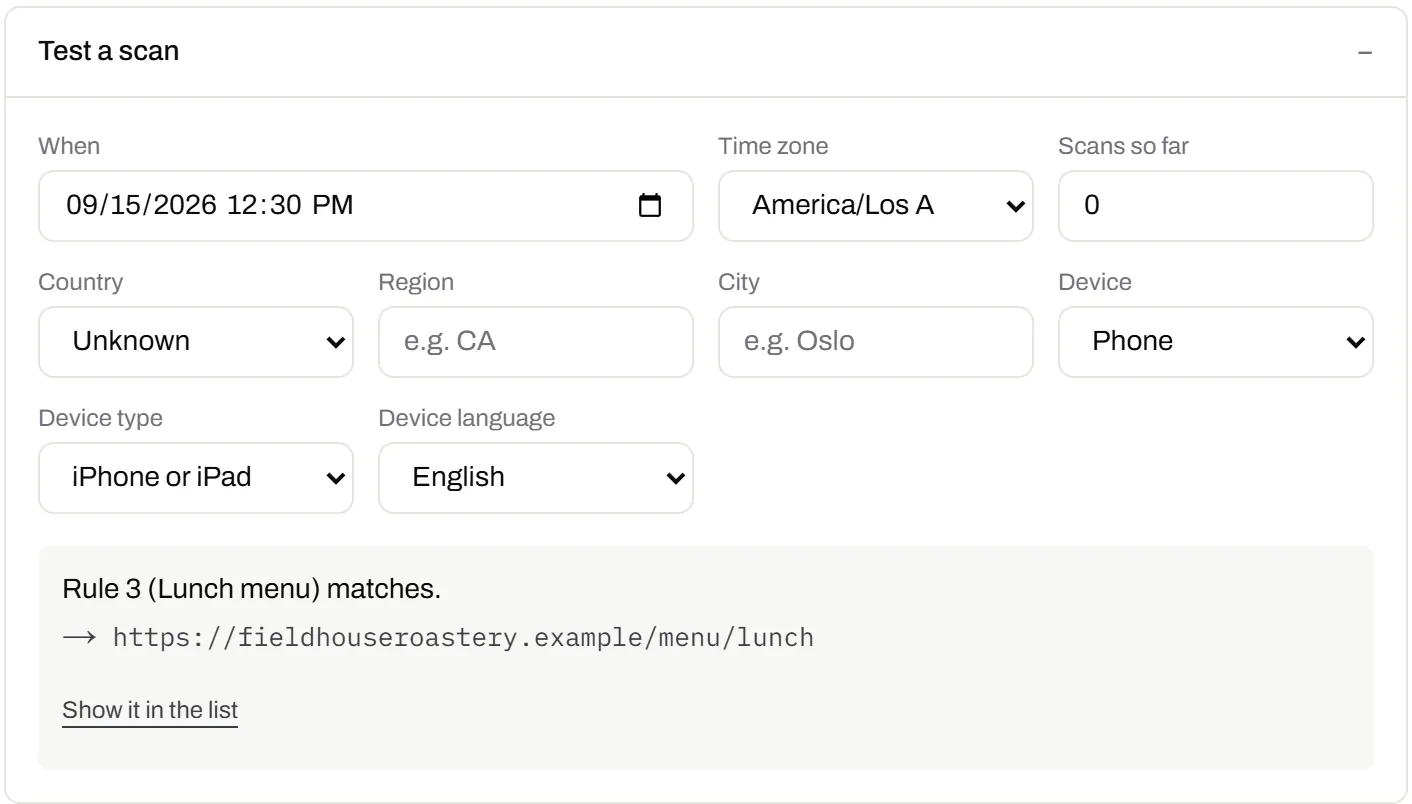
The short link on your own name
Print get.yourapp.com instead of our address. Starter and the plans above it include your own domain.
Custom domain QR codes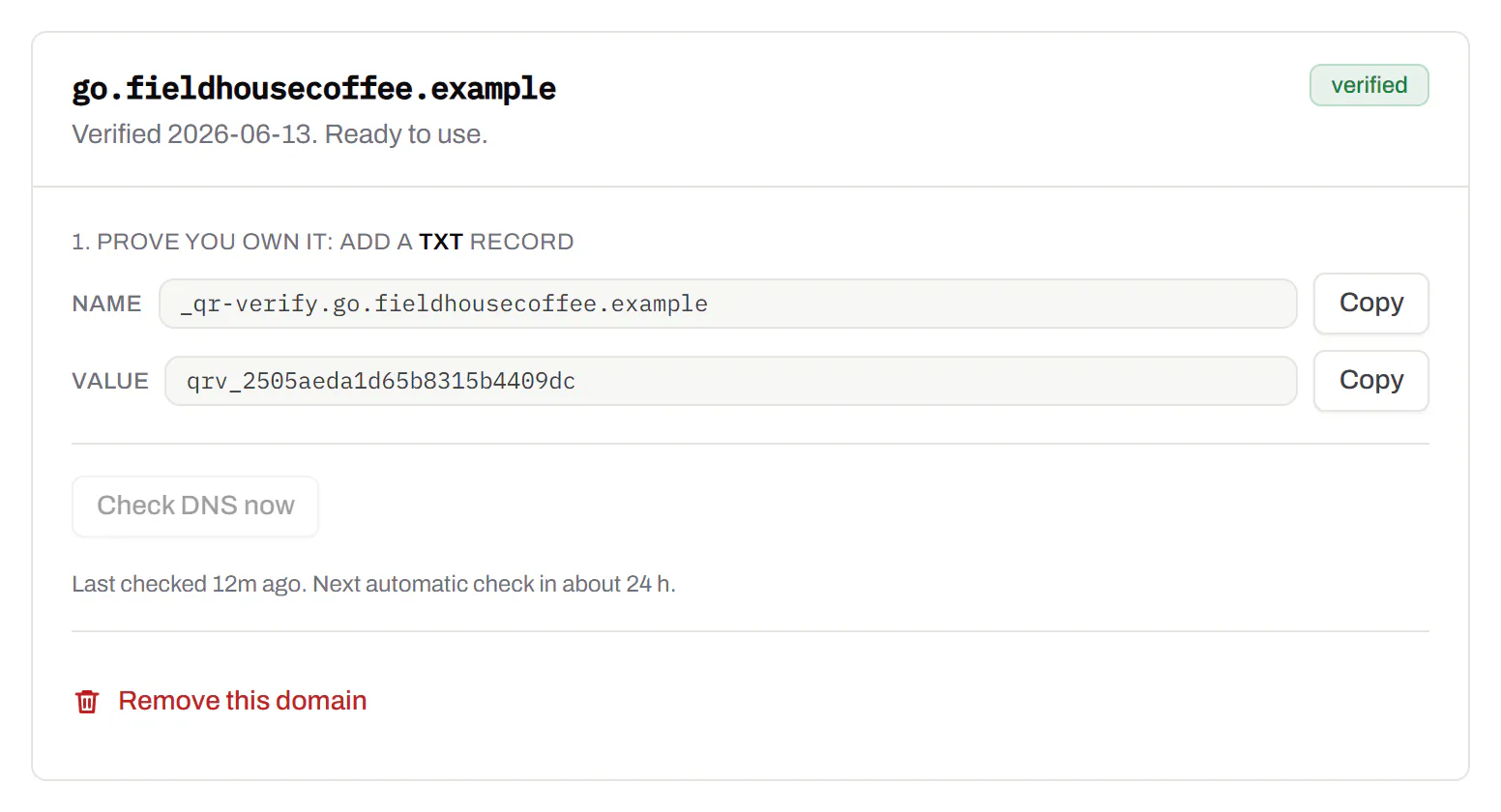
The links it takes
We keep the part that identifies your app and rebuild the address from it.
- App Store: apps.apple.com/us/app/name/id123456789, the same without country or name, or an old itunes.apple.com link.
- Google Play: play.google.com/store/apps/details?id=com.yourapp, or a market://details link.
- Anything else: a TestFlight invite or your own download page, on https and screened when you save. A look-alike such as apps.apple.com.something is refused.
One printed code for the whole life of the app
Packaging and banners outlast release cycles. Change the links and the print stays.
- Before launch: point both fields at a waiting list or a TestFlight invite.
- Launch day: swap in the store listings. Flyers already out open the store.
- A relaunch: a new listing behind the same boxes on the shelf.
- Retiring the app: send old boxes to your website or the replacement.
App download codes, answered
The app is only on one store so far. Can I add the other later?
Yes. Save it with the link you have, and until the second launches those phones get your fallback. Add it later and printed codes send them there from the next scan.
Are App Store campaign links and Play referrer tags kept?
No. We keep each listing plain, the app id on Apple and the package name on Google, so tracking parameters are dropped. Count scans in the code’s own analytics instead.
Can I make an app download QR code for free?
Yes, on Free, with no card. It has to be an editable code, because only a link that goes through us can pick the store.
Can I just print a plain App Store link instead?
Yes, as a website code with no account. Android phones then open a page they can’t install from, so print a second code for Google Play beside it.
Routing by device is one case of smart QR codes. Shipping codes from your own build? The API docs for app store codes take the same two links.
Check it at the source
- Apple’s App Store marketing guidelines. Badges and app links
- Linking to Google Play. The details?id= link for a Play listing
Last reviewed , against the product as it works today.
One app code free, a campaign’s worth on a plan
Free includes 3 editable codes with no card. Paid plans start at $5 a month for more codes, operating-system breakdowns and your own domain.
Free
$0/mo
Unlimited static codes. Three editable ones that never expire.
- Short links on their own, no QR code needed
- Up to 1 of the 3 can be a QR Menu
- Add your logo to QR codes
- Every shape, corner and frame
3dynamic codes
Starter
Recommended$5/mo
For one business with codes out in the world.
- 5 QR Menus
- QR Forms
- GS1 Digital Links we host, so a printed pack can be re-pointed
- Advanced tracking and analytics
100dynamic codes
Pro
$15/mo
For agencies and teams running codes at scale.
- 50 QR Menus
- Unlimited analytics history
- 10 custom domains
- 5,000 API requests a month
600dynamic codes
Business
$39/mo
For organisations running codes across many brands.
- 400 QR Menus
- 50 custom domains
- Up to 25 team members and team management
- Up to 10 workspaces
2,000dynamic codes
Unlimited scans on every plan. Cancel online in two clicks. Compare every plan and feature
The rest of the toolbox
Open a row to see the screen and which plan has it.
Short links, with your own ending
The link on its own, for a bio, an email or an ad.Every plan · custom endings on Business
A short link you can change, route and count, with a QR code only if you want one. Clicks and scans on the same link count together. On Business you choose the ending, like /spring-menu.
Every plan · custom endings on Business
The URL shortener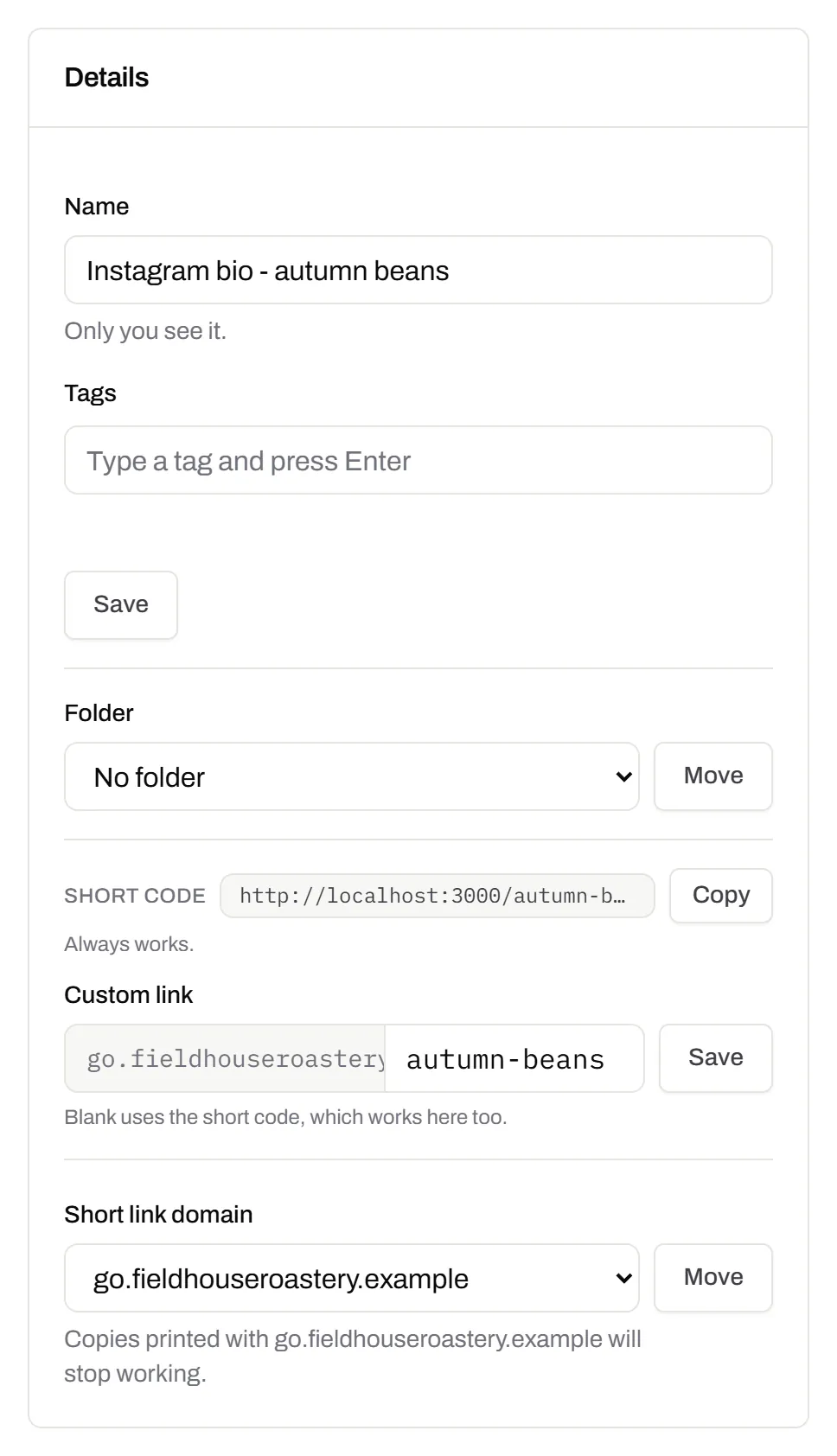
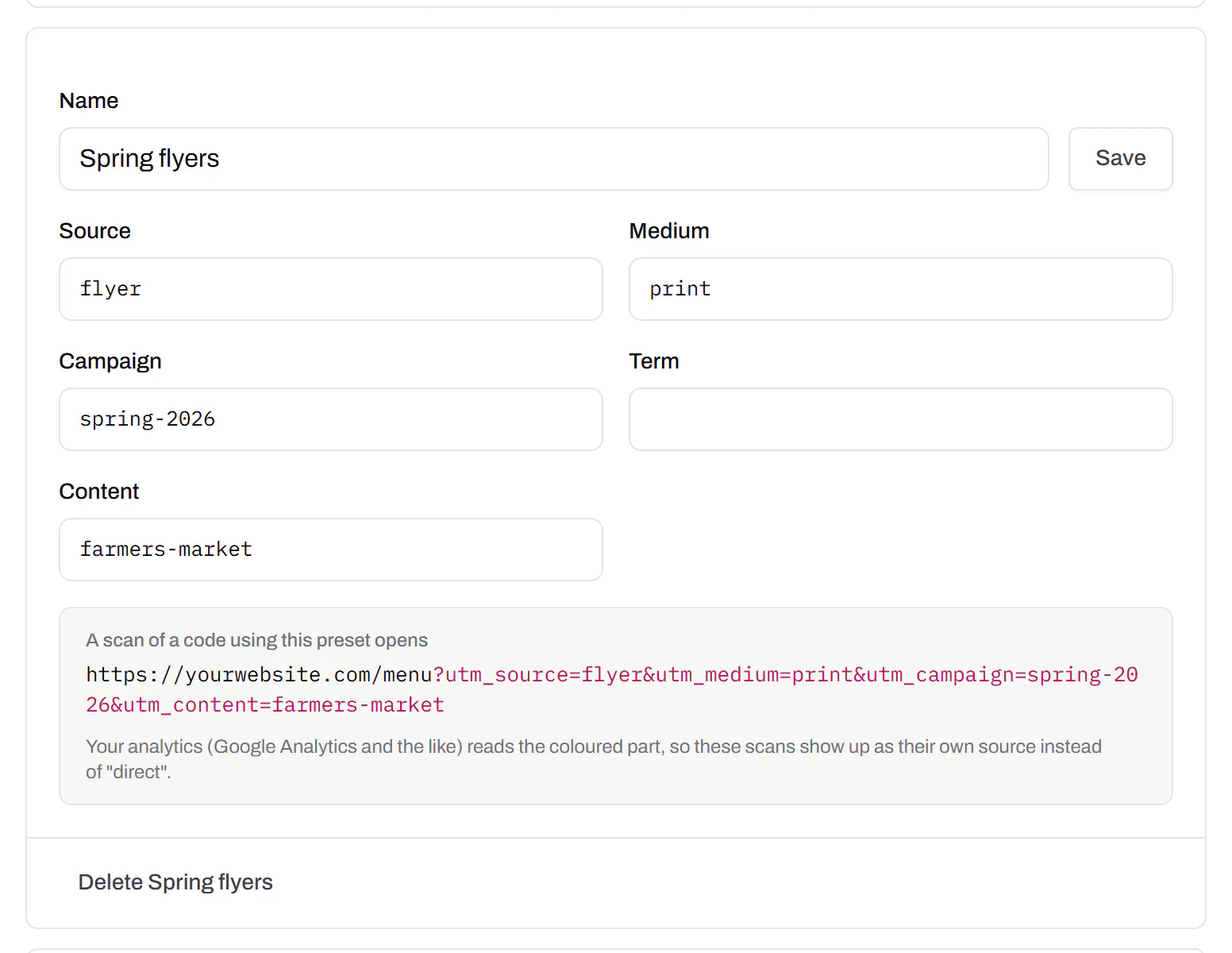
Campaign presets
Saved UTM parameters, so printed scans are not “direct”.Starter and up
Untagged, printed scans land in your web analytics as direct traffic. A preset fills in source, medium and campaign in one click, so the flyer and the table tent show up apart.
Starter and up
Your logo in the middle
Upload any image; we size it so the code still scans.Every plan, Free included
PNG, JPEG, WebP or GIF, up to 15 MB. We raise the error correction for it and never let it cover more than the code can lose.
Every plan, Free included

Print-ready downloads
Files for the screen, and one for the printer.PNG and SVG on every plan · PDF on Starter and up
PNG and SVG on every plan, and a print-ready PDF on Starter and up.
PNG and SVG on every plan · PDF on Starter and up

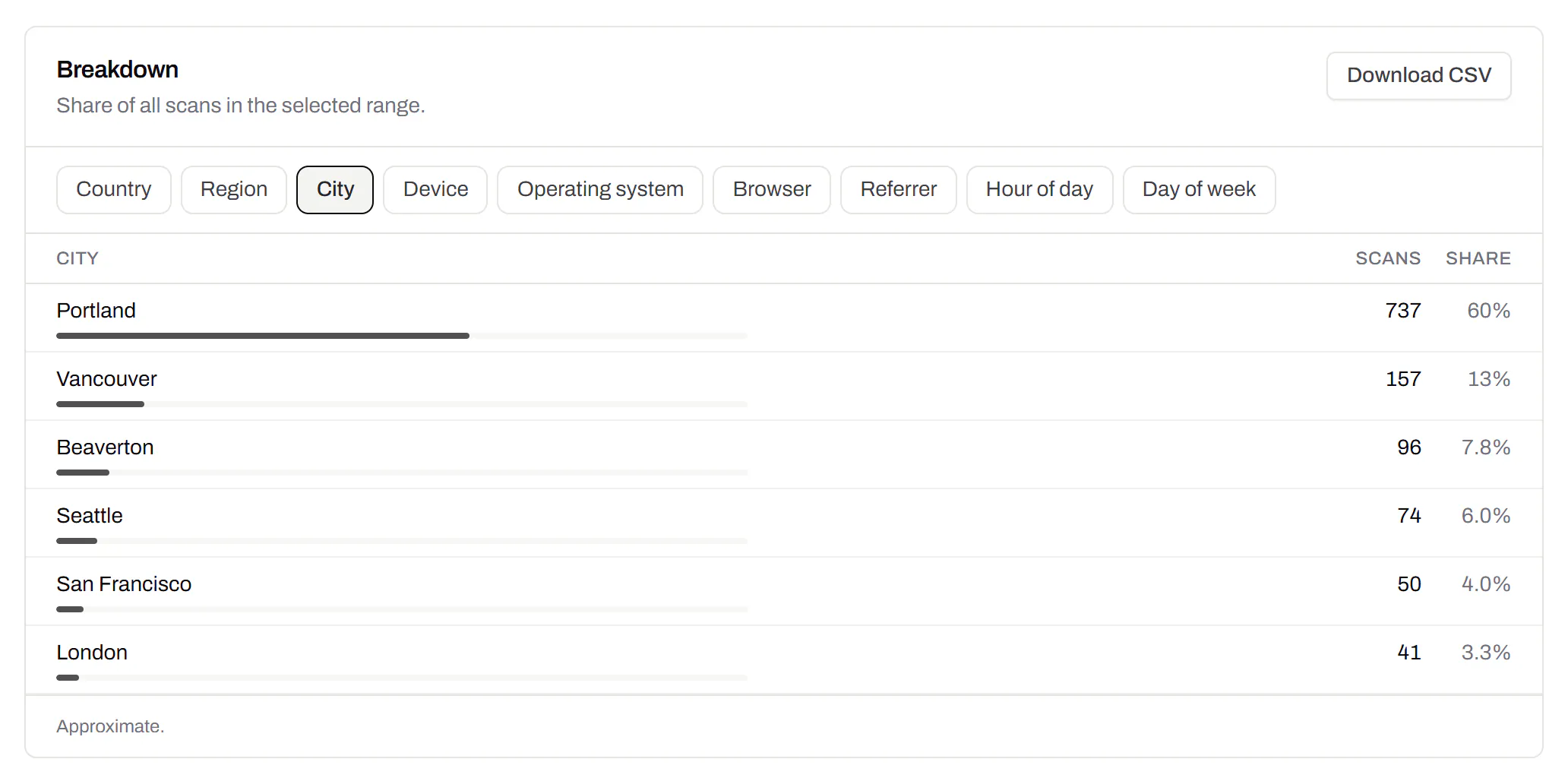
City-level scan locations
Which towns the scans came from, not only which countries.Pro and Business
Scans by city and region for each code, and towns on the Live Map. It’s the place the phone’s network reports, never a street.
Pro and Business