Google review QR code
Paste your Google review link and get a code that opens the review form. Free with no account.
Where should the review go?
In your Business Profile, choose Read reviews, then Get more reviews, and copy the link. A Google Maps link to your business works too.
The link this opens
Fill in the field above and the review link appears here.
Open it once yourself before you print anything.
An example. Yours takes its place.
On this page
Change where reviews go without reprinting
On a dynamic code, the receipts, table cards and stickers you’ve printed stay as they are while the link behind them changes.
Fix a code that opens the profile
Point it at the review form. From the next scan, every receipt already handed out opens the form.
Move to another review site
Change the address behind the code. Nothing needs reprinting.
A code per branch
Each shop has its own Business Profile, so each gets its own code and its reviews land on the right listing.
Move it, count it, put your name on it
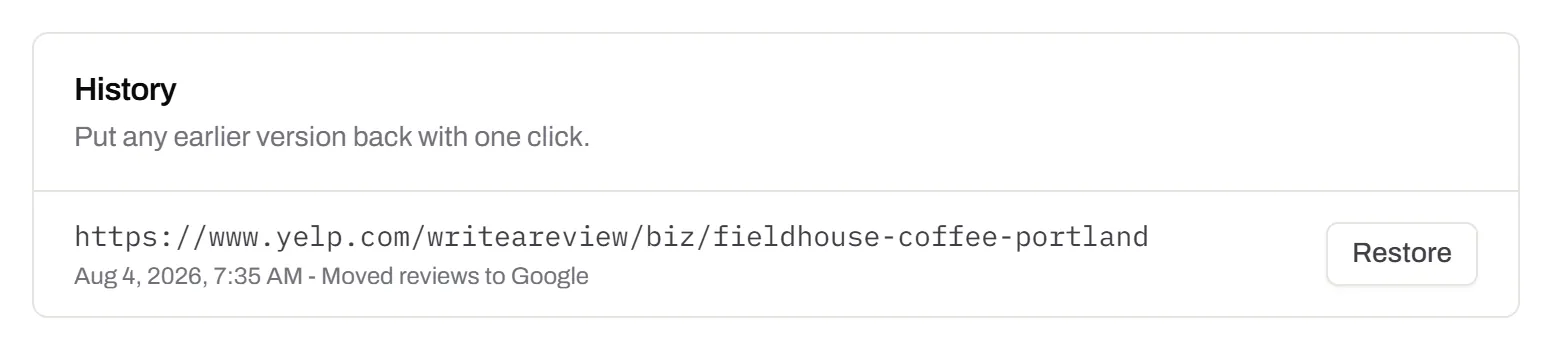
Every old address, one press from back
The History tab keeps each earlier review link with its date and note. Restore puts one back.
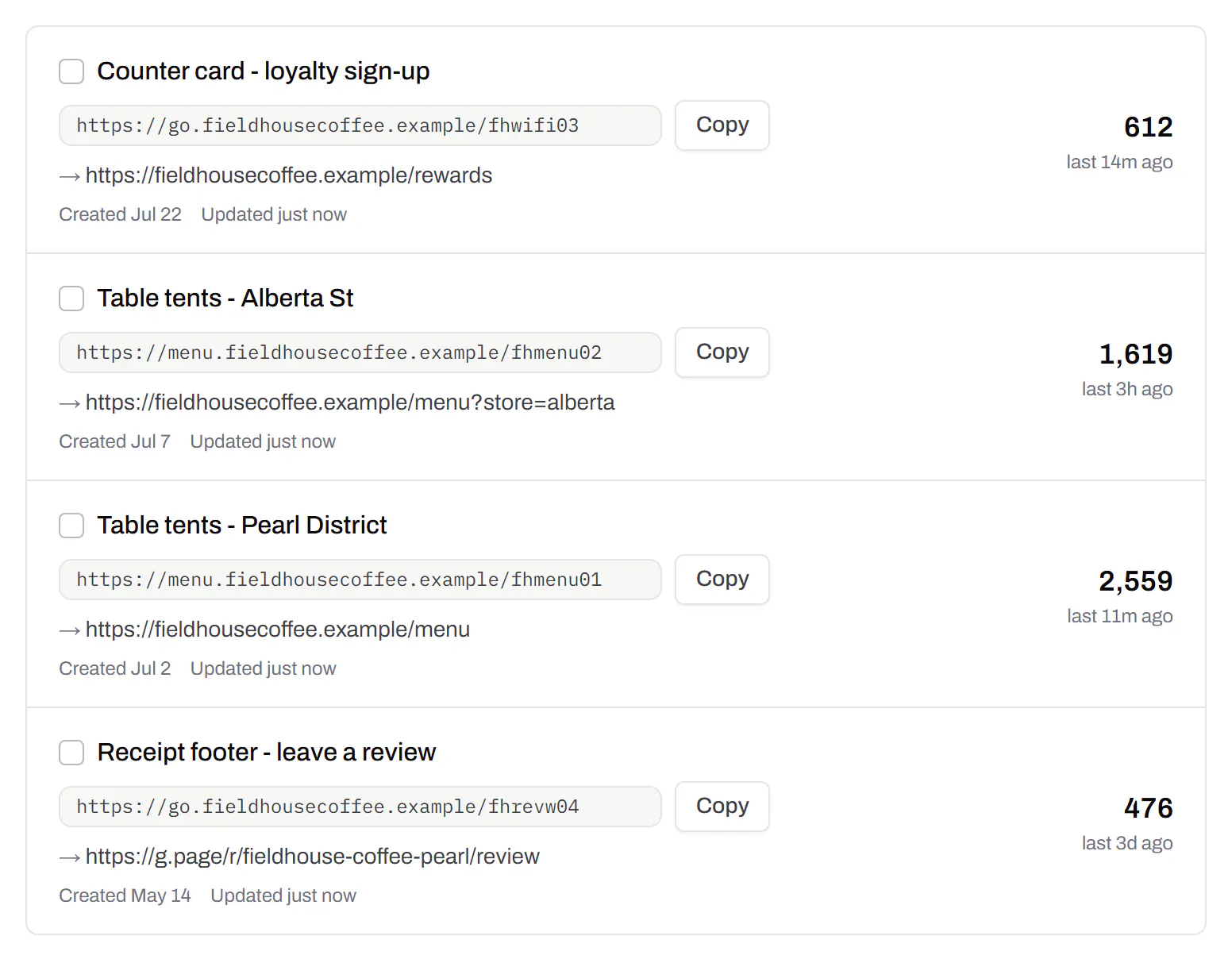
Receipt, table and counter, side by side
One code per spot, each with its own scan count, so you can see where customers respond.
Your own domain on the short link
People trust links they recognise. Put the short link on go.yourshop.com (Starter and up).
Custom domain QR codes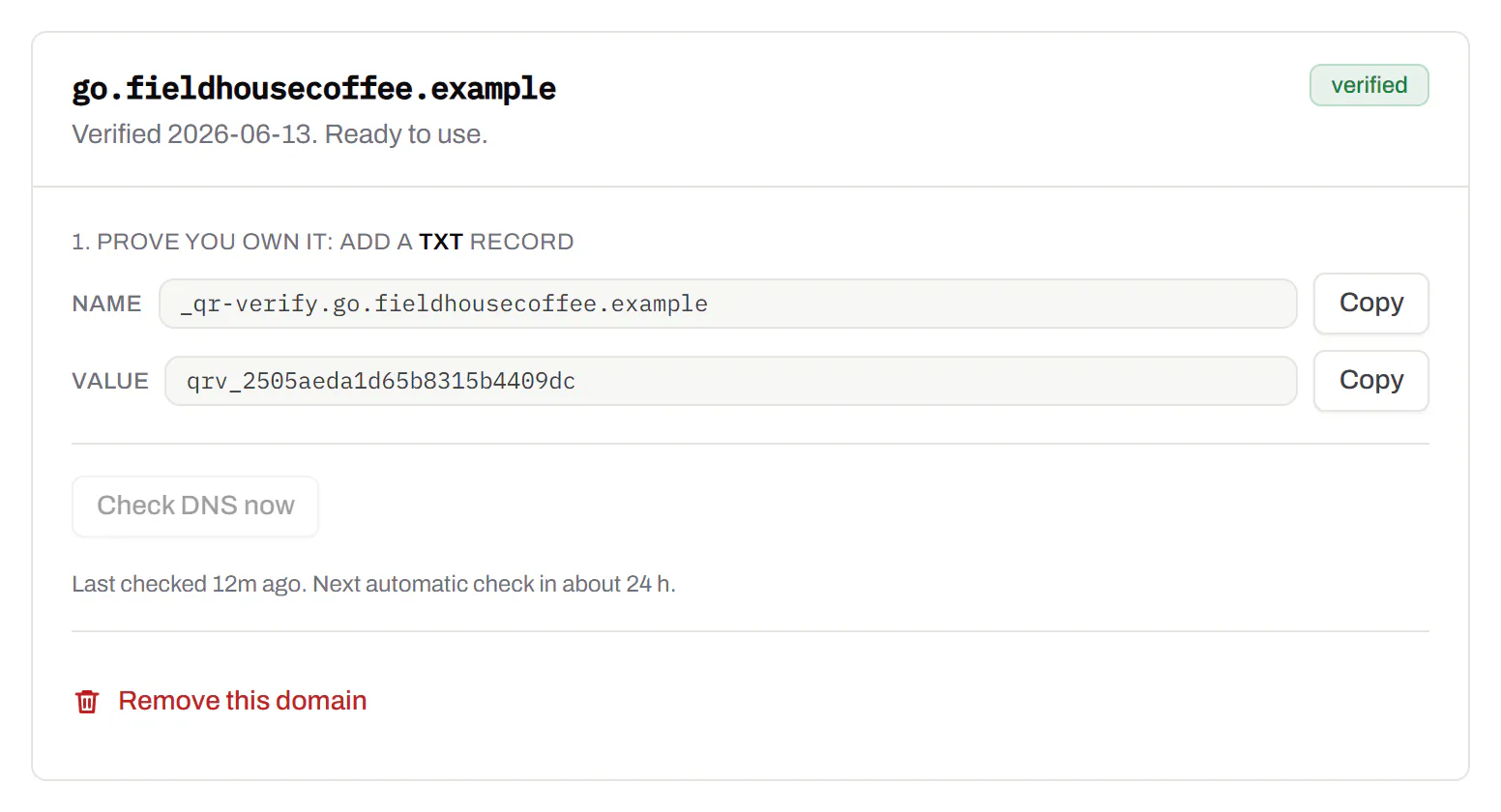
Your profile isn’t your review form
A code that opens your profile gets few reviews, because customers can’t see where to write. Paste what you have and the builder makes the link that opens the form.
| Platform | You paste | The code opens |
|---|---|---|
| Your review link, a Google Maps link, or a Place ID | g.page/r/…/review, or search.google.com/local/writereview?placeid=… | |
| Trustpilot | Your website’s address | trustpilot.com/evaluate/your-shop.com |
| Yelp | Your Yelp page link | yelp.com/writeareview/biz/your-business |
| Your Facebook page link or name | facebook.com/yourpage/reviews | |
| Somewhere else | Any review link, such as Tripadvisor | The page you paste |
Paste a Google link that opens only your profile or the map, and the builder says so.
How to get your Google review link
Google keeps it in your Business Profile, in the reviews panel. Paste what you copied here to see what it opens.
Open your business on Google Maps and use Share to copy its link, or paste the link you copied from your Business Profile.
Your review link
Paste something from Google above and the link appears here.
Open it signed out of Google. That’s what your customer sees.
Sign in as the account that manages the business
Other accounts don’t see these options.
Open your Business Profile
Search your business name on Google, or open it on Maps.
Choose “Read reviews”, then “Get more reviews”
The panel holds the review link and a QR code image. Google makes that image only in a computer browser.
Select “Copy”
The link is on your clipboard. Paste it into the builder above.
Test it signed out
Press “Open it” in a private window. You should see the review box with the stars, not your listing or a sign-in page.
No access to the profile? Share your listing from Google Maps and paste that link. It opens the listing, where the customer taps Write a review: one more tap, no sign-in for you.
Sending the link instead of printing it
Put it at the end of the thank-you message or the invoice email. It opens the same form as the code.
- A wrong character fails silently. It opens another business’s review box, and nobody tells you.
- Only Google’s own addresses. The builder refuses anything else, and any link with a user name, password or port in it.
Or send one of your short links instead: taps are counted, and you can change where it goes without editing your templates.
What the scan count tells you
Scans count the people who opened the form. The review site counts who finished.
- Many scans, few reviews: people give up on the page. Try a shorter line beside the code.
- Few scans: people don’t notice the code. Move it, or change the line next to it.
- One spot beats the others: give the receipt, table card and bag a code each, and compare.
- Before and after a switch: compare daily scans and new reviews when you change review site.
The review card and what to send the printer
We make the code, not the card.
Send the printer the SVG
Not a screenshot of the code.
One line beside it
“Enjoyed it? Tell us on Google.” Name the site so people know where they’re going.
NFC tap cards
We don’t make them. Write the code’s short link to the chip and a tap counts as a scan.
The rules each review site sets
Review sites enforce these by removing reviews.
- Ask everyone the same way. Sending only happy customers to the public review is review gating. Google treats selectively asked-for reviews as fake engagement.
- Never pay for a review. No discount, draw or free coffee in return.
- No pressure on the premises. Google says not to require or pressure people into reviewing while they’re there.
- Don’t script it. Don’t ask for a keyword or a staff member’s name. Leave the words to the customer.
- Trustpilot. Lets you ask if you ask everyone and offer nothing.
- Yelp. Asks businesses not to ask for reviews at all. Read its rule before pointing a code at Yelp.
Google review QR codes, answered
How do I make a Google review QR code?
Copy your review link from your Business Profile, paste it into the builder at the top of this page and download the PNG or SVG.
What does a Google review link look like?
Google doesn’t publish a format, so copy yours rather than build it from an old blog post. Signed out of Google, it should open the star rating form straight away.
Can one code serve more than one review site?
Yes, through a QR Menu: put each review link on it as a button and print its code. People pick the site they use, and each button’s taps are counted. QR codes with multiple links.
Can I count how many people scanned it?
Yes, with a dynamic code. Every scan is counted by day, even on Free, which keeps 90 days of history.
Several links, one code. Want the review link beside your menu and socials? See QR codes with multiple links. Taking payments at the same counter? Add a payment QR code.
Check it at the source
- Google: create a link or QR code to request reviews. The “Read reviews” and “Get more reviews” steps, in Google’s words
- Google Maps content policy. Fake engagement, incentives, selective asking and pressure on the premises
- Yelp: Don’t Ask for Reviews. Yelp’s own rule for businesses
- Trustpilot Support Center. Inviting customers, and Trustpilot’s guidelines
Last reviewed , against the product as it works today.
Review codes you can move and count
Free includes 3 dynamic codes with no card, enough for a receipt, a table card and a counter sign. Paid plans start at $5 a month for more locations, your own domain and the Live Map.
Free
$0/mo
Unlimited static codes. Three editable ones that never expire.
- Short links on their own, no QR code needed
- Up to 1 of the 3 can be a QR Menu
- Add your logo to QR codes
- Every shape, corner and frame
3dynamic codes
Starter
Recommended$5/mo
For one business with codes out in the world.
- 5 QR Menus
- QR Forms
- GS1 Digital Links we host, so a printed pack can be re-pointed
- Advanced tracking and analytics
100dynamic codes
Pro
$15/mo
For agencies and teams running codes at scale.
- 50 QR Menus
- Unlimited analytics history
- 10 custom domains
- 5,000 API requests a month
600dynamic codes
Business
$39/mo
For organisations running codes across many brands.
- 400 QR Menus
- 50 custom domains
- Up to 25 team members and team management
- Up to 10 workspaces
2,000dynamic codes
Unlimited scans on every plan. Cancel online in two clicks. Compare every plan and feature
The rest of the toolbox
Open a row to see the screen and which plan has it.
Short links, with your own ending
The link on its own, for a bio, an email or an ad.Every plan · custom endings on Business
A short link you can change, route and count, with a QR code only if you want one. Clicks and scans on the same link count together. On Business you choose the ending, like /spring-menu.
Every plan · custom endings on Business
The URL shortener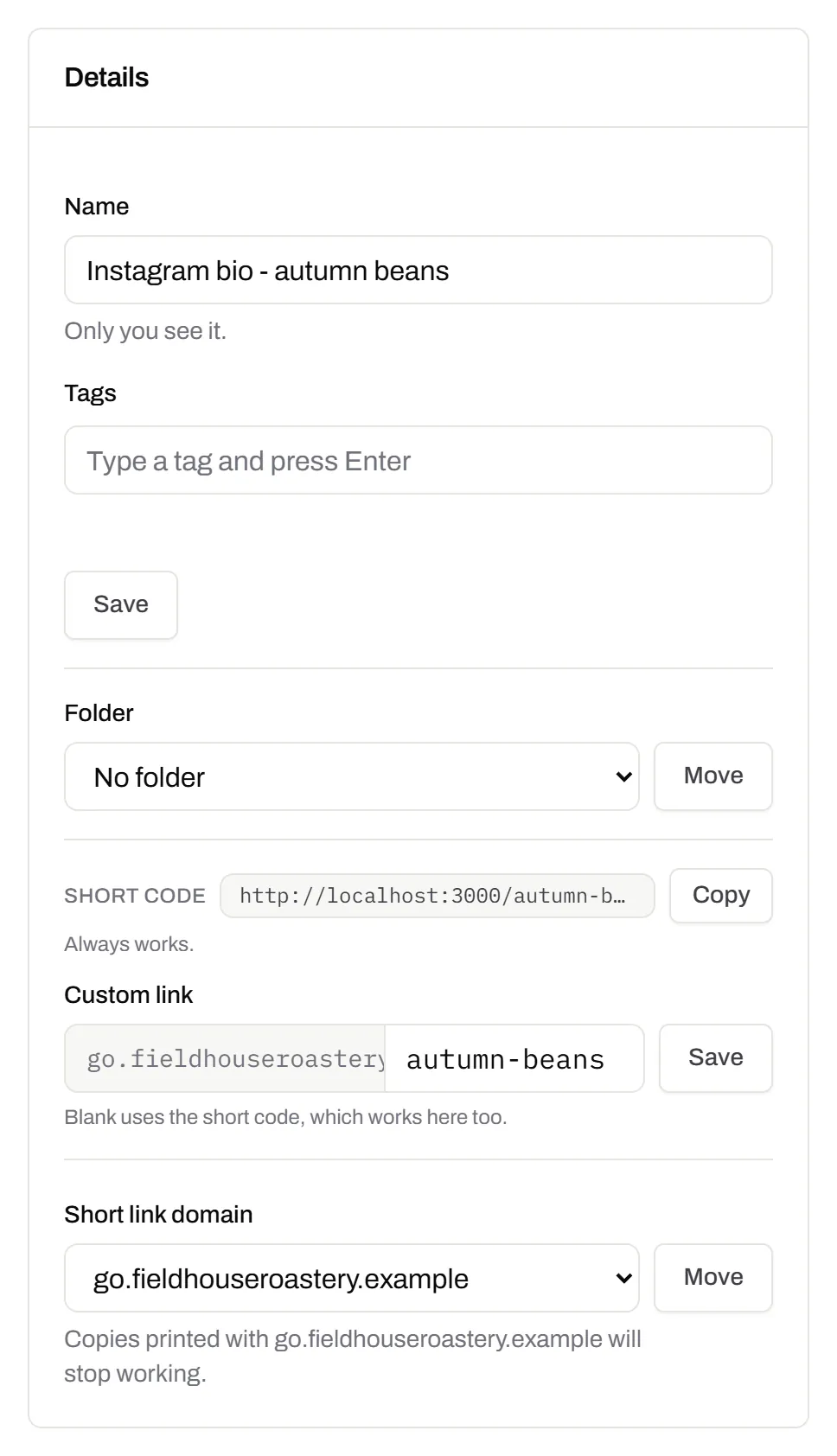
Custom domains
Short links on your own domain, chosen code by code.Starter and up
Codes open go.yourbrand.com/menu instead of a link with our name in it. Add two DNS records, we check them, then pick the domain per code or move a whole list onto it.
Starter and up
QR codes on your own domainYour logo in the middle
Upload any image; we size it so the code still scans.Every plan, Free included
PNG, JPEG, WebP or GIF, up to 15 MB. We raise the error correction for it and never let it cover more than the code can lose.
Every plan, Free included

Print-ready downloads
Files for the screen, and one for the printer.PNG and SVG on every plan · PDF on Starter and up
PNG and SVG on every plan, and a print-ready PDF on Starter and up.
PNG and SVG on every plan · PDF on Starter and up

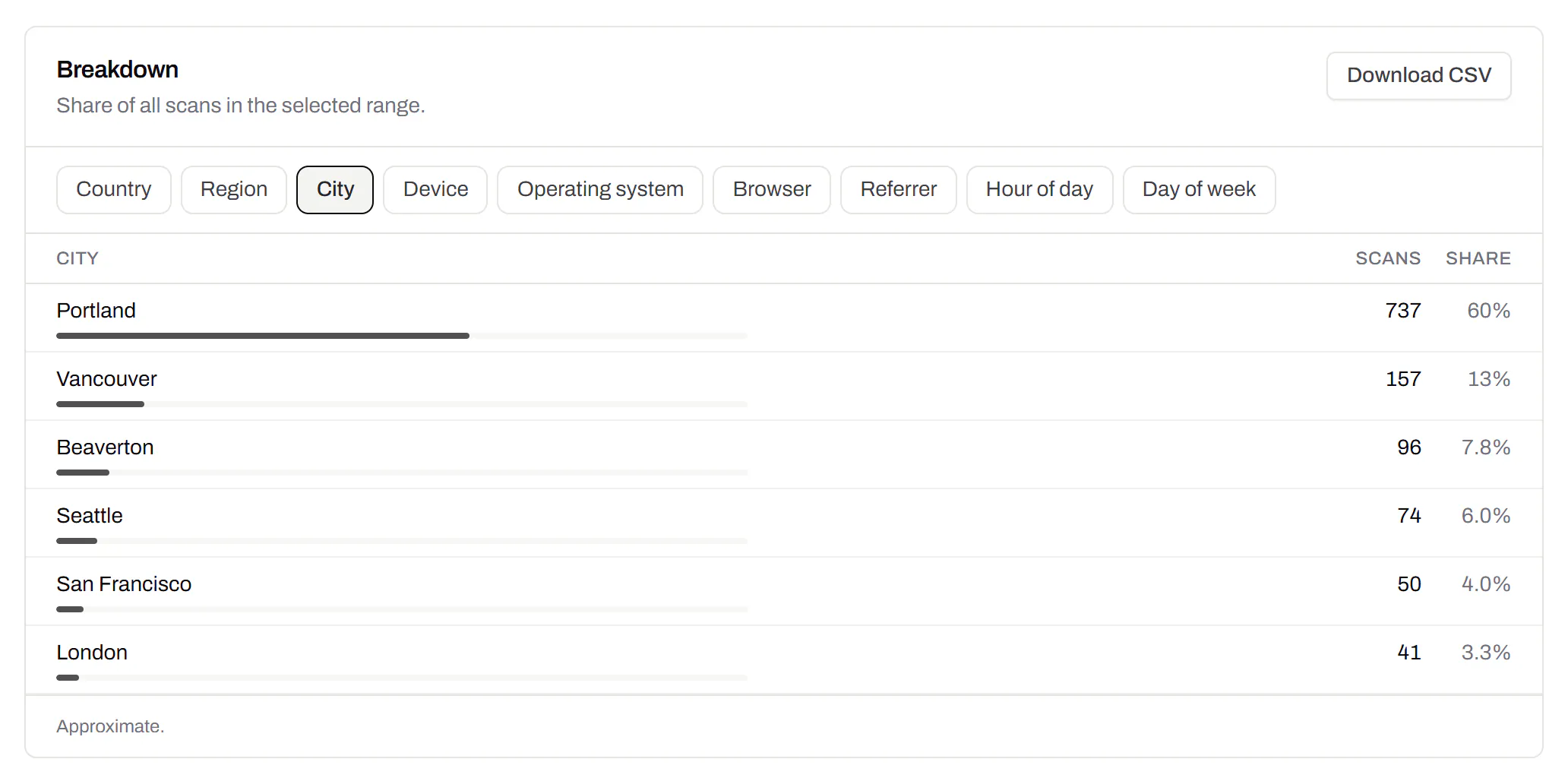
City-level scan locations
Which towns the scans came from, not only which countries.Pro and Business
Scans by city and region for each code, and towns on the Live Map. It’s the place the phone’s network reports, never a street.
Pro and Business