Beaconstac alternative, starting with what happened to Beaconstac
Beaconstac is Uniqode: the same company, renamed, with the old addresses forwarding to the new ones. If you are here because something in your organisation still says Beaconstac — an invoice, a login nobody can find, a printed code on a menu — the useful work is not a feature comparison. It is finding out which of those things you actually still control. This page is that, checked against their own pages and their own servers on 21 September 2026. The prices are on the Uniqode comparison instead.
No card, and no year to commit to before you know.
- Their pages read 21 September 2026
- Monthly or yearly, your choice
- A domain of your own from $12
On this page
How to tell it is the same company
Not from an announcement, which anyone can write, but from what their servers answer and what their own pages say about themselves.
The page Uniqode presents as the authoritative one about itself states that the company was founded as Beaconstac and rebranded to Uniqode, and that the two are the same company and the same product. Their announcement post says the rebrand changed the name and the logo and nothing about the platform.
The stronger evidence is mechanical. We requested each of the old brand’s addresses on 21 September 2026 and recorded what came back. A permanent redirect is a company telling every browser and every search engine that one address has been replaced by another; it is not marketing language, and it is the same answer you will get.
| Old address | What it answered on 21 September 2026 |
|---|---|
| beaconstac.com | 301 to www.uniqode.com |
| www.beaconstac.com | 301 to www.uniqode.com |
| www.beaconstac.com/pricing | 301 to www.uniqode.com/pricing |
| www.beaconstac.com/blog | 301 to www.uniqode.com — the path is dropped |
| docs.beaconstac.com | 301 to docs.uniqode.com |
| help.beaconstac.com | No answer at all |
Two of those rows matter beyond confirming the rename. The documentation host forwards to the equivalent page, so old help-centre bookmarks still land somewhere useful. The blog address does not: it forwarded to the homepage and dropped the rest of the path, which means any link you kept to a specific Beaconstac article no longer resolves to that article. And the old support host did not answer for us at all, so an internal runbook that tells staff to go there sends them nowhere.
The host on your codes is not a brand name
The most common wrong assumption about a renamed vendor, and the reason a brand change is less disruptive than it feels.
People expect a code made under an old brand to be identifiable by that brand. It is not. A dynamic code does not encode a company name; it encodes one short address, and the company that issued it chose the hostname. Their help centre names qrcodes.pro, qr.tapnscan.me, linkpages.pro as the default hosts for codes they hold, and describes a dynamic code as being linked to a placeholder address under their domain. None of those three words is a brand either way, which is why a rename left every printed code working and why you cannot sort your own codes by scanning for a logo.
There is a second detail in their setup guide worth having before you audit anything: they say the default domain cannot be changed for a whole account, and that each code is assigned a domain as it is created. So a single team’s codes can be spread across several hosts depending on who made which one and when. An inventory built from guessing will be wrong; one built from scanning will not.
Whether the host is theirs or yours is not a matter of preference. It decides, in advance and permanently, whether the thing you printed can ever be moved — which is the subject of two sections down and the only part of this whole exercise that is irreversible.
Six things to check before you decide
An hour of this is worth more than any comparison table, because it tells you which of the choices below is even available to you.
The login, which did not change
Their announcement says customers continue using their accounts with the same credentials, and that generated codes, tracking data and platform features stayed operational. So if nobody at your organisation can find a Beaconstac account, it is far more likely that the person who opened it has left than that it was closed. Try a password reset on their current domain before concluding you have lost anything.
What the invoice line says
Renewals, purchase orders and expense records written before the change carry the old name, and one of their own help articles still writes the product as “Uniqode (Beaconstac)”. If you are auditing what the company already pays for, search the finance system for both words or you will conclude you have no subscription while one renews.
Bookmarks and links in your own documents
Their documentation host still forwards: a bookmarked docs.beaconstac.com address lands on the equivalent page. Marketing links do not fare as well — a blog URL under the old domain came back to the homepage without its path when we tried it, so any reference you kept to a specific old article is effectively a dead citation in whatever internal document holds it.
The host printed on the code itself
This is the one that decides whether you can move, and it has nothing to do with either brand name. Scan one of your own printed codes and read the address it opens before it redirects. If it is one of their default hosts, the code belongs to their infrastructure. If it is a hostname you own, it does not.
Who holds the DNS, if a domain of yours is involved
Their setup guide has you add a qr CNAME record pointing at a value they give you. If that record exists on a domain your company controls, the record is yours to change and the printed address survives a change of supplier. If it was set up on a domain an old agency registered, find out who can edit it now — that answer is worth more than any feature comparison.
Whether anything is scheduled to lapse
Their plans are sold by the year, so the decision point is a renewal date rather than a monthly cancel button. Find it before you start evaluating anything, because it sets how much time the work actually has. For what it is worth on this side: a code here keeps redirecting for 90 days after a plan lapses, measured from that code’s last scan.
What can move, and what has to be reprinted
The part nobody wants to hear, stated the same way about both sides, because it is a property of the format rather than of either company.
Their own domain guide says it plainly: changing the domain on existing or already-printed codes regenerates the image, and means reprinting or redistributing them. That is not a restriction they chose. The address is drawn into the pattern, so a different address is a different picture, and no service on either side of this comparison can make a printed square point somewhere its pattern does not encode.
Which gives three cases. A code printed on one of their default hosts stays theirs for as long as that code is in the world; you can re-point where it lands while you keep paying them, and that is all. A code printed on a hostname you own can be moved by editing one DNS record, and the packaging never knows. And a code not yet printed is entirely free, which is why the decision about a domain of your own has to happen before the print run, not after it.
Their setup guide puts a custom domain on the Plus plan and above, as an add-on. Here it is on the cheapest paid plan, Starter, at $12 a month: 1 verified domain, set up with one DNS record. That is not a flourish. It is the one feature that determines whether a customer can ever leave, and it belongs where everyone can reach it.
Their help centre also notes that editing a dynamic code’s destination does not change the printed image, which is true of any dynamic code, theirs and ours alike. If your Beaconstac-era codes are dynamic and on a host of theirs, you are not stuck with the old destinations — only with the old host.
The decision from this starting point
Three honest endings, and the first one is a recommendation to stay.
Stay, if the codes are theirs and working. A renamed vendor is not a reason to move. If your printed material sits on one of their hosts, moving means a reprint, and a reprint is a real cost against a benefit you have not measured yet. Their certifications, their single sign-on and their multi-organisation features are all things we do not have — our own data processing agreement states in writing that we hold no ISO 27001 or SOC 2 certification, and there is no SSO here at all. If any of those is on a procurement form, the answer is already settled and it is not us.
Draw a line on a date, if the next print run is coming. This is the usual shape of a real migration and it involves moving nothing. Old codes stay where they are, doing their job, until the material they are printed on is replaced anyway. Everything new is made on a hostname you own. Over a year or two the estate migrates itself at no extra printing cost, and you never have a day when both systems must be right at once.
Move outright, if almost nothing is printed. Codes that live in emails, on screens, in PDFs and on web pages are cheap to replace, because the artwork is regenerated rather than reprinted. If that is most of your estate, the constraint this page is about does not apply to you and the decision comes down to what the two products cost and include — which is the other page’s job.
Whichever of the three fits, do the scanning first. The most expensive version of this is choosing a tool and then discovering what is printed.
The old name, answered
Is Beaconstac gone?
No — only the name is. Their own about page gives Beaconstac as the original name and Uniqode as what it became, and treats the two as one business selling one product. The permanent redirect off the old domain says as much in a form a browser can read, which is why nothing you bookmarked has broken.
When did Beaconstac become Uniqode?
Their pages do not agree, so this one does not say. The page they present as authoritative about themselves puts the rebrand in 2023; the announcement post itself carries a last-updated date in January 2024. Both are linked at the foot of this page. Any source stating one year confidently is picking a side of somebody else’s inconsistency.
Do my old Beaconstac QR codes still work?
Their announcement says all existing Beaconstac codes continue to work without interruption, and that the tracking data came with them. That is their statement and the redirect behaviour is consistent with it. It is still worth scanning one of your own printed codes rather than taking anyone’s word for it, including this page’s.
Can I keep my printed codes and change who hosts them?
Only if the address on them is a hostname you control. Their domain guide is explicit that swapping the host under a code already in print produces new artwork, which you then have to get back out into the world. Neither vendor can do anything about that: what a scanner reads is the picture, and the picture is the address. It runs both ways — a code sitting on one of their hosts can never be adopted by us, and one on ours can never be adopted by them.
What is actually printed on a Beaconstac-era code?
One of their own hosts, not a brand name; the three they name are listed further up. What their domain guide adds is that the host is picked as each code is created and cannot be set once for a whole account, so two codes made by the same team in the same week may well sit on different ones. Scanning is the only inventory that can be trusted.
Where do I find the prices?
Not here, deliberately. This page is about the rename and what it means for material you already have. Their tiers, what each one includes, the annual-only billing, the scan allowance and the custom-domain figure are set out on our Uniqode comparison, read from their own pricing pages and dated.
Is there anything I should do before deciding?
Two things, both cheap. Scan every printed code you can physically find and write down the host each one opens on, because that list is the real constraint. Then make one code here on the free plan and put it through whatever your actual workflow is — print it small, scan it in bad light, re-point it twice. Free costs nothing and needs no card, which makes it a cheap way to find out that a tool is wrong for you.
Check it at the source
- Uniqode: about. The former name, the same-company statement, and the 2023 date
- Beaconstac rebrands to Uniqode. What they say kept working, and the January 2024 stamp it carries
- Why Uniqode recommends custom domains. Where the three default hostnames above are named
- Setting up your custom domain. The reprint sentence, the per-code domain assignment, the CNAME and the plan it needs
- Will editing the URL change my Website QR Code?. Their placeholder address, and that re-pointing leaves the image alone
- QRSalt against Uniqode. Their tiers and prices, the annual-only billing and the scan allowance
Last reviewed , against the product as it works today.
Somewhere to put the next print run
Free holds 3 editable codes with no card and no expiry, which is enough to put a real code on real paper before committing to anything. Starter at $12 a month adds the hostname of your own that makes the next reprint the last one.
Free
Free
Unlimited static codes. Three editable ones that never expire.
- Unlimited static QR codes, forever
- 3 editable items in total — dynamic QR codes, QR Menus and QR Forms share them
- Dynamic codes never expire, and each comes with a short link
- Short links on their own, no QR code needed
3dynamic codes
Starter
$12/mo
For one business with codes out in the world.
- 5 QR Menus
- QR Forms
- GS1 Digital Links we host, so a printed pack can be re-pointed
- Advanced tracking and analytics
100dynamic codes
Pro
Most chosen$39/mo
For agencies and teams running codes at scale.
- 50 QR Menus
- Unlimited analytics history
- 10 custom domains
- API access
600dynamic codes
Business
$99/mo
For organisations running codes across many brands.
- 400 QR Menus
- 50 custom domains
- Up to 25 team members and team management
- Up to 10 workspaces
2,000dynamic codes
Unlimited scans on every plan. Cancel online in two clicks. Compare every plan and feature
The rest of the toolbox
Open a row to see the screen and which plan has it.
Custom domains
Short links on your own domain, chosen code by code.Starter and up
Codes open go.yourbrand.com/menu rather than a link with our name in it, so the address under the code is yours. You add two DNS records and we check them. Then pick the domain for each code as you make it, or move a whole list of codes onto it at once.
Starter and up
QR codes on your own domain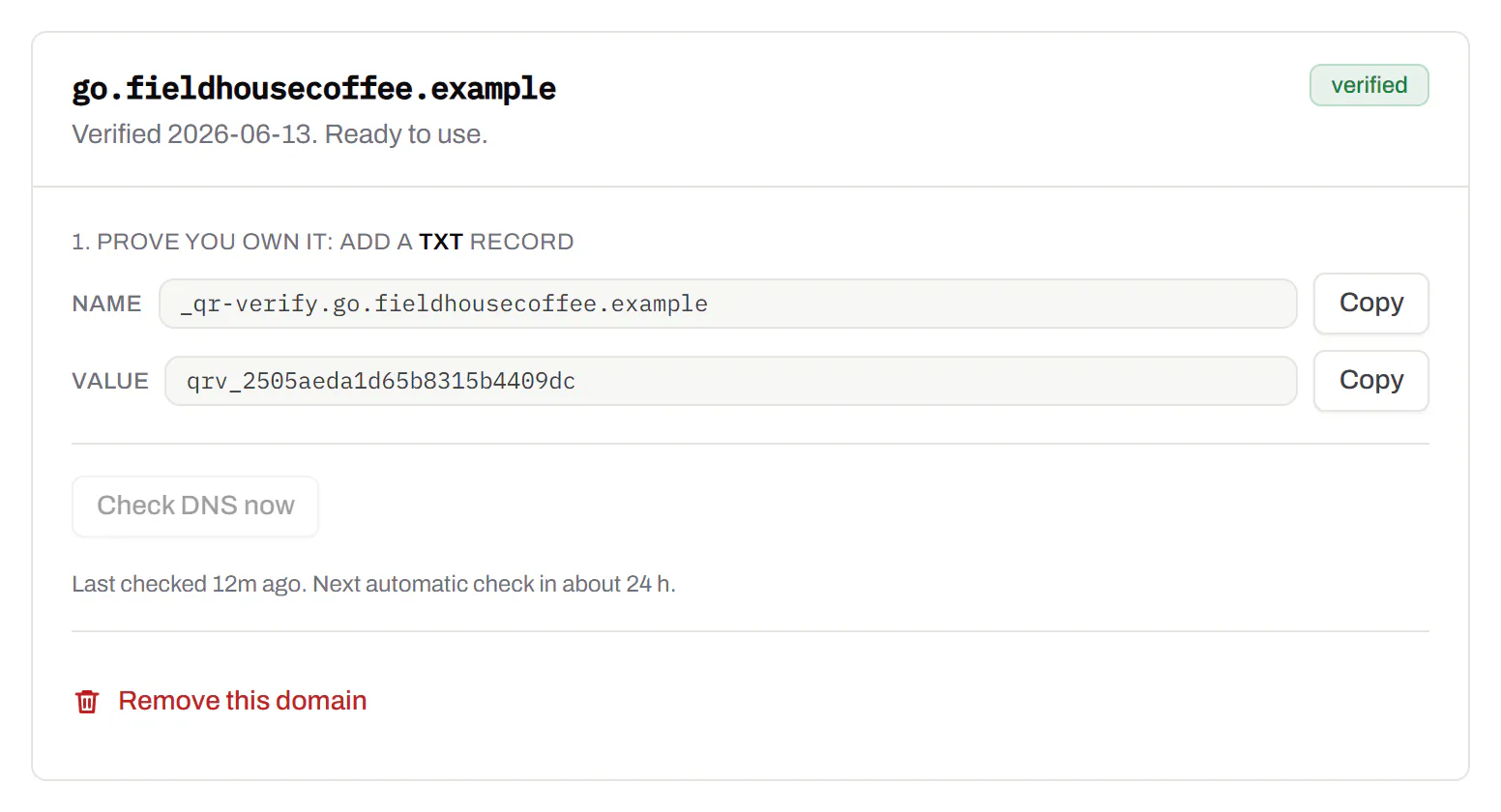
Bulk QR code generator
A spreadsheet in, one dynamic code per row out.Starter and up
Paste or upload a list of names and links, match the columns, and get a dynamic code for every row - one per table, stall, badge or product - each with its own scans and destination.
Starter and up
The bulk generator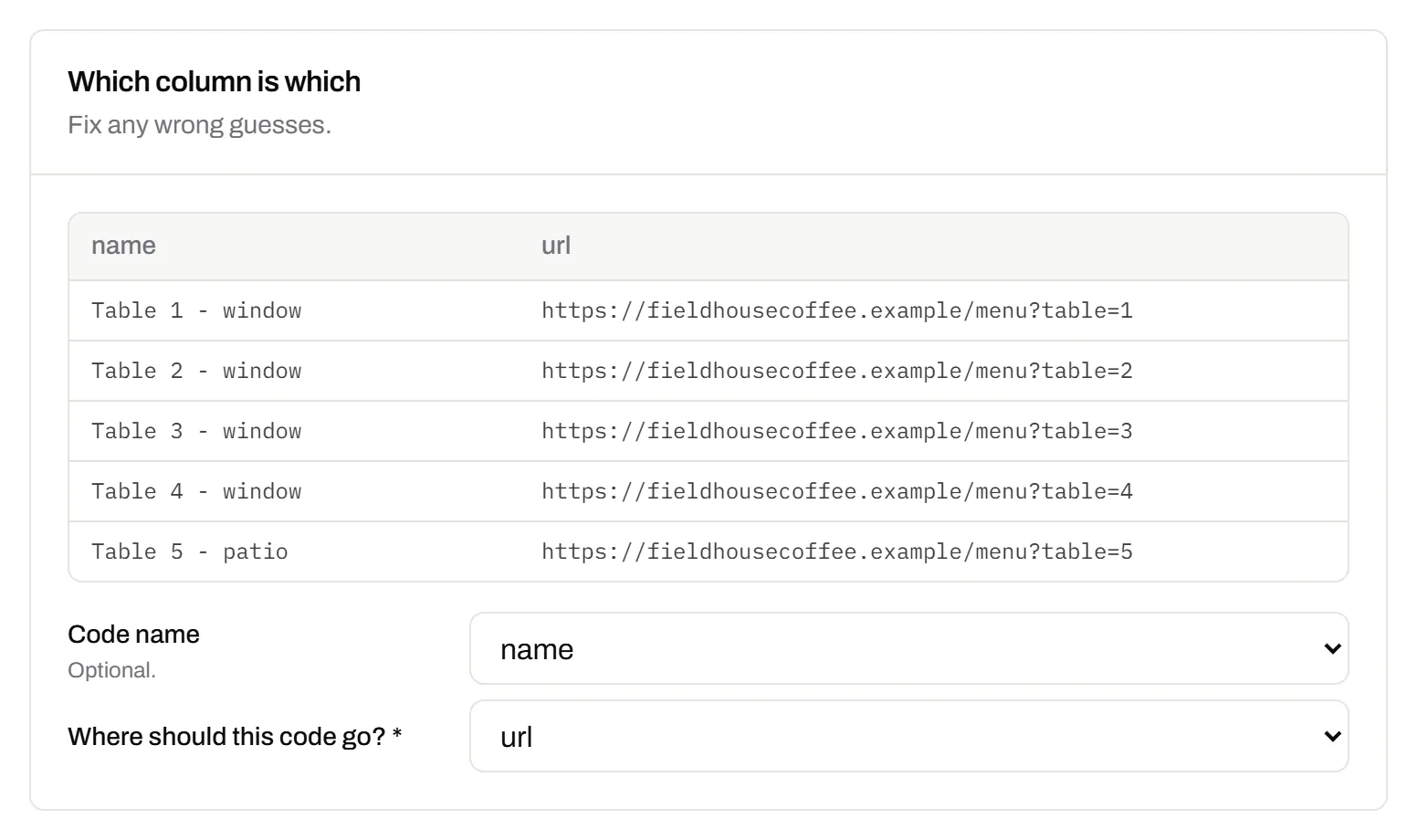
Change many codes at once
Tick the codes, then pause, tag, file or move them together.Pause and resume on every plan · folders and tags on Starter and up
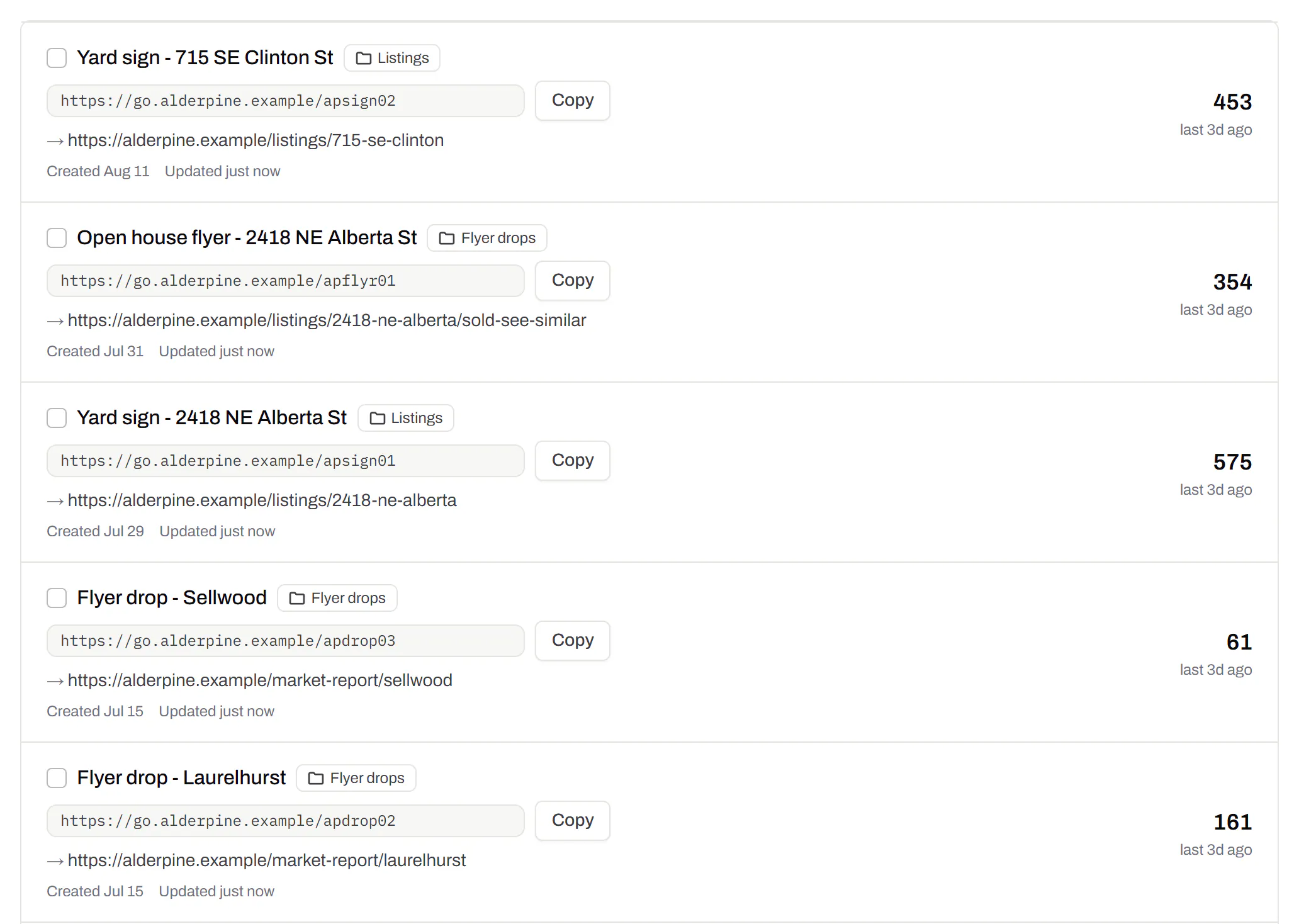
Tick codes in the list, or pick every code with a tag, and pause or resume them, add or remove tags, move them to a folder or onto your own domain, or add campaign tags, in one go. The API does the same in one request.
Pause and resume on every plan · folders and tags on Starter and up
Short links, with your own ending
The link on its own, for a bio, an email or an ad.Every plan · custom endings on Business
Paste a link and get a short one you can change, route and count, with no QR code unless you want one. Every dynamic code already has its short link beside it, and a short link gets its QR code in one click - the same link, so clicks and scans count together. On Business you choose how the link ends, like /spring-menu, instead of random letters.
Every plan · custom endings on Business
The URL shortener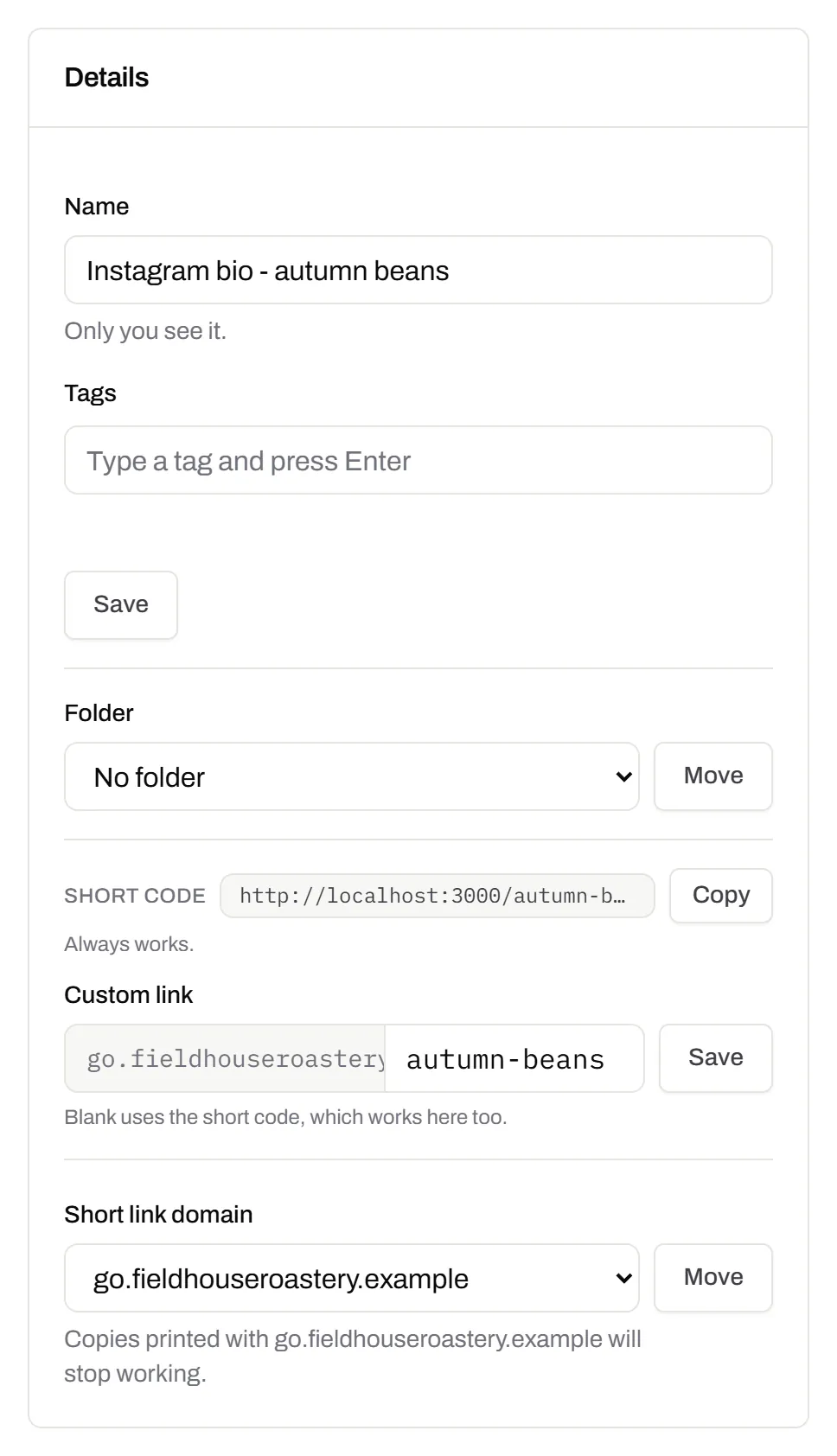
GS1 Digital Link for products
The retail code that carries your GTIN and still opens a web page.Every plan, Free included
Your domain and the GTIN from under the barcode, with batch, serial and dates if you want them, in the link format GS1 set for retail. A phone opens your page; the product data rides along in the address. The GTIN’s check digit is checked before anything is made.
Every plan, Free included
QR codes for packaging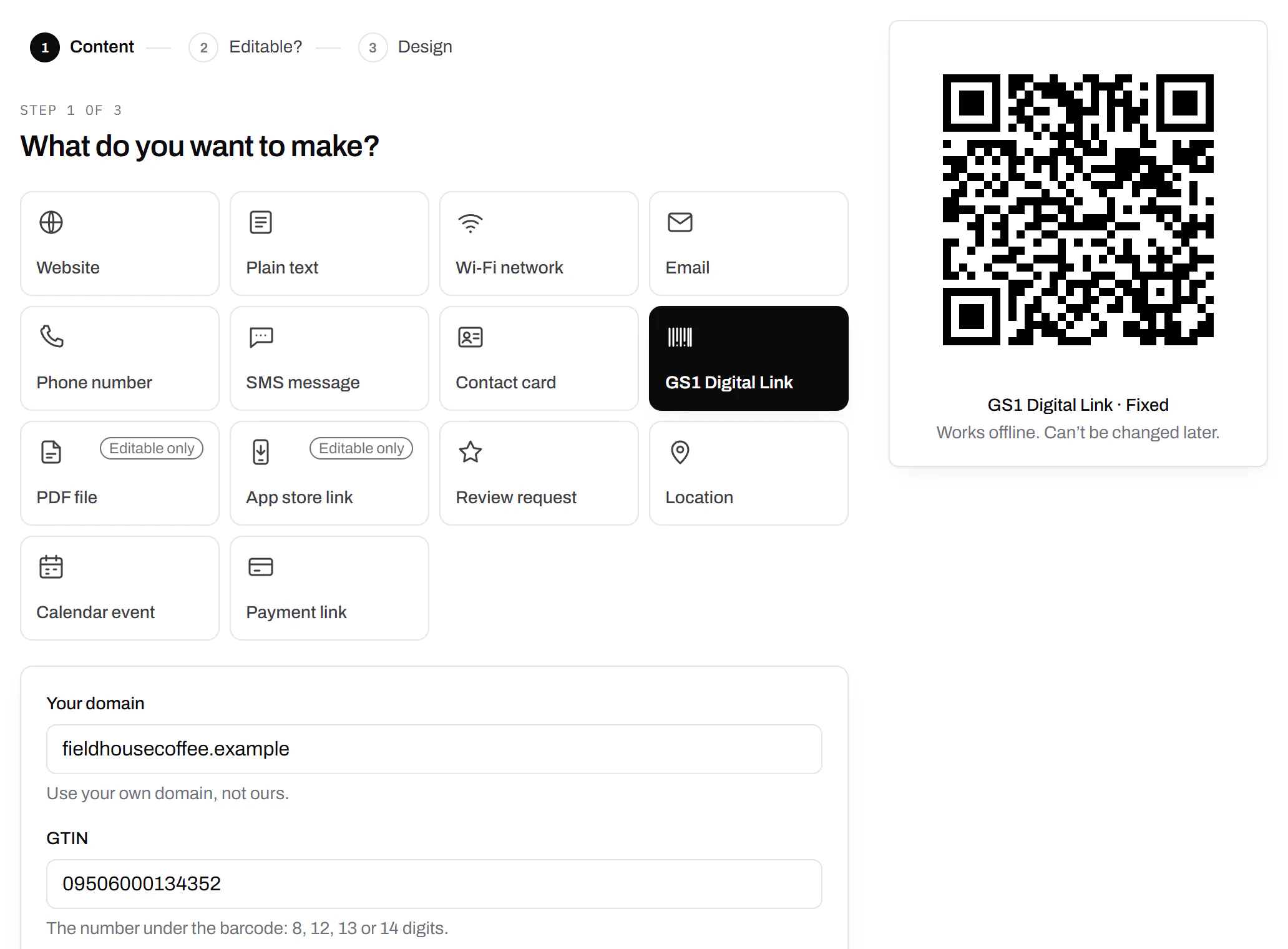
Wi-Fi, contact cards, email, phone and SMS
Networks, contacts, calendar dates and places, not only links.Every plan, Free included
A website, plain text, a Wi-Fi network, an email, a phone number, a text message, a contact card, a GS1 Digital Link, a PDF, a location, a calendar event and more. Most download free, with no account; the few marked “Editable only” need one.
Every plan, Free included
Contact card codes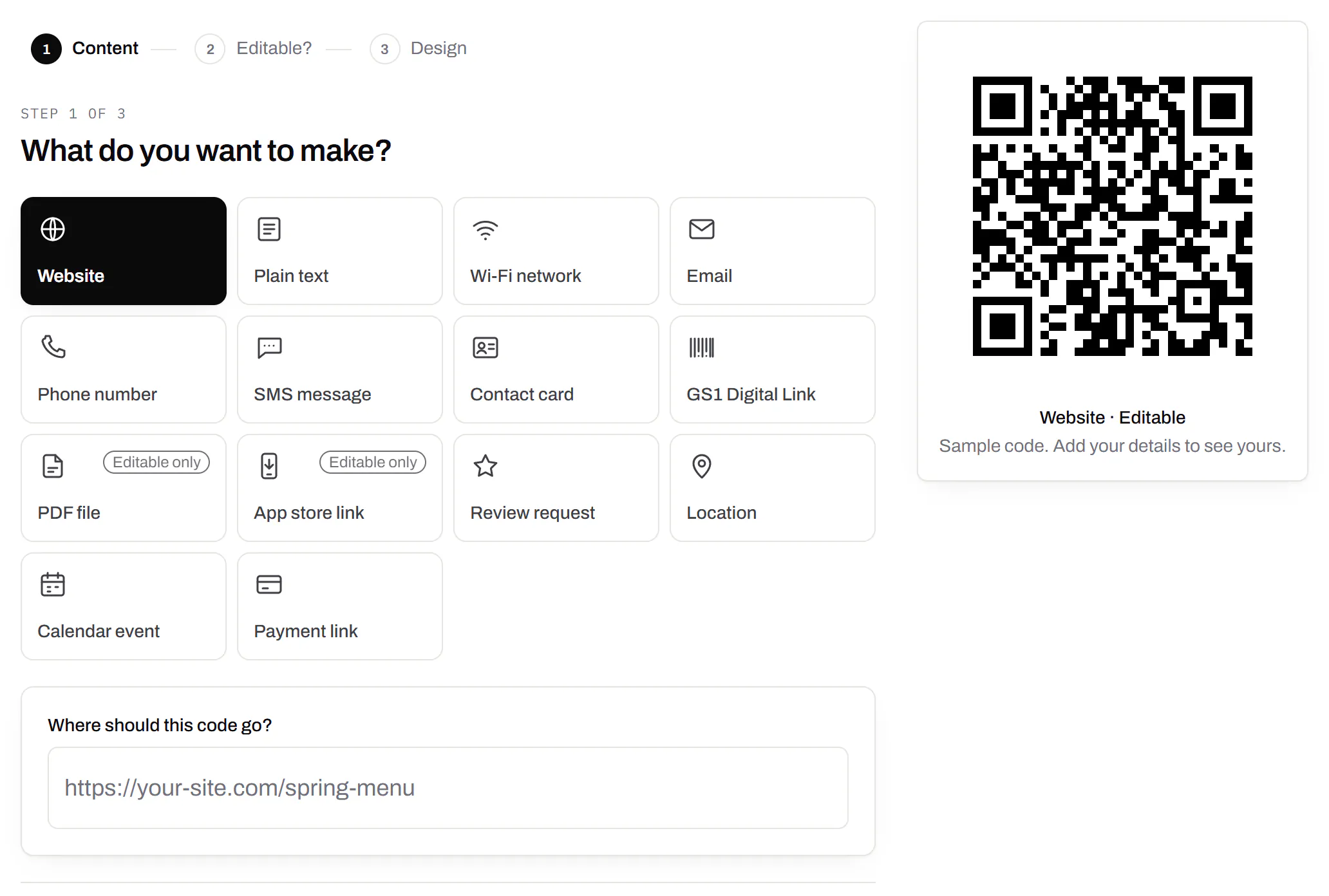
PDF codes you can update
Upload a PDF, print the code, swap the file later.Every plan, Free included
We host the file and the code opens it. Upload a new version and the same printed code opens that one, with the old file kept in its history in case you need it back.
Every plan, Free included
PDF to QR code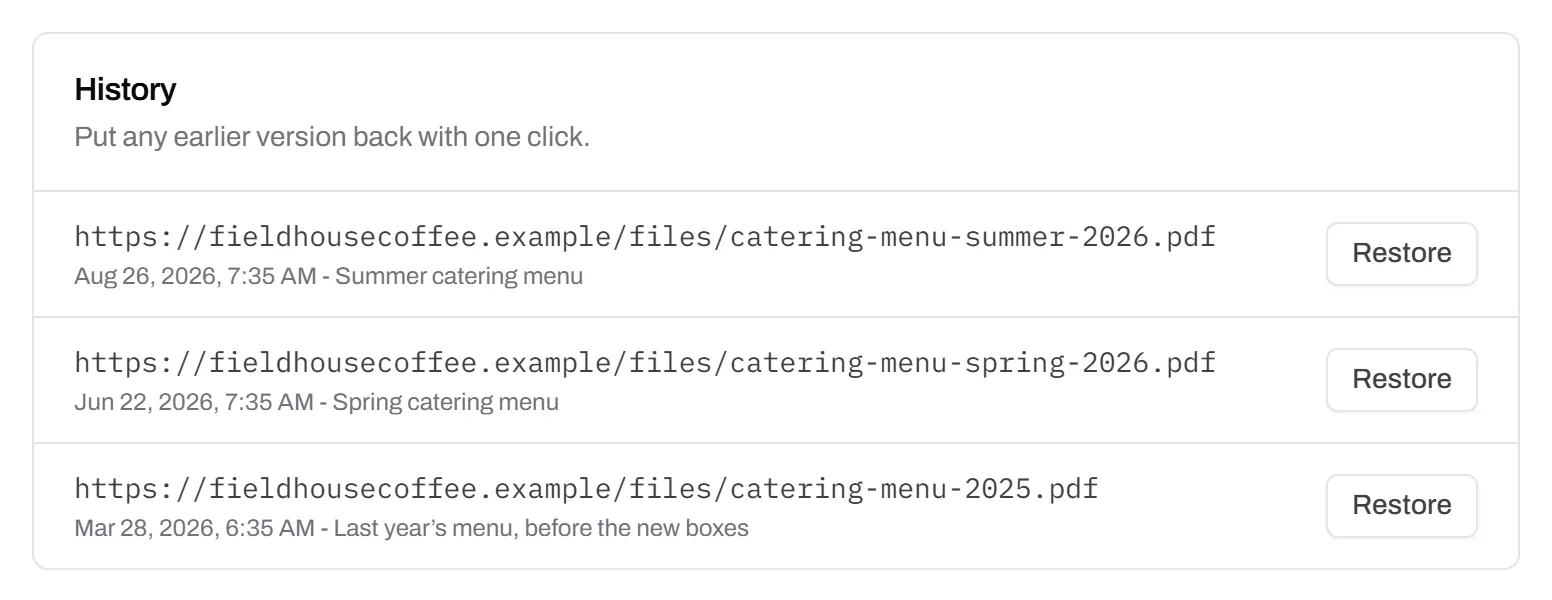
Your logo in the middle
Upload any image; we size it so the code still scans.Every plan, Free included
PNG, JPEG, WebP or GIF, up to 15 MB - we shrink it ourselves, so nobody has to compress a file first. Error correction goes up to make room, and the logo is never allowed to cover more of the pattern than the code can lose.
Every plan, Free included

Print-ready downloads
PNG and SVG on every plan, and a PDF for the printer.PNG and SVG on every plan · PDF on Starter and up
PNG for screens and quick jobs, SVG for anything that gets scaled, and a print-ready PDF on Starter and up.
PNG and SVG on every plan · PDF on Starter and up

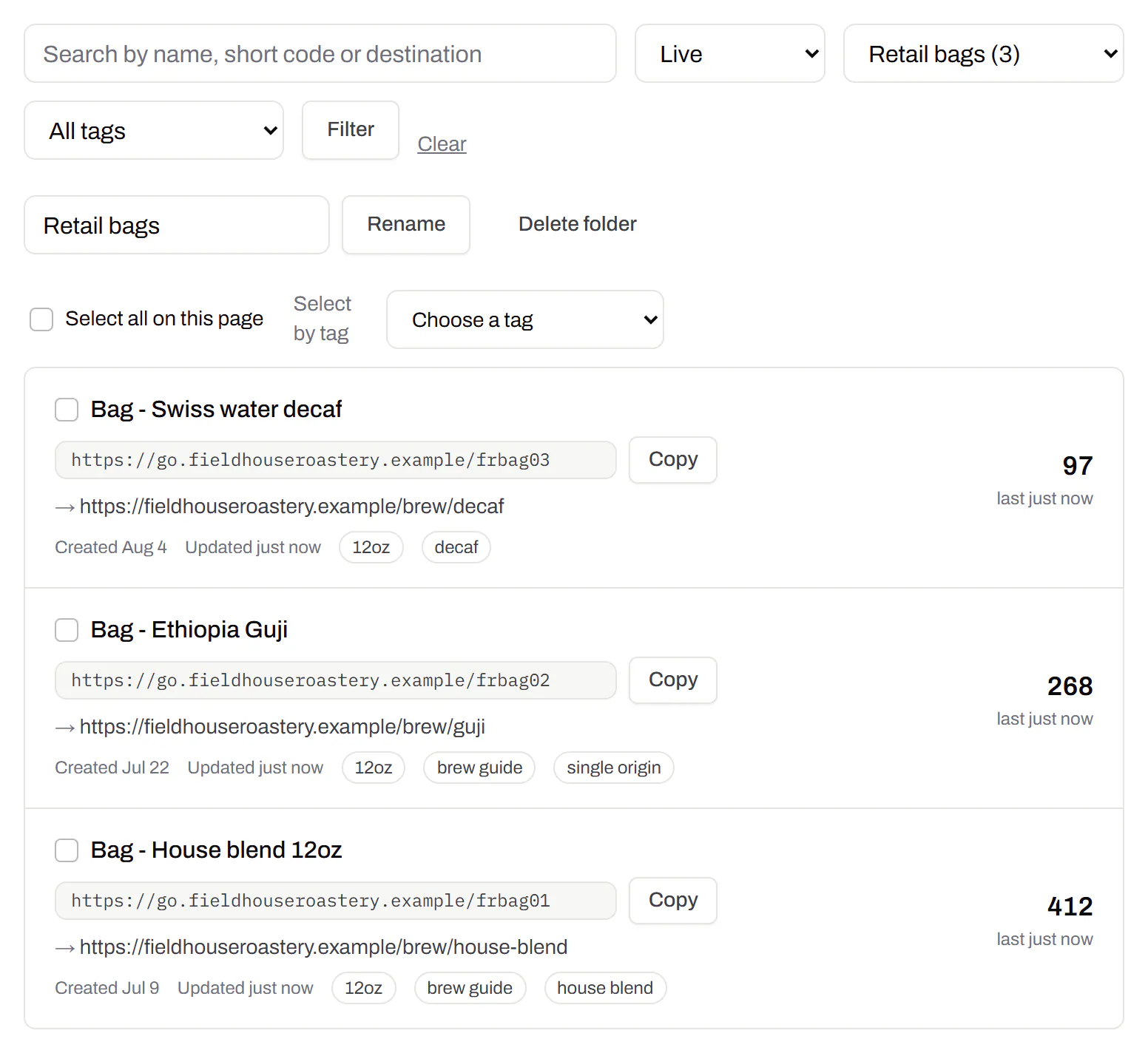
Folders and tags
Keep one location’s or one campaign’s codes together.Starter and up
Put codes in a folder per shop, listing or campaign and filter the list by it. Deleting a folder never deletes a code - they move to No folder, and you can undo it.
Starter and up
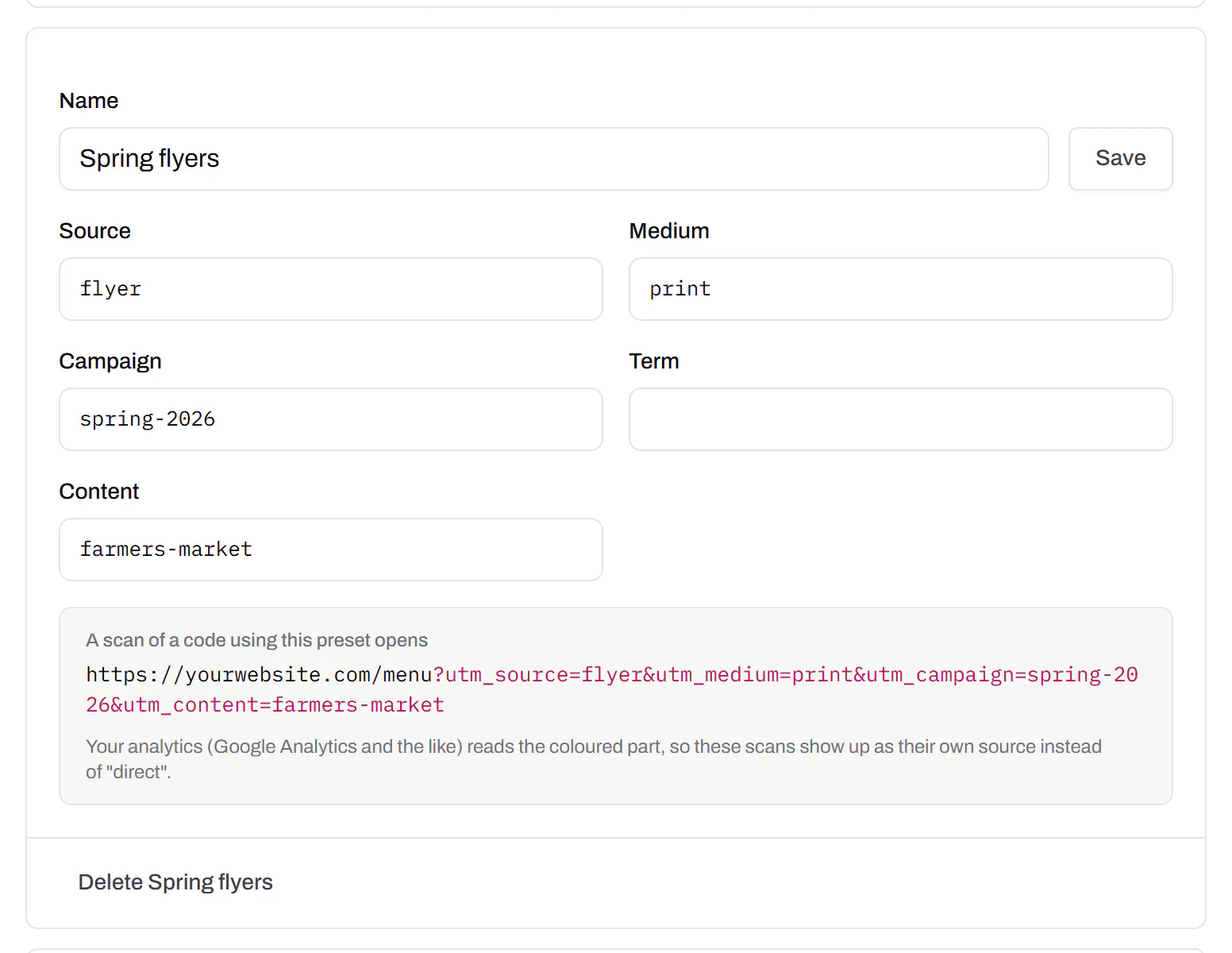
Campaign presets
Saved UTM parameters, so printed scans are not “direct”.Starter and up
A printed code arrives in your web analytics as direct traffic. A preset fills in source, medium and campaign in one click, so the flyer and the table tent show up as themselves.
Starter and up
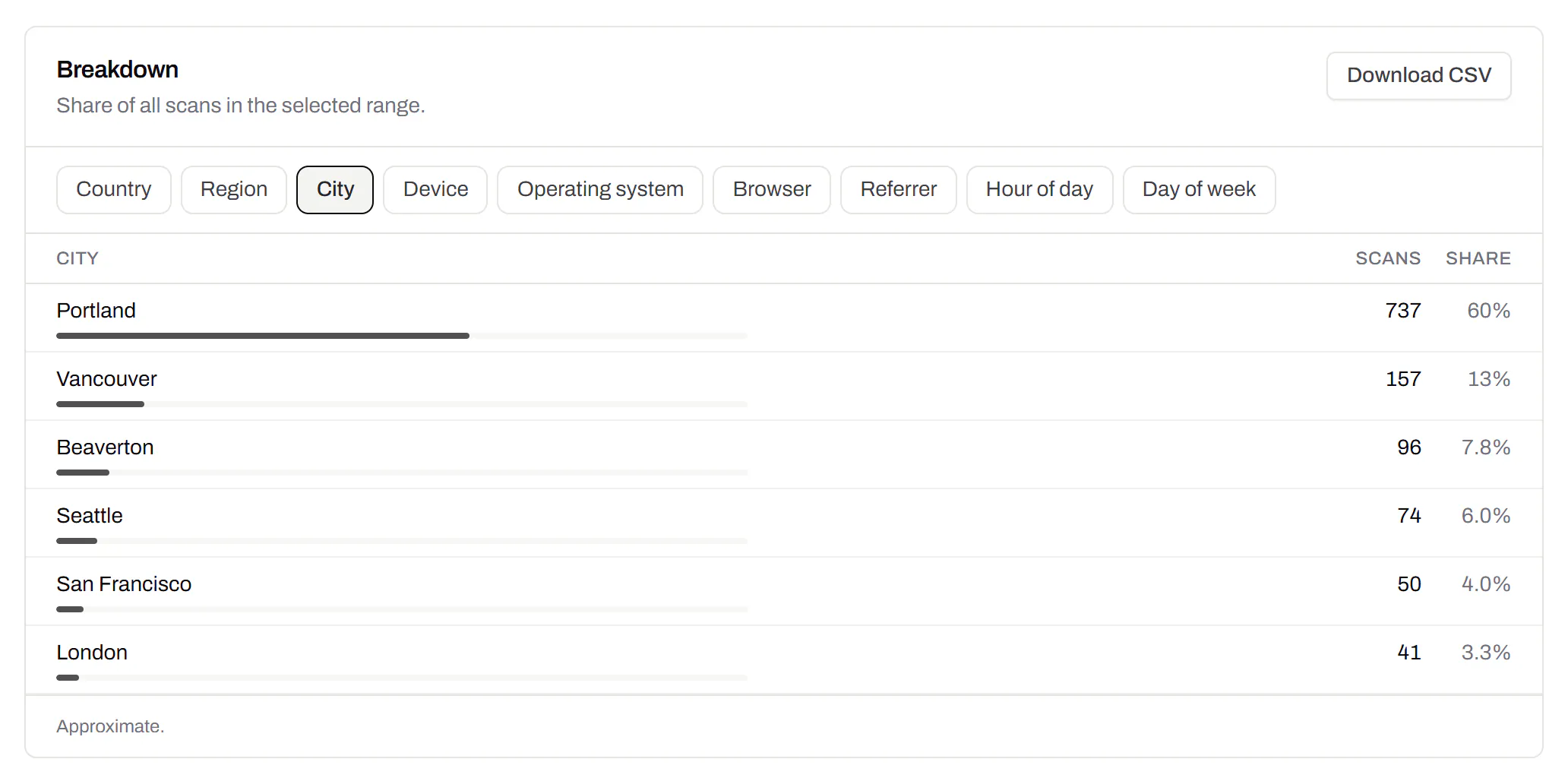
City-level scan locations
Which towns the scans came from, not only which countries.Pro and Business
Scans by city and region for each code, and towns on the live map. Coarse on purpose: the place the phone’s network reports, never a street or a precise position.
Pro and Business
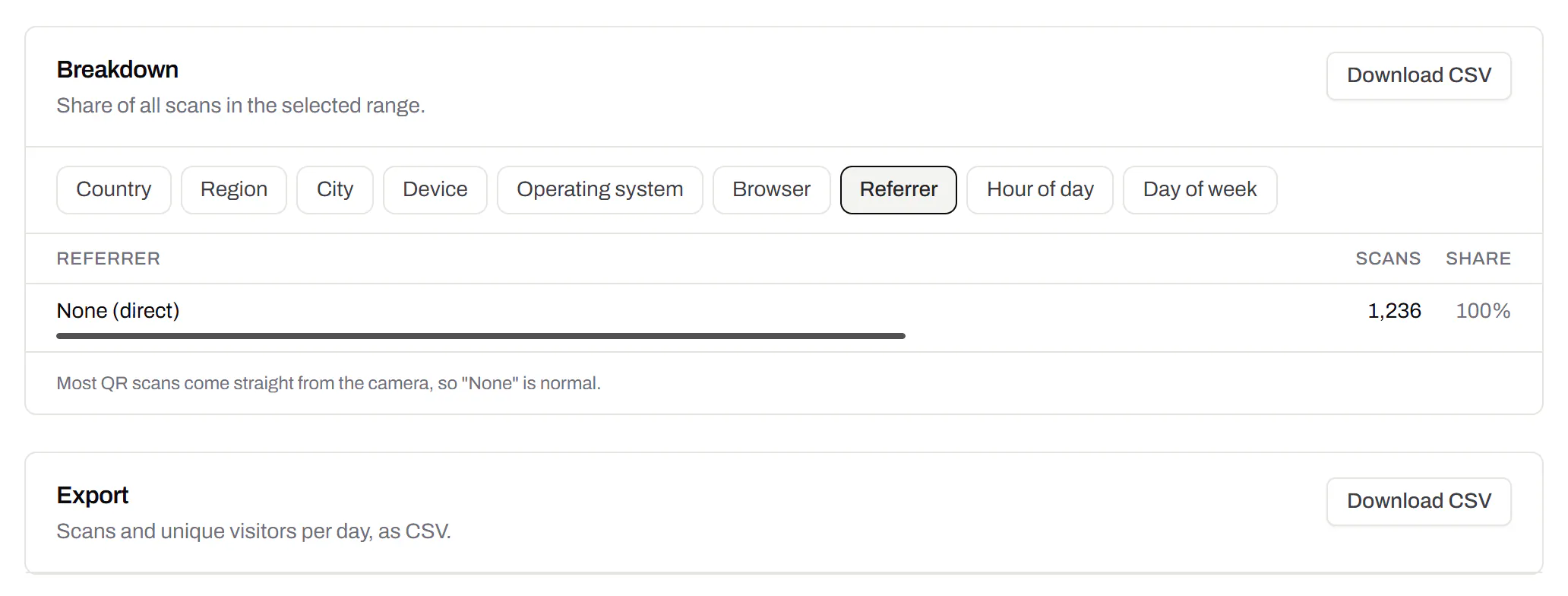
CSV export
Daily scans per code, in a spreadsheet.Pro and Business
Download scans and unique visitors by day for one code or all of them - with each code’s name and short link - as CSV for your own reports, or for whoever asked how the campaign did.
Pro and Business
Webhooks
Your server hears about every scan and every change.Business
Pick the events - a scan, a code made or changed, a form answered, a QR Menu edited - and give us an address. Each one arrives as a signed POST, retried if your server is down, and every delivery is listed with the response it got.
Business
The API and webhooks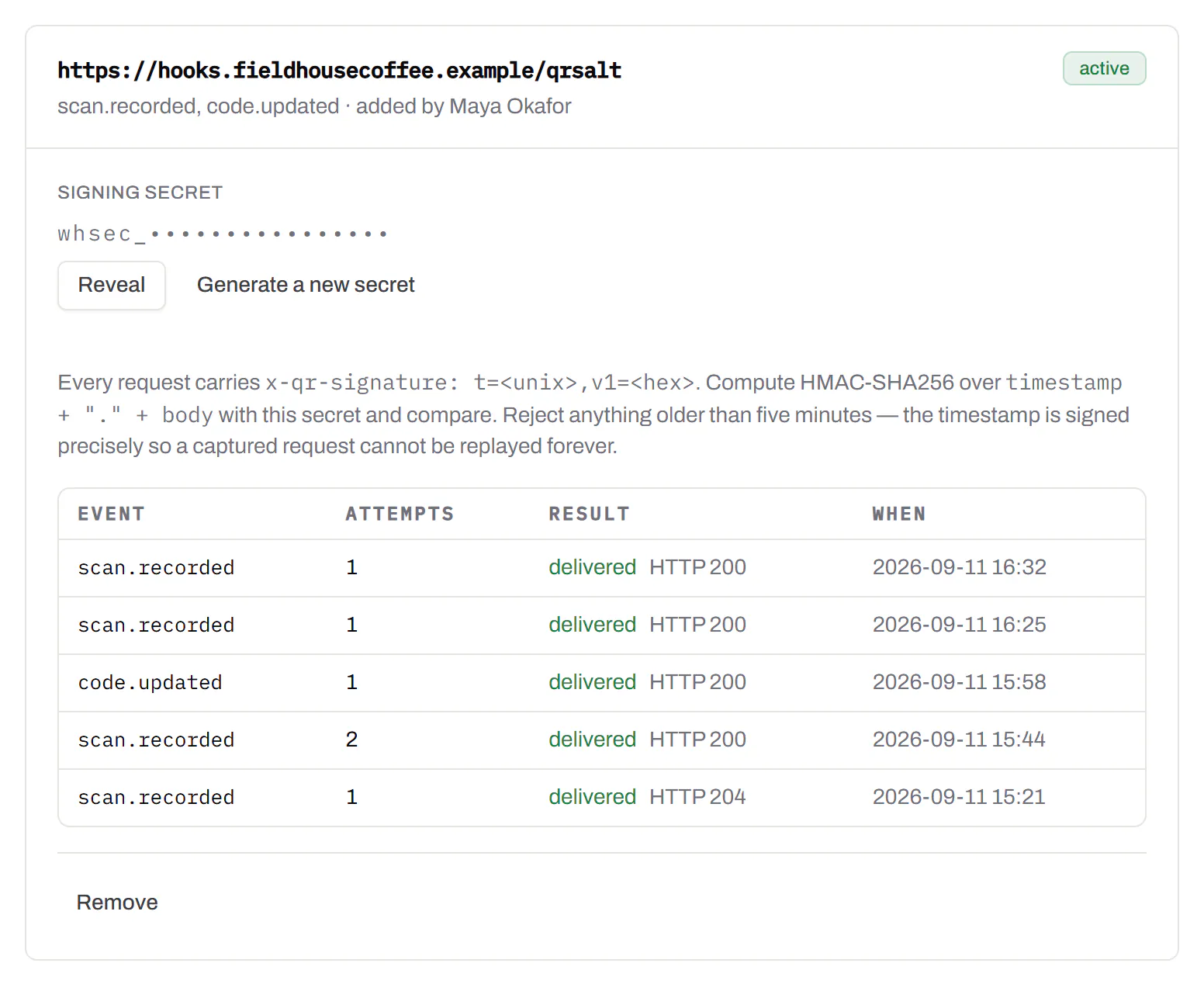
An API for your own software
Make codes, re-point them and render files from your own code.Pro and Business
A REST API for dynamic codes and short links: make them, change where they go, render SVG, PNG or PDF, add your own domains, and change hundreds of codes in one request. No-code tools like Zapier, Make and n8n call it with a plain HTTP step. Every request carries your key, and a key only ever touches its own workspace.
Pro and Business
Every endpoint, with a playground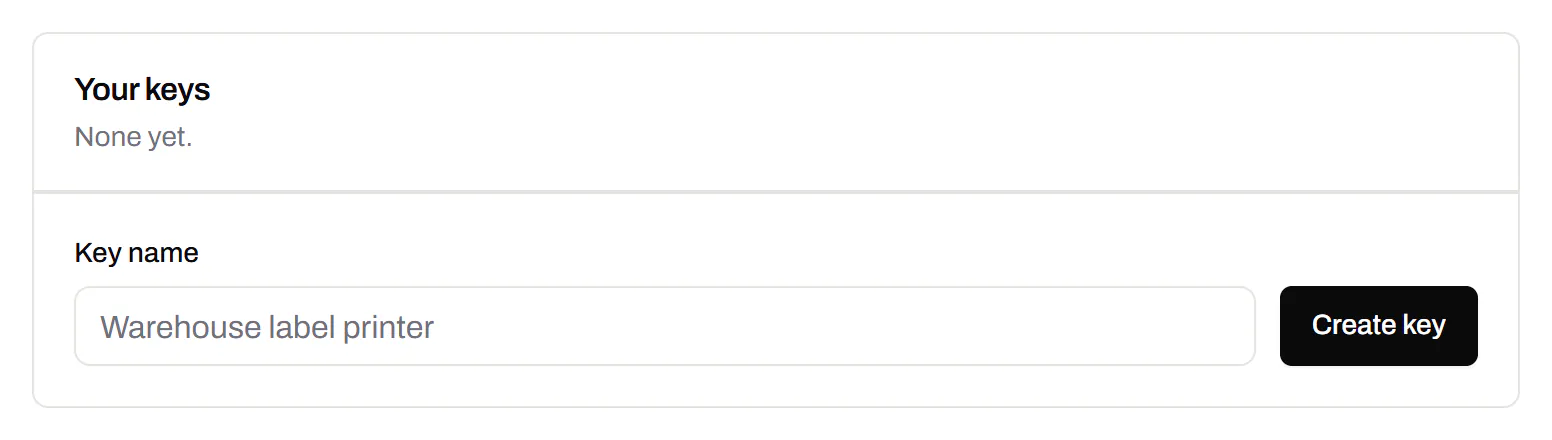
Separate workspaces
One subscription, a workspace per brand or client.Business
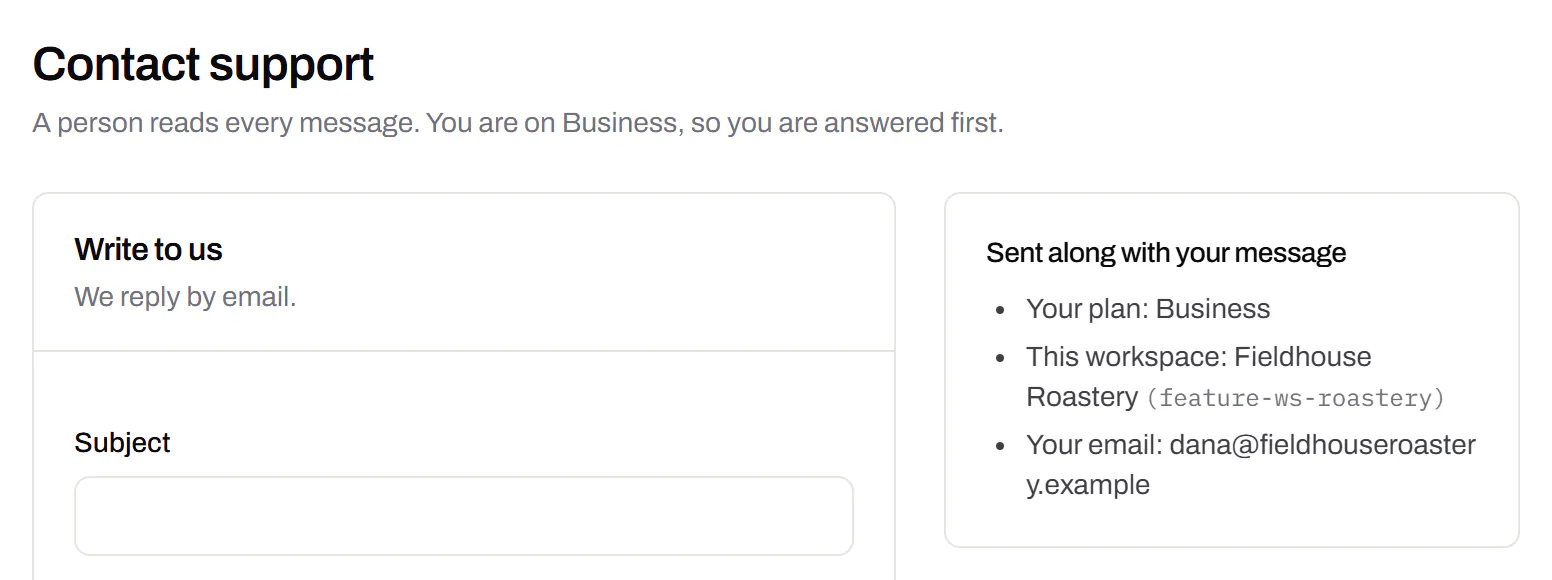
Each workspace has its own codes, team and analytics, so a client never sees another client’s. Up to 10 under one subscription.
Business
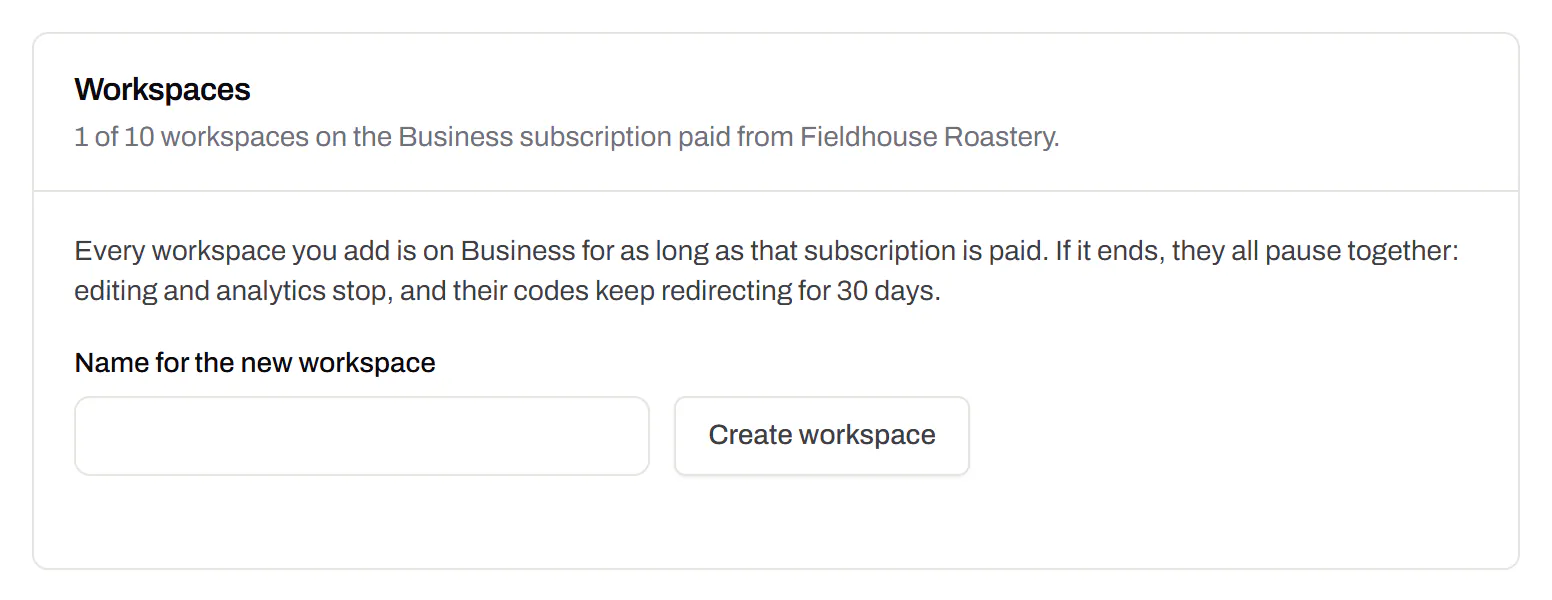
Priority email support
Paid plans’ emails are answered first.Starter and up
A person reads every message. On a paid plan yours is answered before free accounts’ - an order we keep, not a promised hour. Your plan and workspace go along with it, so nobody has to ask which account is yours.
Starter and up
Your data, to take or delete
A full export any time, and deletion you can take back.Every plan, Free included
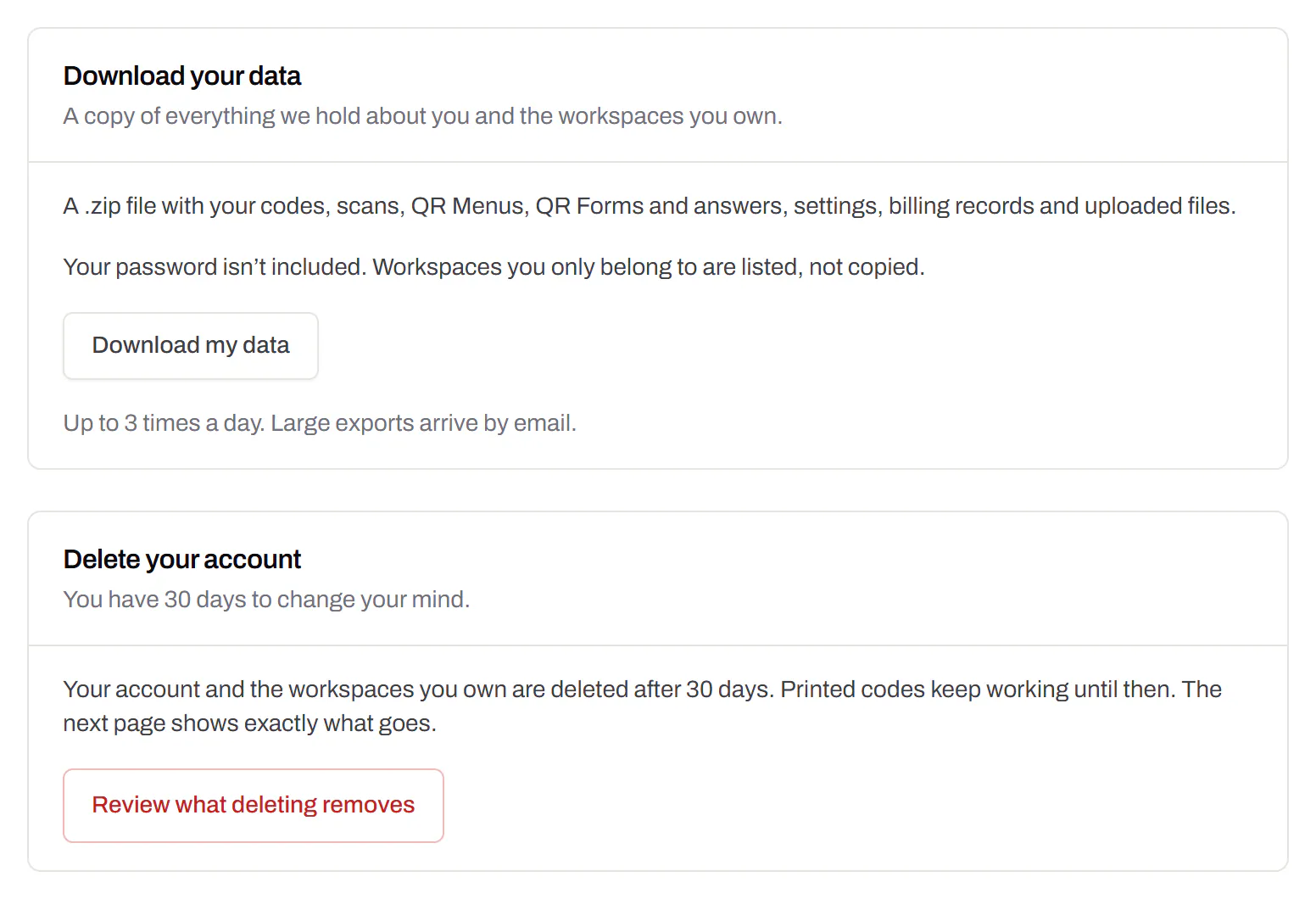
Download everything - codes, history, scans, form answers and the files you uploaded - as one .zip with spreadsheets inside. Deleting the account gives you 30 days to change your mind, and your printed codes keep working until then.
Every plan, Free included