Venmo QR code
Venmo’s own code lives in the app and is the right thing to show from a phone. This page is about the other half: what Venmo’s rules allow you to be paid for, and how to print something on a sign that outlives a change of username.
Dynamic & Editable
Change where it points after printing, and see who scans it.
Type a destination to download.
This is an example code. Style it now — yours takes its place as you type.
Design
Style
Colour#000000
Shapesquare
Body shape
Corner shape
Inside shape
Framenone
Logonone
Print settingsECC M
On this page
Your username is yours to change; the sign on the wall is not
Venmo lets you rename yourself whenever you like, between 5 and 30 characters, with no special characters other than a hyphen and an underscore. That is a good feature and a bad one to have baked into a printed sign, because the day you use it every board, sticker and window card that spelled out the old name is pointing at a name that is no longer anybody. Nothing you print from the app knows that has happened.
Venmo’s code is still the code for a phone
Splitting a bill, paying a friend back, being paid across a table: open the app, show the code, done. We make nothing that improves on that and this page will not pretend otherwise.
A rename should not cost you a reprint
A code here holds a short link of ours, and the username sits behind it as an editable field. Change it in the evening and the same painted board takes payments in the morning.
Which sign actually brought the money
A code per place — the counter, the van, the stall at the second market — and the list counts the scans on each. Free keeps 90 days of that history.
How to get your Venmo QR code
Venmo keeps the code inside the app, on your own profile, and the route differs slightly between a personal profile and a business one. These are Venmo’s steps, plus the check at the end that nobody does and everybody should.
Open the Me tab in the Venmo app
Venmo keeps your code on your own profile rather than in settings. There is no page on venmo.com that hands it to you and no way to fetch it from outside the app, so this step cannot be skipped by anybody, including us.
Tap the QR code button on your profile picture
It sits on the picture itself. Venmo’s help calls the panel that opens the place your code lives, and it offers two things: your code for being paid, and the scanner for paying somebody else.
Tap “Venmo me”
That is the half of the panel that shows your code rather than the camera. Venmo says a scan of it takes the person to your profile page, which is where they choose the amount and send it.
Share or save the image
The share button sends it by email, text message and the rest. On a business profile the route is Charge, then QR Code, then Venmo Me, and the printer icon there gives a high-quality PDF, which is the file to hand a printer.
If you are a business profile, set the price in the code
Venmo says a business profile can make a code that takes a customer to the profile with a specific price already filled in, and that the customer can still add a tip or a discount. A personal profile’s code carries no amount.
Scan your own code with somebody else’s phone
Not yours. A phone already signed in as you sees a screen no customer will ever see. Borrow a phone, scan it, and check the name that comes up is the one your customers expect to read.
What Venmo lets you be paid for, and what it does not
This is the part that catches out market stalls, and it is in the user agreement rather than anywhere you would be shown while printing a sign. Read it before you put a personal profile’s code on a table of things for sale.
A personal profile is not a till
Venmo’s agreement says that, apart from transactions it has expressly authorised, personal accounts may not be used to conduct business, commercial or merchant transactions with other personal accounts — including accepting payment from people you do not personally know for goods such as tickets, equipment or merchandise.
There are two authorised routes
Venmo names them: have a business profile, or ask the buyer to identify their payment as being for goods and services. It also says it may offer a business profile inside a personal account, at its discretion and not to everybody.
A charity is a third, separate thing
Venmo links a PayPal confirmed charity account to make a charity profile, which receives donations. It is not a business profile and you cannot hold both, so a fundraiser is a decision to make before the printing, not after.
None of this is ours to enforce and none of it changes because a code of ours sits in front of it. We are not Venmo, we are not connected to Venmo, and we issue nothing on your Venmo account: a code made here holds a link to the Venmo profile you already have. Whether that profile is allowed to take the payment is between you and Venmo’s agreement, which is linked at the foot of this page.
The username problem, in the order it usually happens
Every one of these is a normal Tuesday rather than a disaster, and each one strands a printed Venmo code that carries the username directly.
1
The name was a joke in 2019
A username picked at university reads badly on a market stall. Venmo lets you change it in the app under Account, then Profile, or on the web in your profile settings, and the change is immediate.
2
The business outgrew the person
A personal profile becomes a business profile, or the trading name changes. The handle behind the sign changes with it; the sign should not have to.
3
The account is frozen mid-market
A review, a locked account or a lost phone stops payments on the day you can least afford it. With the handle behind an editable link you can point the same sign at whatever you can be paid into that afternoon.
4
You never get told it broke
A scan that lands on a name nobody holds is a customer who shrugs and walks. Nothing arrives to tell you, which is why the only real signal is the scan count against the takings.
One more reason not to type a Venmo web address from a template: Venmo does not publish the shape of one. Its help pages describe the code and the profile a scan arrives at, and stop there. Take what the app gives you, check what it opens, and keep the part that can change in a field rather than in ink.
Putting your name in front of the payment, on purpose
A stranger’s sticker over a payment code is the oldest trick on a street, and a Venmo code that opens the app immediately gives the person paying nothing to check. A code made here spends one screen on that question first.
A scan opens a page that shows the name you typed, the Venmo handle the money is going to, the amount and your note, and one button that hands the person to Venmo. It asks them to look for the same name again on Venmo’s own screen, and if the two disagree there is a link on that page to report the code to us. That is the whole of it: a pause and a name, not a payment system.
Print the address of that page under the code in words people can read — pay.yourstall.com on your own hostname comes with Starter and up — and a copied sticker has one more thing to get wrong. Neither of those stops a determined swap. What stops it is a code printed into the board rather than stuck on it, and a glance before each market day.
Venmo codes, answered
How do I get my Venmo QR code?
It lives on your own profile in the app rather than in settings: the Me tab, the code button sitting on your picture, then “Venmo me”. From there the share button passes the image on. A business profile reaches the same panel from Charge instead, and the printer icon there gives it a file fit for a print shop.
How do I get a Venmo QR code without opening the app?
You cannot, and nor can anybody else. Venmo publishes no way to fetch your code from outside the app, so any site offering to produce one for you is either guessing at an address or making a code for something that is not your Venmo profile.
Is there a Venmo QR code generator?
Not one that makes a Venmo code, here or anywhere. What the builder above makes is a code holding a short link of ours, with your Venmo username behind it as a field you can edit afterwards. The code is ours; the profile, the payment and the rules stay Venmo’s.
Can I print my Venmo QR code on a sign?
Venmo offers a print-quality PDF on a business profile, so yes. What it cannot do is follow you: the username inside it is fixed at the moment you print, and a rename or a move to a business profile leaves the ink pointing at the old one.
What happens to a printed code if I change my Venmo username?
A code that carries the username directly stops arriving anywhere useful, silently. A code that carries one of our short links keeps working, because the username is a field on the code rather than a pattern in the ink — you type the new one and the next scan follows it.
Can I take payments for my business with a personal Venmo profile?
Venmo’s agreement says no, other than the cases it has authorised. It names two: hold a business profile, or have the buyer mark what they send as a purchase. Its wording reaches specifically to money taken from buyers you have never met, for things like tickets or merchandise.
Does a Venmo code work for somebody outside the United States?
Venmo is a US service and its own help is the place to check who can hold an account. If your buyers are visitors, the honest answer is that a Venmo-only sign will turn some of them away, and the amount is worth reading off the scan counts rather than guessing.
Can I make a Venmo code on the free plan?
Yes, and without handing over a card: Free covers 3 re-pointable codes, and one payment sign with its name-check page occupies one of them. The step up to Starter, at $12 a month, buys quantity and a hostname of your own rather than a different kind of code.
Being paid in more than one app, or not sure which to print? The payment QR code page covers all of them side by side. Cash App has its own rules about how often a $Cashtag may change, on the Cash App QR code page, and PayPal is the one platform that publishes the shape of its link, on the PayPal QR code page.
Check it at the source
- Venmo: Personal QR codes FAQ. The Me tab, the QR button and “Venmo me”, and what a scan opens
- Venmo: QR codes for Business Profiles. Charge, QR Code, Venmo Me, the printable PDF and the pre-filled price
- Venmo: Check or Edit Your Username. Where the username is changed, and the 5 to 30 character rule
- Venmo US user agreement. What a personal account may not be used for, and the two authorised routes
- Venmo: buying and selling on Venmo. The same rule in the help centre’s words, with the goods-and-services tag
Last reviewed , against the product as it works today.
We take nothing from a Venmo payment, because none of it reaches us
The money moves between the person paying and your Venmo account, and Venmo’s own fees are the only ones in it. What an account here pays for is the codes and the editing: Free includes 3, and Starter is $12 a month.
Free
Free
Unlimited static codes. Three editable ones that never expire.
- Unlimited static QR codes, forever
- 3 editable items in total — dynamic QR codes, QR Menus and QR Forms share them
- Dynamic codes never expire, and each comes with a short link
- Short links on their own, no QR code needed
3dynamic codes
Starter
$12/mo
For one business with codes out in the world.
- 5 QR Menus
- QR Forms
- GS1 Digital Links we host, so a printed pack can be re-pointed
- Advanced tracking and analytics
100dynamic codes
Pro
Most chosen$39/mo
For agencies and teams running codes at scale.
- 50 QR Menus
- Unlimited analytics history
- 10 custom domains
- API access
600dynamic codes
Business
$99/mo
For organisations running codes across many brands.
- 400 QR Menus
- 50 custom domains
- Up to 25 team members and team management
- Up to 10 workspaces
2,000dynamic codes
Unlimited scans on every plan. Cancel online in two clicks. Compare every plan and feature
The rest of the toolbox
Open a row to see the screen and which plan has it.
Custom domains
Short links on your own domain, chosen code by code.Starter and up
Codes open go.yourbrand.com/menu rather than a link with our name in it, so the address under the code is yours. You add two DNS records and we check them. Then pick the domain for each code as you make it, or move a whole list of codes onto it at once.
Starter and up
QR codes on your own domain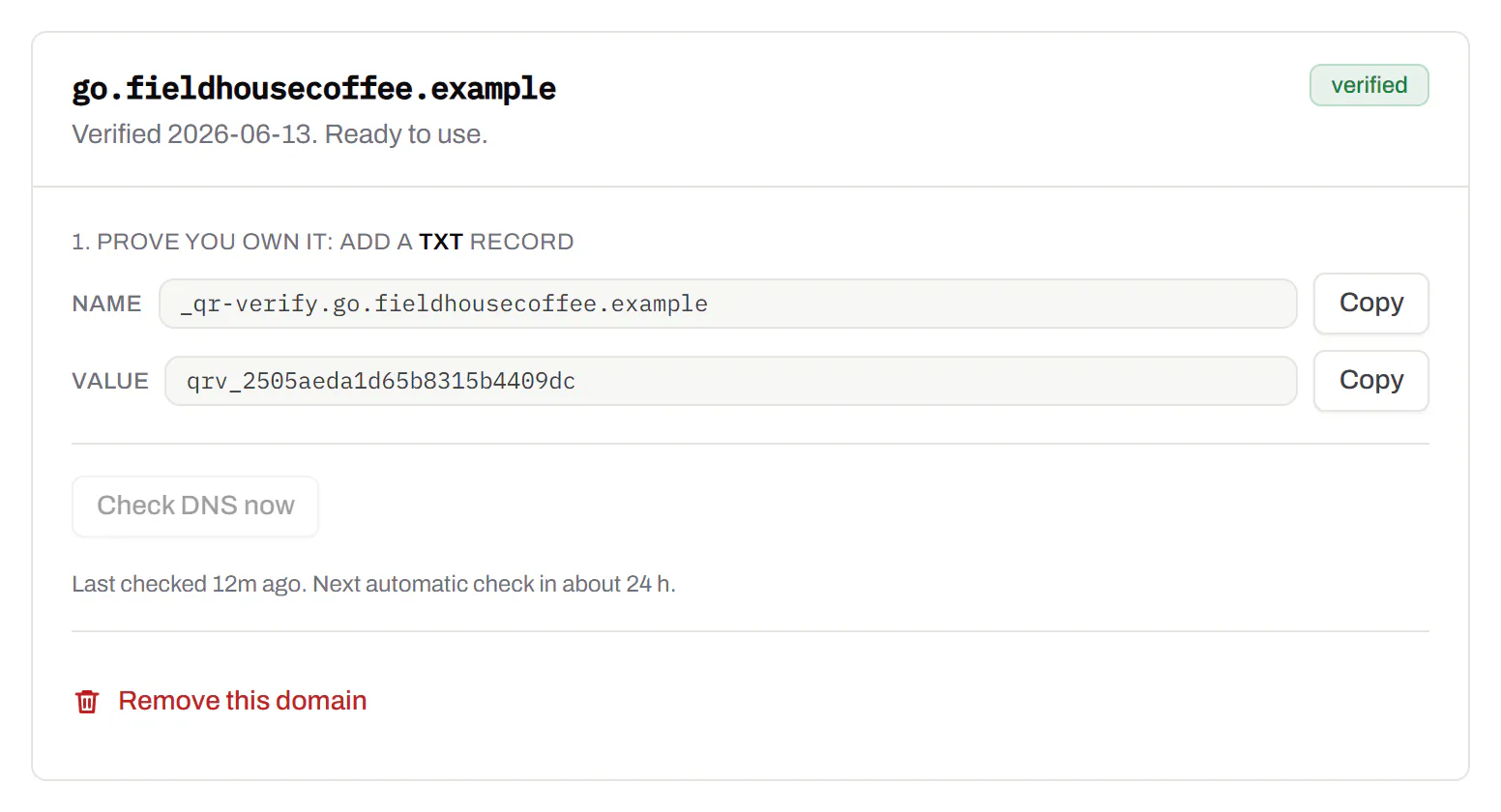
Bulk QR code generator
A spreadsheet in, one dynamic code per row out.Starter and up
Paste or upload a list of names and links, match the columns, and get a dynamic code for every row - one per table, stall, badge or product - each with its own scans and destination.
Starter and up
The bulk generator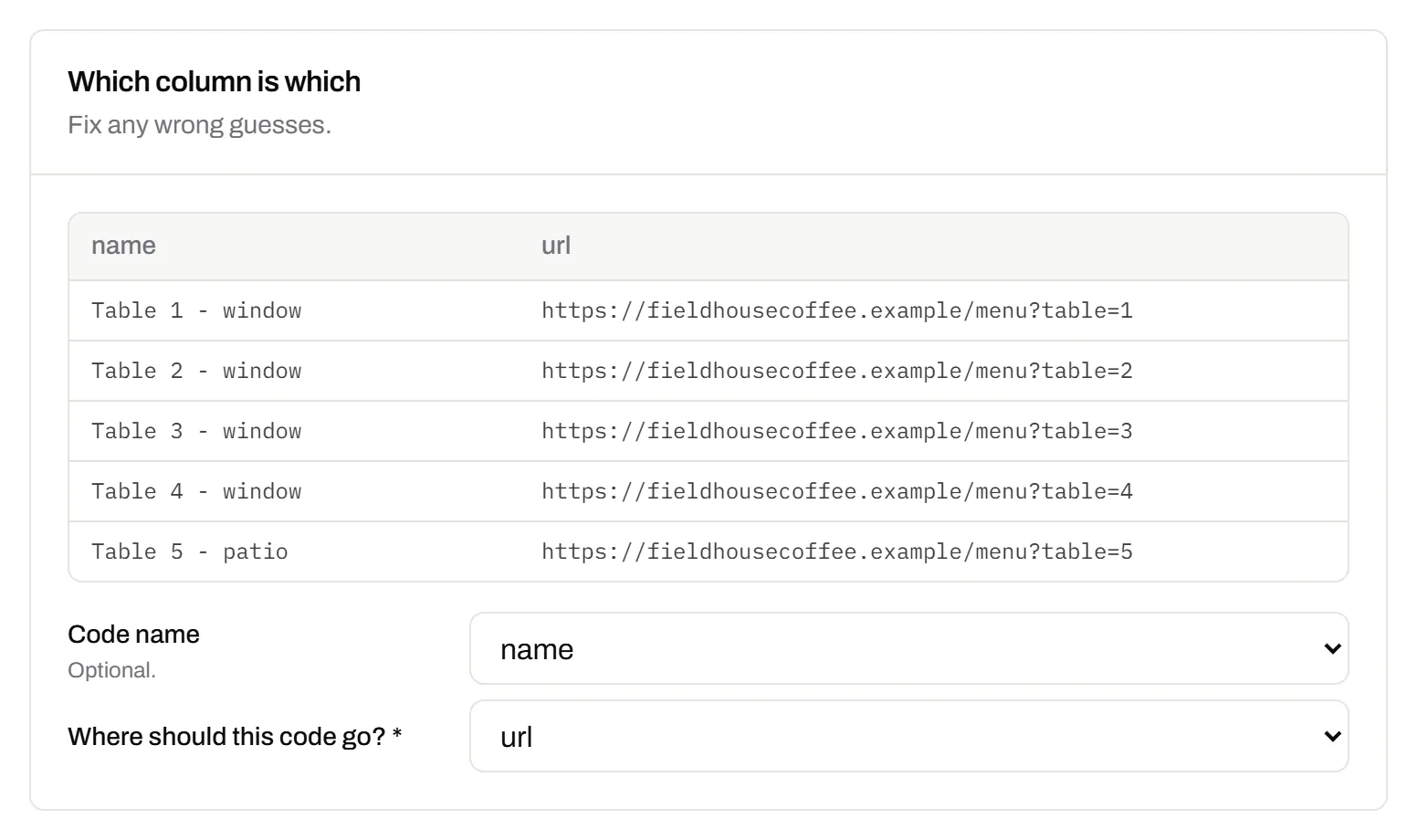
Change many codes at once
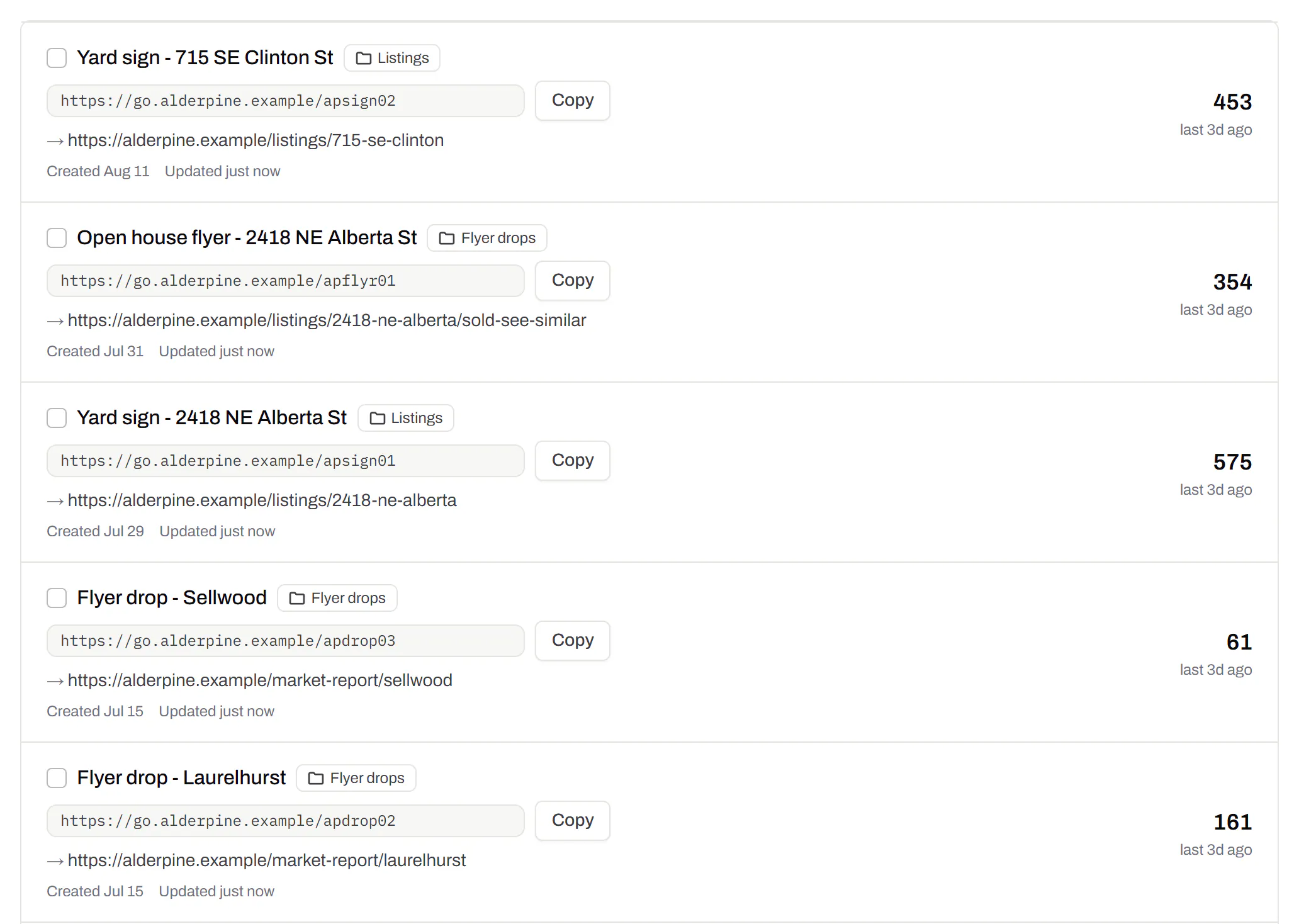
Tick the codes, then pause, tag, file or move them together.Pause and resume on every plan · folders and tags on Starter and up
Tick codes in the list, or pick every code with a tag, and pause or resume them, add or remove tags, move them to a folder or onto your own domain, or add campaign tags, in one go. The API does the same in one request.
Pause and resume on every plan · folders and tags on Starter and up
Short links, with your own ending
The link on its own, for a bio, an email or an ad.Every plan · custom endings on Business
Paste a link and get a short one you can change, route and count, with no QR code unless you want one. Every dynamic code already has its short link beside it, and a short link gets its QR code in one click - the same link, so clicks and scans count together. On Business you choose how the link ends, like /spring-menu, instead of random letters.
Every plan · custom endings on Business
The URL shortener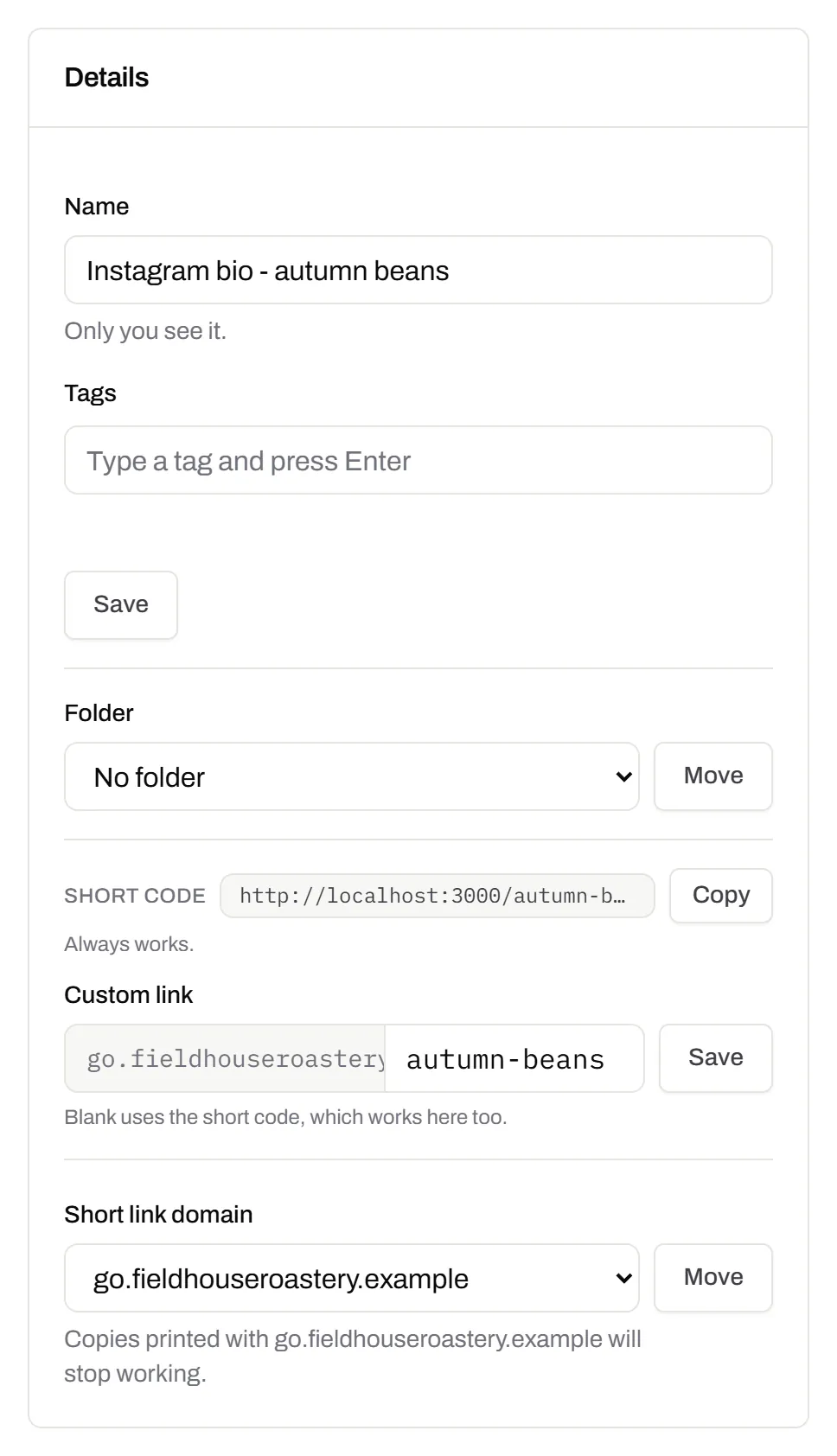
GS1 Digital Link for products
The retail code that carries your GTIN and still opens a web page.Every plan, Free included
Your domain and the GTIN from under the barcode, with batch, serial and dates if you want them, in the link format GS1 set for retail. A phone opens your page; the product data rides along in the address. The GTIN’s check digit is checked before anything is made.
Every plan, Free included
QR codes for packaging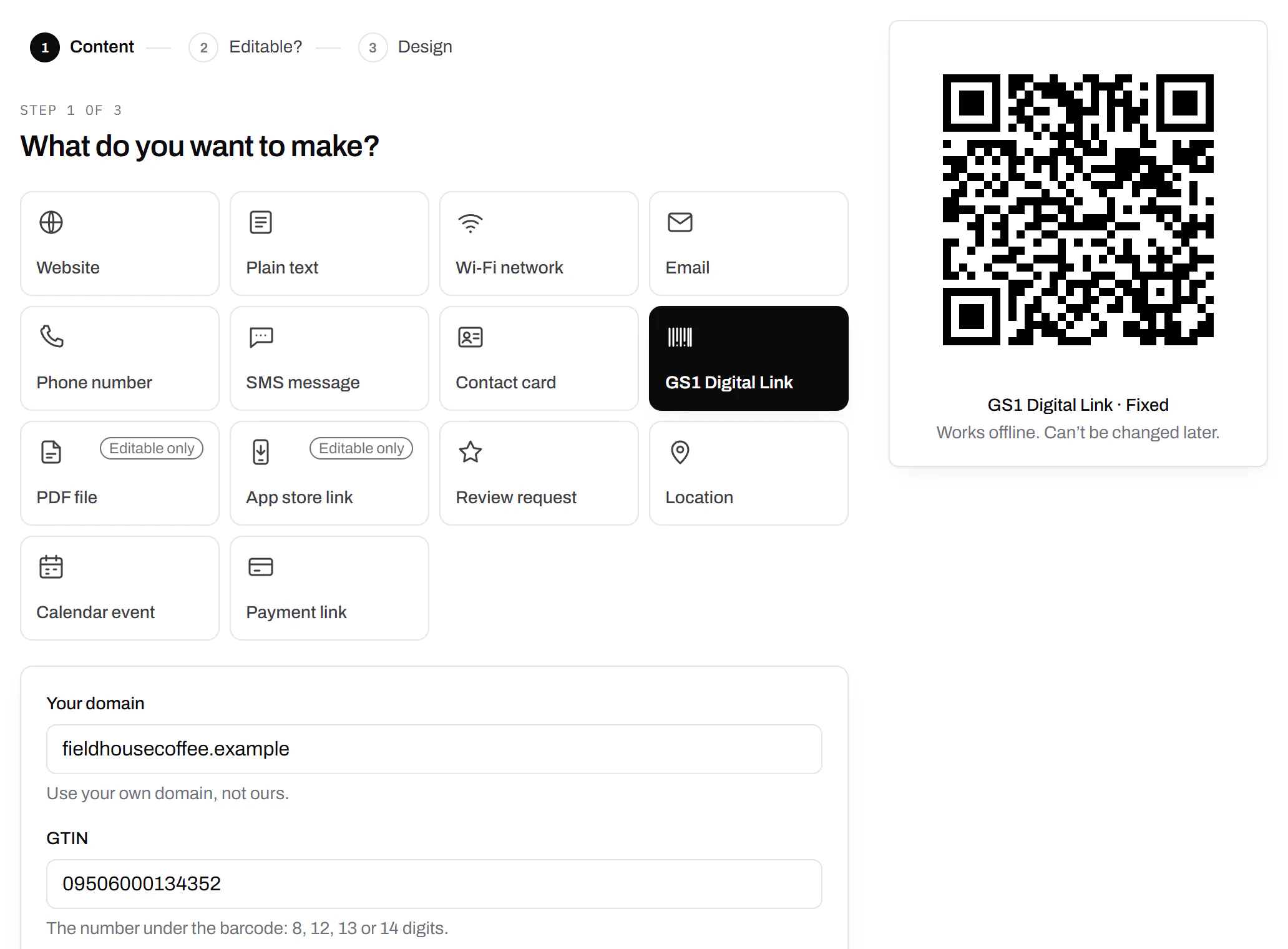
Wi-Fi, contact cards, email, phone and SMS
Networks, contacts, calendar dates and places, not only links.Every plan, Free included
A website, plain text, a Wi-Fi network, an email, a phone number, a text message, a contact card, a GS1 Digital Link, a PDF, a location, a calendar event and more. Most download free, with no account; the few marked “Editable only” need one.
Every plan, Free included
Contact card codes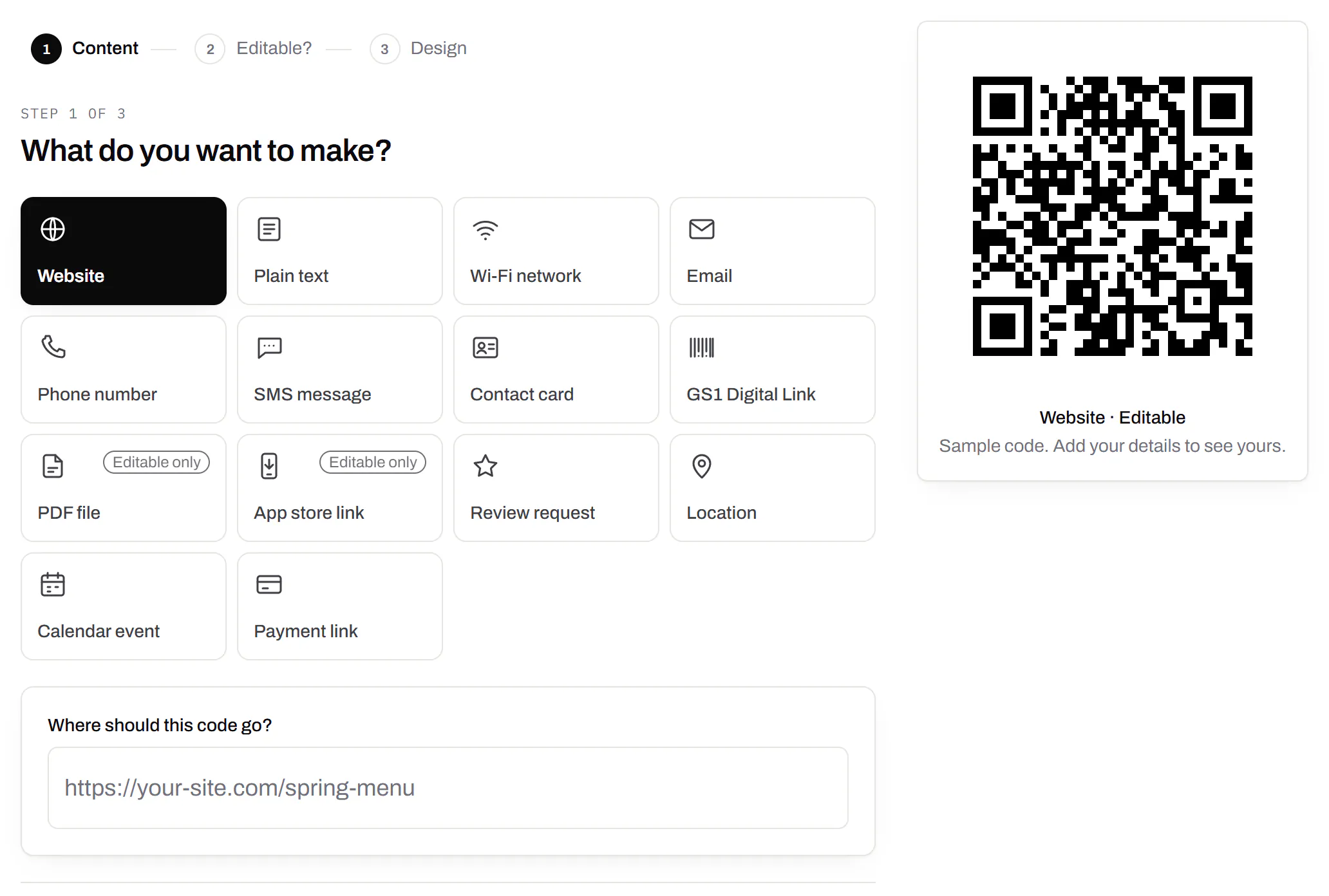
PDF codes you can update
Upload a PDF, print the code, swap the file later.Every plan, Free included
We host the file and the code opens it. Upload a new version and the same printed code opens that one, with the old file kept in its history in case you need it back.
Every plan, Free included
PDF to QR code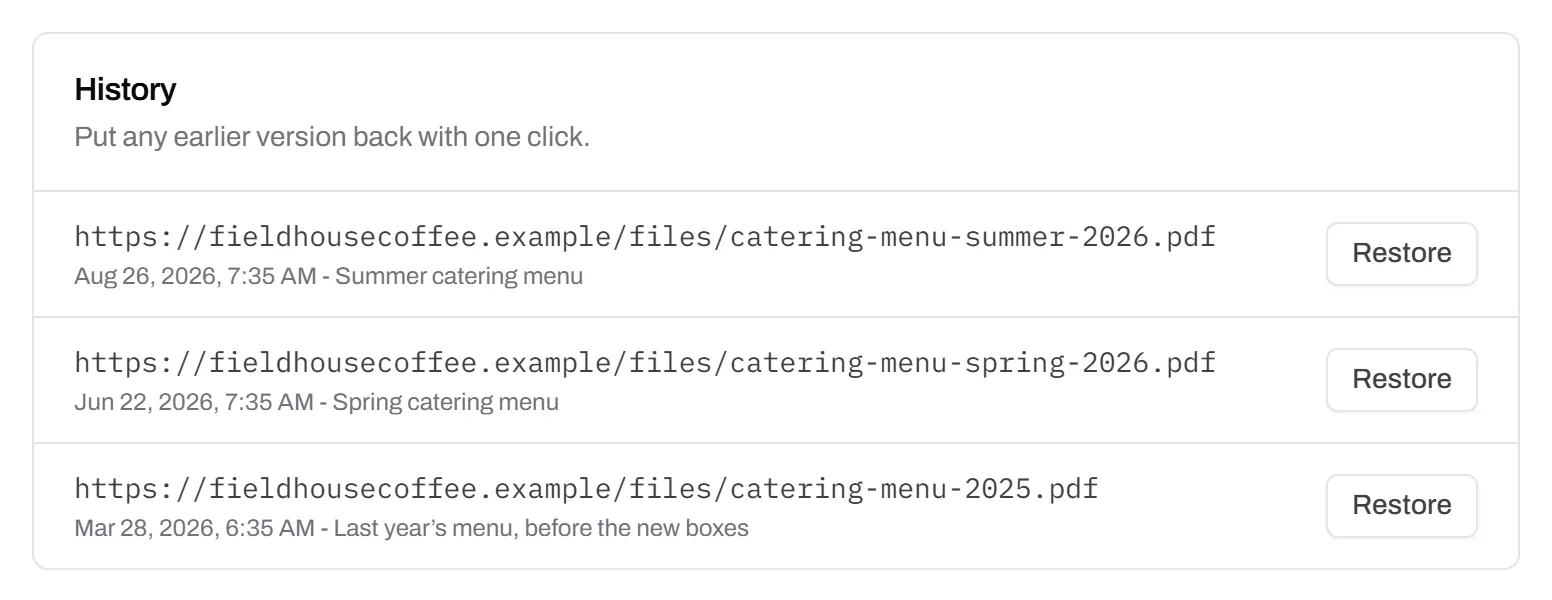
Your logo in the middle
Upload any image; we size it so the code still scans.Every plan, Free included
PNG, JPEG, WebP or GIF, up to 15 MB - we shrink it ourselves, so nobody has to compress a file first. Error correction goes up to make room, and the logo is never allowed to cover more of the pattern than the code can lose.
Every plan, Free included

Print-ready downloads
PNG and SVG on every plan, and a PDF for the printer.PNG and SVG on every plan · PDF on Starter and up
PNG for screens and quick jobs, SVG for anything that gets scaled, and a print-ready PDF on Starter and up.
PNG and SVG on every plan · PDF on Starter and up

Folders and tags
Keep one location’s or one campaign’s codes together.Starter and up
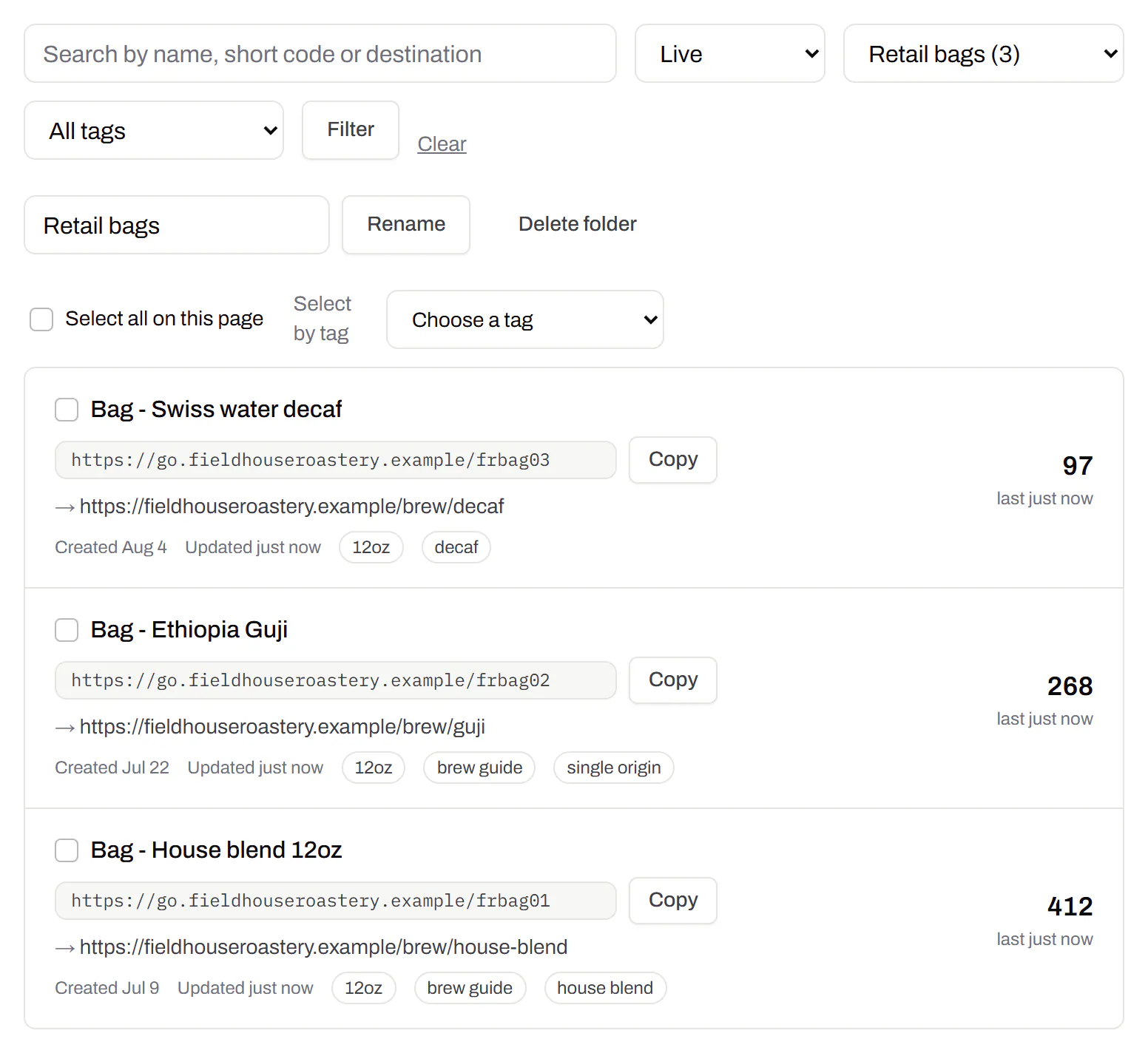
Put codes in a folder per shop, listing or campaign and filter the list by it. Deleting a folder never deletes a code - they move to No folder, and you can undo it.
Starter and up
Campaign presets
Saved UTM parameters, so printed scans are not “direct”.Starter and up
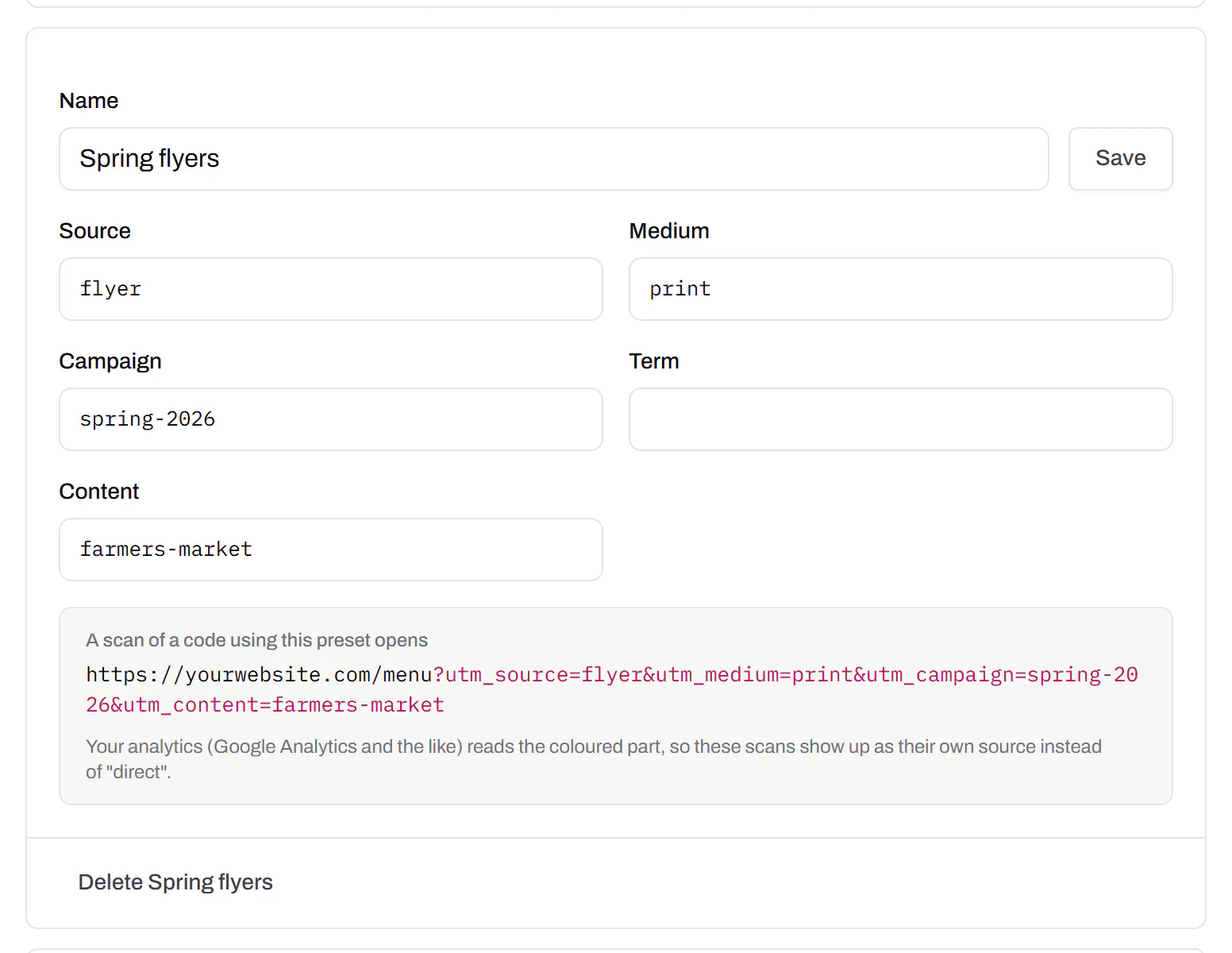
A printed code arrives in your web analytics as direct traffic. A preset fills in source, medium and campaign in one click, so the flyer and the table tent show up as themselves.
Starter and up
City-level scan locations
Which towns the scans came from, not only which countries.Pro and Business
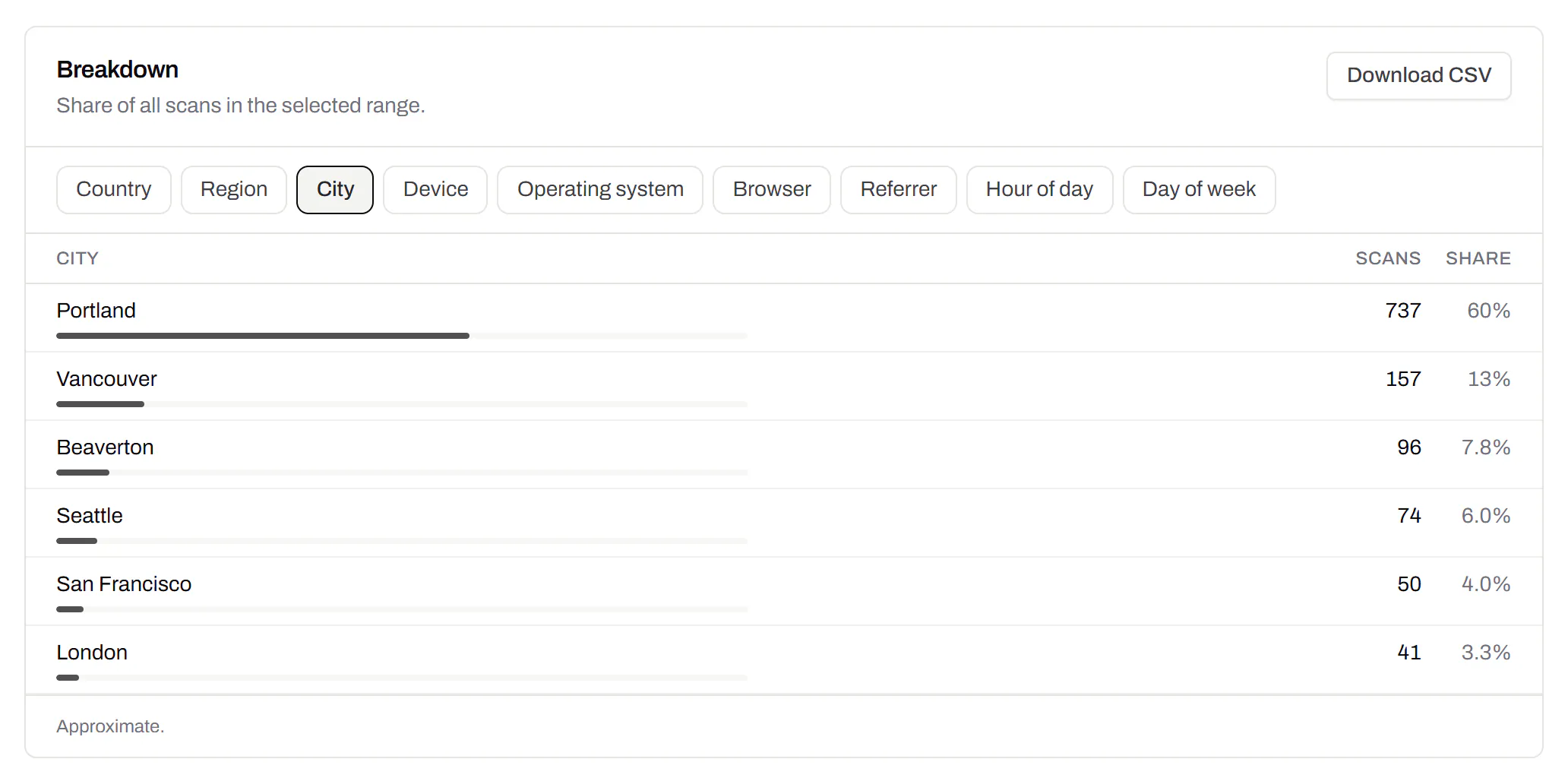
Scans by city and region for each code, and towns on the live map. Coarse on purpose: the place the phone’s network reports, never a street or a precise position.
Pro and Business
CSV export
Daily scans per code, in a spreadsheet.Pro and Business
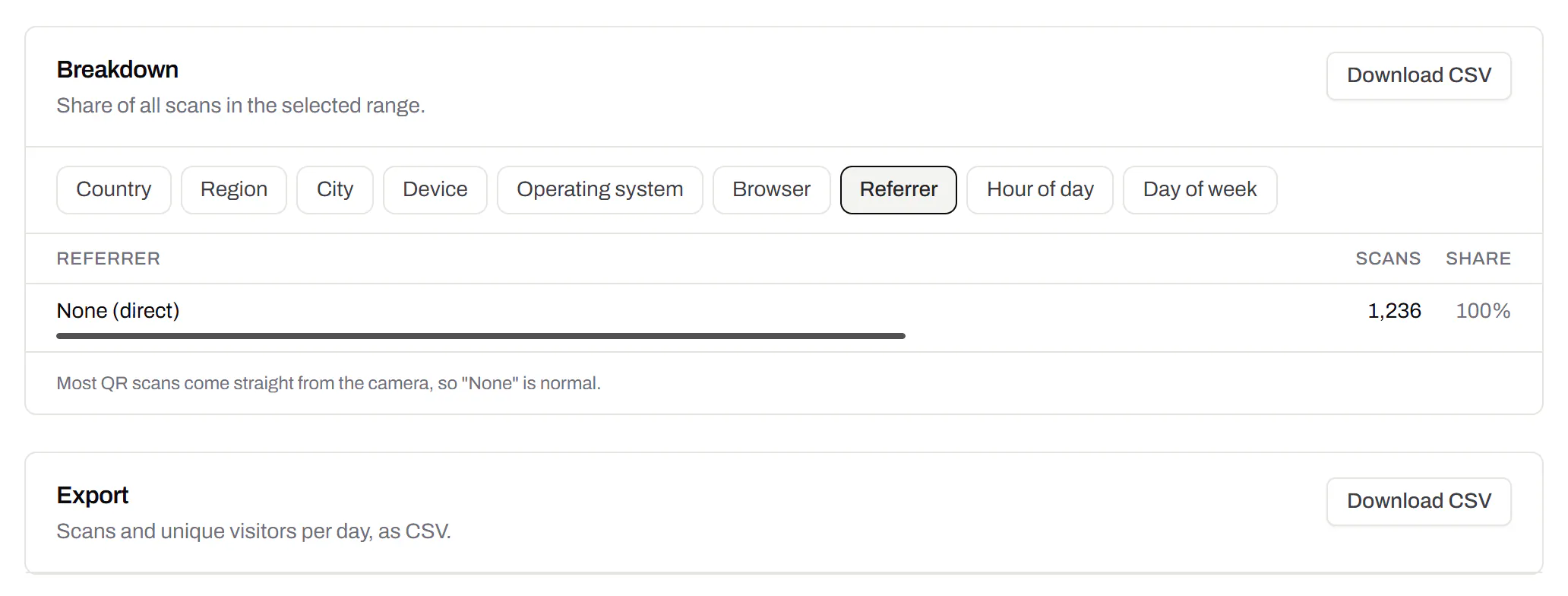
Download scans and unique visitors by day for one code or all of them - with each code’s name and short link - as CSV for your own reports, or for whoever asked how the campaign did.
Pro and Business
Webhooks
Your server hears about every scan and every change.Business
Pick the events - a scan, a code made or changed, a form answered, a QR Menu edited - and give us an address. Each one arrives as a signed POST, retried if your server is down, and every delivery is listed with the response it got.
Business
The API and webhooks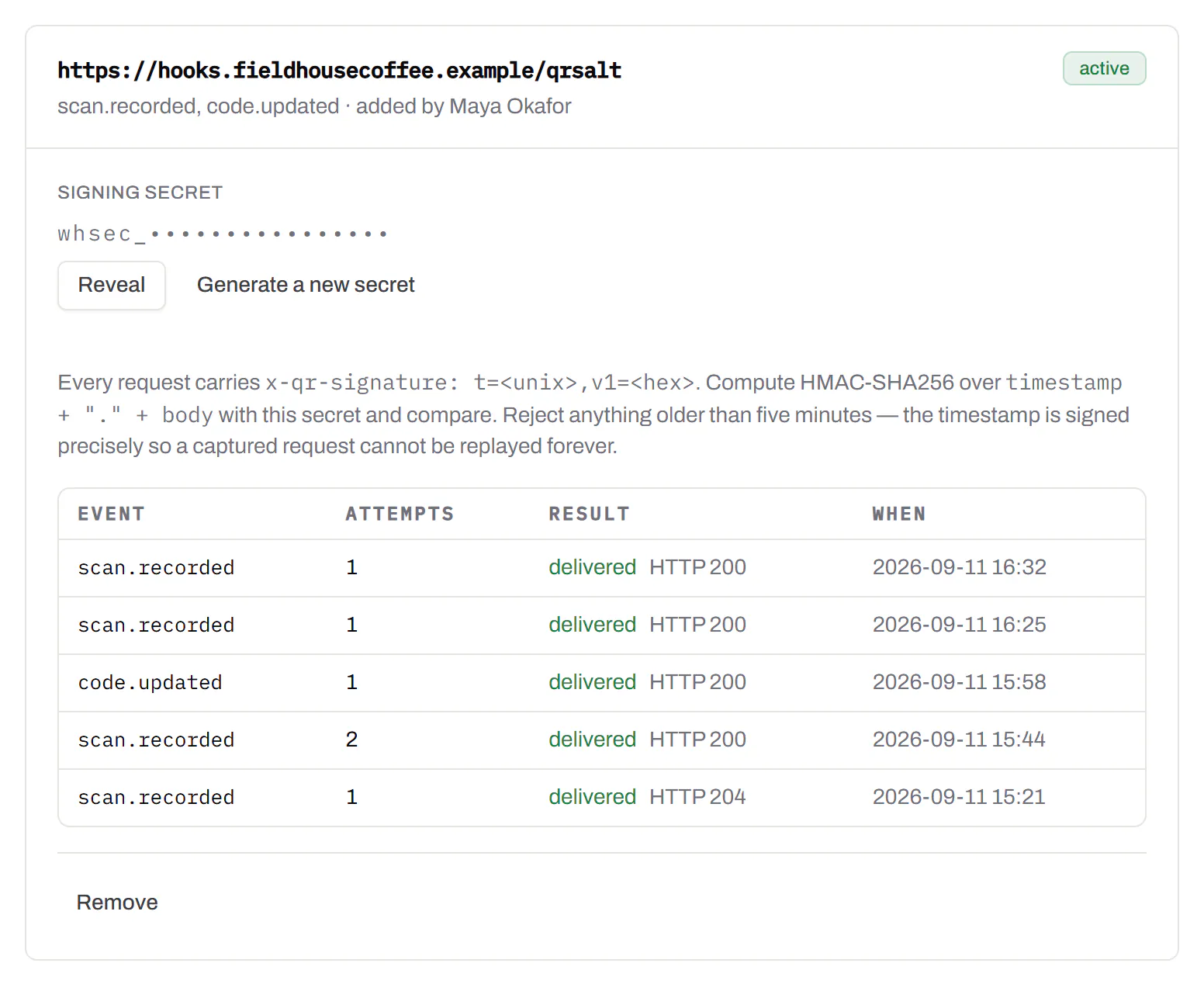
An API for your own software
Make codes, re-point them and render files from your own code.Pro and Business
A REST API for dynamic codes and short links: make them, change where they go, render SVG, PNG or PDF, add your own domains, and change hundreds of codes in one request. No-code tools like Zapier, Make and n8n call it with a plain HTTP step. Every request carries your key, and a key only ever touches its own workspace.
Pro and Business
Every endpoint, with a playground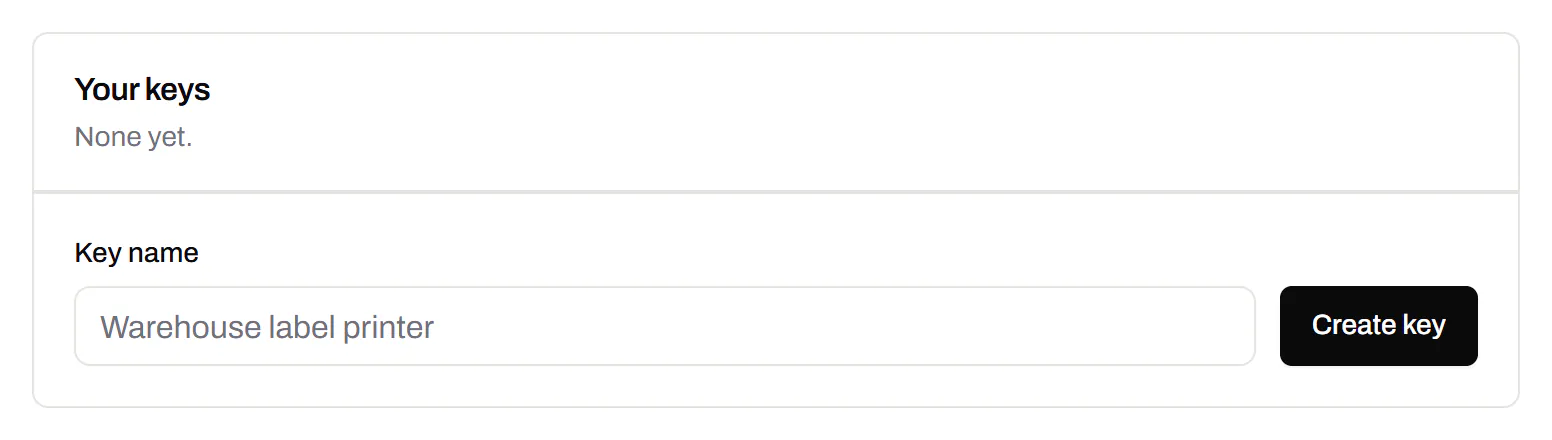
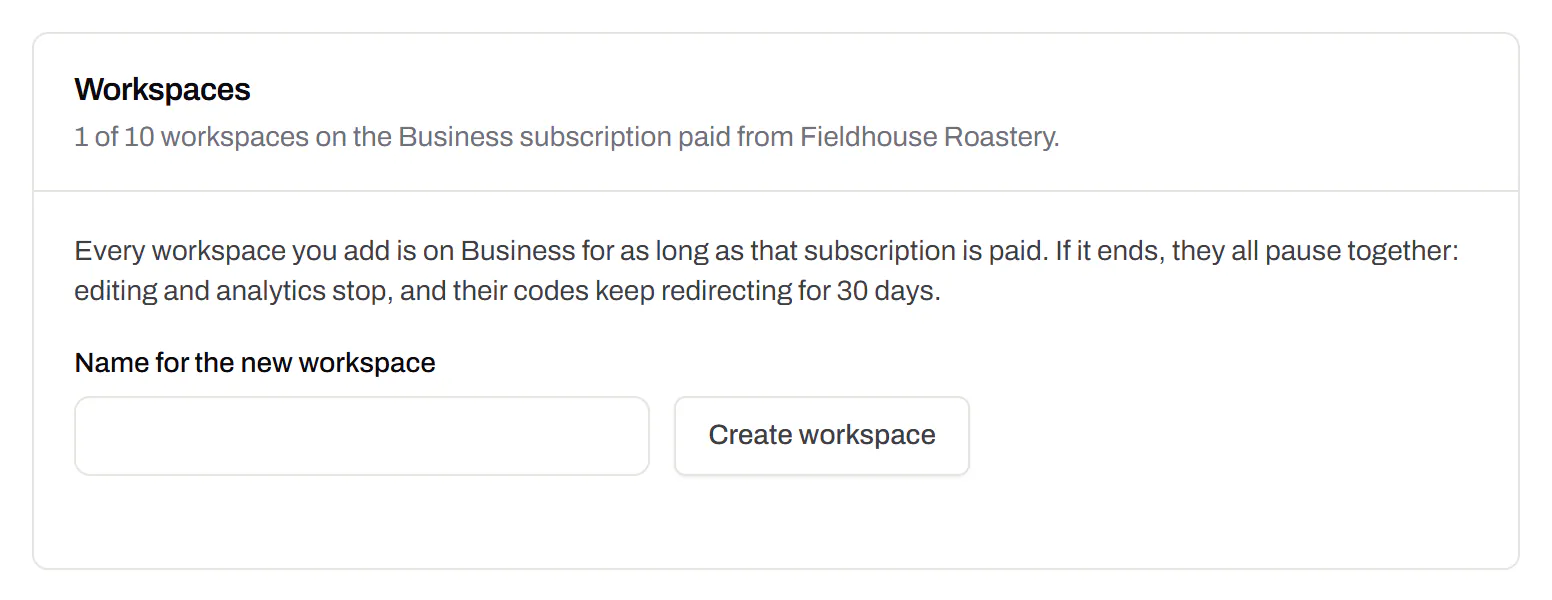
Separate workspaces
One subscription, a workspace per brand or client.Business
Each workspace has its own codes, team and analytics, so a client never sees another client’s. Up to 10 under one subscription.
Business
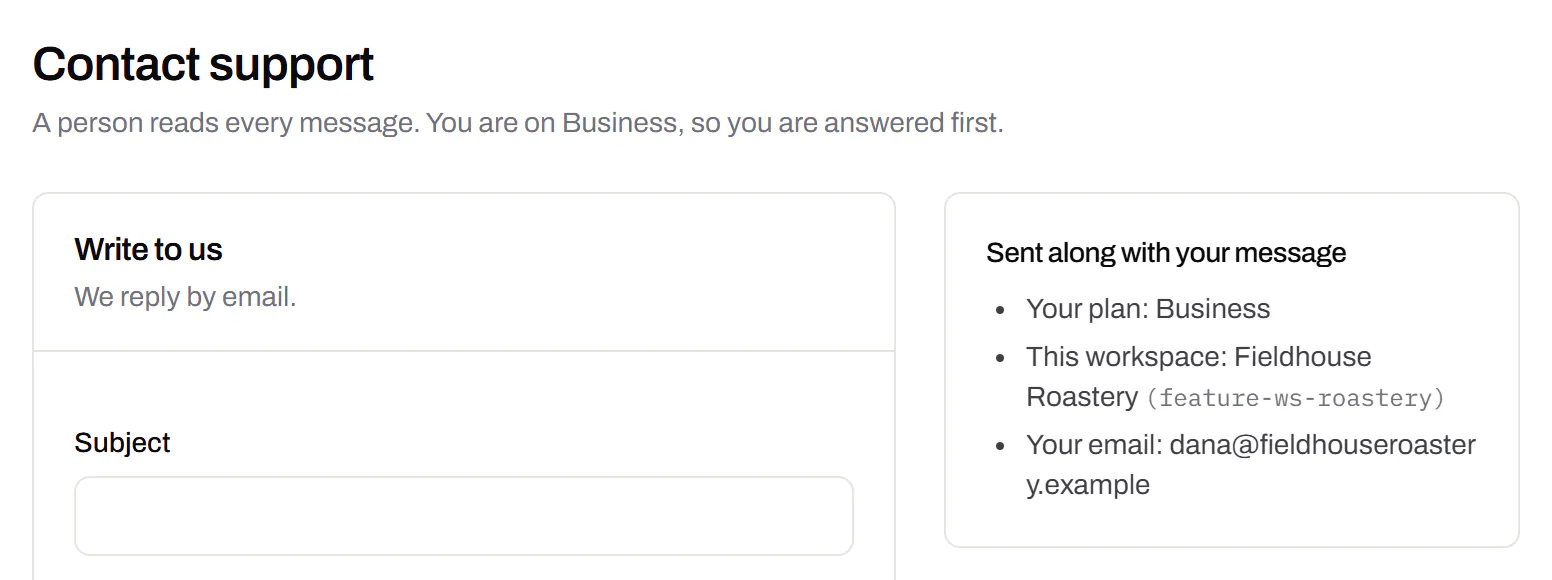
Priority email support
Paid plans’ emails are answered first.Starter and up
A person reads every message. On a paid plan yours is answered before free accounts’ - an order we keep, not a promised hour. Your plan and workspace go along with it, so nobody has to ask which account is yours.
Starter and up
Your data, to take or delete
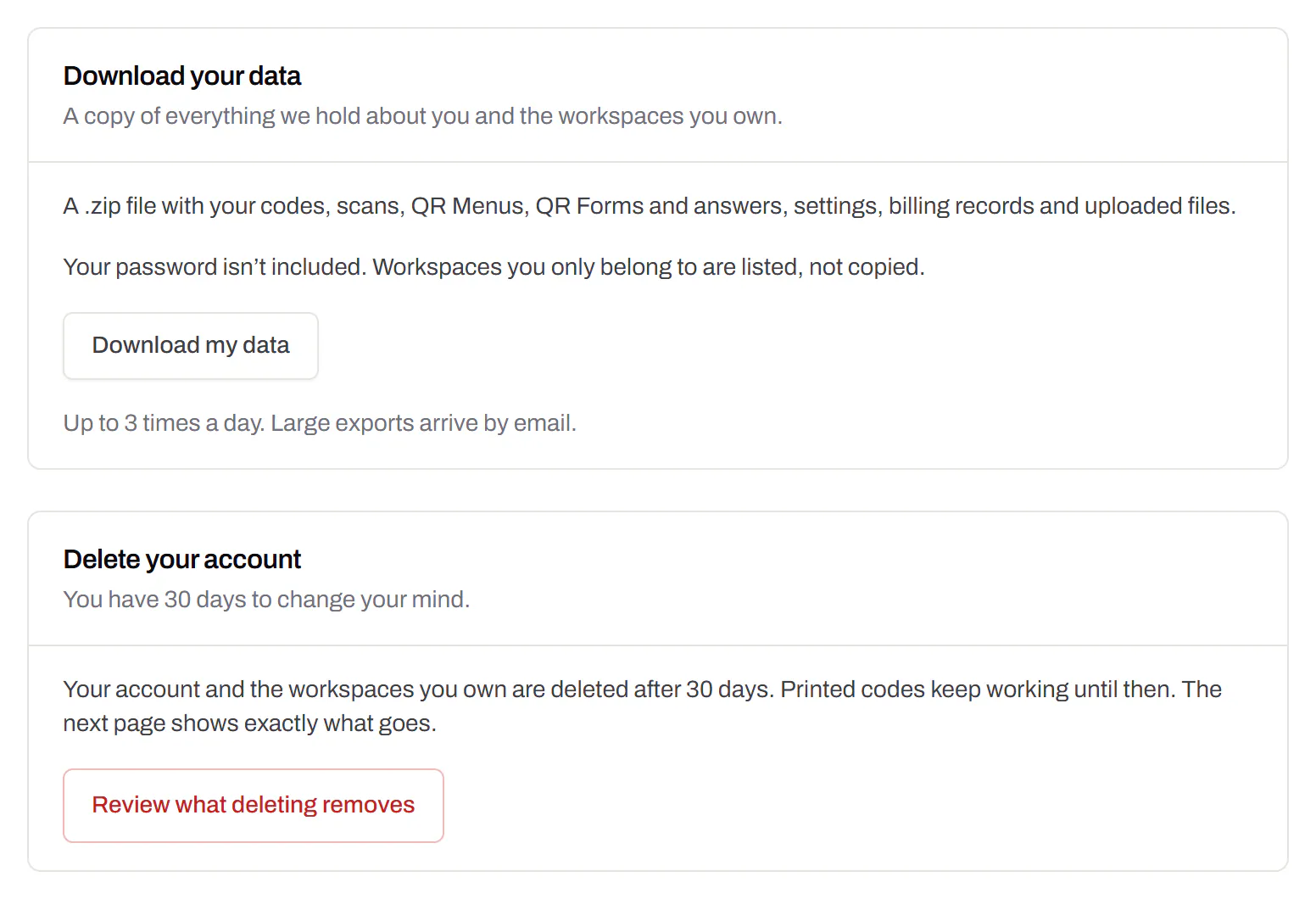
A full export any time, and deletion you can take back.Every plan, Free included
Download everything - codes, history, scans, form answers and the files you uploaded - as one .zip with spreadsheets inside. Deleting the account gives you 30 days to change your mind, and your printed codes keep working until then.
Every plan, Free included