Google review link
The link that opens the review box on your Google listing. Paste your Maps link above and it is on your clipboard in a second, ready for a text message, a receipt email or a button on your own site.
Open your business on Google Maps and use Share to copy its link, or paste the link you copied from your Business Profile.
Your review link
Paste something from Google above and the link appears here.
Open it in a browser you are not signed in to Google on. That is what your customer sees, and a sign-in wall is the difference between a link that collects reviews and one that does not.
On this page
A link goes where a printed code cannot
A code works when somebody is standing in front of it with a free hand. A link works in the places the conversation actually ends: the thank-you message after a job, the sign-off on an invoice email, the last line of a chat. Most businesses want the same destination in both, and the awkward part is the same either way — the link is long, undocumented, and impossible to type from memory.
Paste it wherever you already write
Once it is on the clipboard it goes into an email signature, an SMS template, an invoice footer or a booking confirmation, and none of those needs a camera pointed at anything.
See what the customer sees
Signed in as the owner you get the manager view of your own listing, which is not the screen a customer lands on. Opening the link in a browser with no Google account is the only test that means anything.
Keep the link when the wording changes
Put the review link behind a short link of your own and the message, the email template and the invoice footer all carry one address. Rewrite the ask as often as you like; the address in it stays.
How to get your Google review link
Google puts this behind the reviews half of your Business Profile, and only on a computer. These are its steps, in its own words, plus the test at the end that Google does not mention and everybody needs.
Sign in as the account that manages the business
The review link lives inside the Business Profile, so you need the Google Account that owns or manages the listing. A personal account that merely found the business on Maps does not see any of this.
Open your Business Profile
Search for your own business name on Google, or open it on Maps, while signed in to that account. The profile’s own controls appear above the public listing.
Choose “Read reviews”, then “Get more reviews”
Google’s help calls these two in that order. The panel that opens is the one holding the review link and the QR code image; Google notes that the QR code can only be generated in a computer browser, not on a phone.
Select “Copy”
That puts the review link on your clipboard. The same panel offers to send a review request by email, by WhatsApp message or as a Facebook post, if one of those is where you talk to customers.
Open it in a browser you are not signed in on
Paste it into the builder above to see the address plainly, then use “Open it” in a private window. You are looking for the review box with the stars, not your listing and not a sign-in wall.
If you cannot get into the Business Profile
Plenty of owners never had the account, or inherited a listing somebody else claimed. There is a second route, and it stops one tap short.
Open your business on Google Maps as anybody would, use Share, and copy the link it gives you. Paste that into the field above and you have an address that opens your listing on Maps, where the customer taps Write a review themselves. It is one tap more than the link from the profile, and it needs no access to anything.
The builder above says which of the two you have pasted, because the difference is invisible in a long URL and very visible in how many reviews arrive. If the listing itself is wrong — closed, duplicated, or claimed by a previous owner — the link is not the problem to solve first, and Google’s own help on claiming a profile is the place to start.
Why you copy this link rather than write one
Google has never published the format of a review link, and it has retired the pieces people used to assemble them from. Anything you type from a template is a guess about somebody else’s URL scheme.
The shapes have changed and one is gone
Google’s old goo.gl shortener was retired for everything except its Maps links. A recipe that worked in a blog post two years ago can now point at nothing at all.
One wrong character is a silent failure
A review link that resolves to the wrong listing still opens a review box, so nothing looks broken. The reviews simply land on a business that is not yours, and nobody writes to tell you.
A link that reads as Google need not be Google
An address can put a hostname before an @ and end up somewhere else entirely, while looking right to anyone who stops reading at the first dot. The builder above rebuilds the address from the parts it recognised on Google’s own hostnames and refuses anything with credentials or a port in it, so what you copy is what you checked.
None of this is a reason to avoid the link. It is the reason to take the one Google hands you, look at it once, and then never retype it.
What Google allows you to say when you send it
Google’s Maps content policy is written at merchants as well as reviewers, and the four lines below are the ones that catch businesses out. They are worth reading before you write a template you will send a thousand times.
Nothing in exchange
A discount, a free coffee or an entry into a draw makes the review incentivised, which the policy puts under fake engagement. That holds for asking somebody to change or take down a review too.
Ask everyone, not the pleased ones
The policy names selectively soliciting positive reviews, and discouraging negative ones, as things a merchant may not do. One template, sent to every customer, is the simplest way to stay clear of it.
Not while they are standing there
Google says merchants should not require or pressure people into leaving a review while on the premises. A link in a message that arrives later asks nothing of somebody who is still in the room.
Do not script the review
Asking for particular content — a keyword, a staff name, a five-star rating — is called out in the same policy. Ask for the review and leave what it says to the customer.
The wording offered beside the link above is written to all four: it thanks the customer, names no reward, asks for no particular star count, and arrives after the visit rather than during it. Send it as it is, or write your own to the same shape.
Putting the review link behind an address of your own
A review link is unreadable, which matters more in a message than on a sticker: people decide whether to tap it by reading it. A short link of yours fixes the reading and tells you how many tapped.
Point one of your short links at the review link and send that instead. It counts every tap by day — Free keeps 90 days of that history and 3 of these links, with no card — and you can change where it goes later without editing a single template. Short links with no code attached are the same thing here as a dynamic code, so the count is the same count.
If the address itself is doing the persuading, put it on a hostname customers recognise, like go.yourshop.com, which comes with Starter and up. Read the taps beside the reviews that arrived and you know whether the ask or the review page is where people stop.
The one thing a short link is not is a second destination. It points at Google’s review page and nowhere else; a link that collects the review itself, or shows the customer a page of your own first, is the gated ask the policy above rules out.
The review link, answered
How do I get my Google review link?
In your Business Profile, choose “Read reviews” and then “Get more reviews”, and select Copy. Google offers the QR code image in the same panel, and only on a computer browser. The five steps above walk through it, and the builder above shows plainly what it is you have copied.
How do I get a Google review link without access to the Business Profile?
Open the business on Google Maps, use Share, and copy that link. It opens your listing rather than the review box, so the customer taps Write a review, but it needs no sign-in and it is a real link you can send today.
Why does my link open my listing instead of the review box?
Because it is a link to the profile or to Maps rather than the review link from the reviews panel. Paste it into the field above and it says which of the two you have. The profile link is not broken; it is one tap longer, and the drop-off happens at that tap.
What does a Google review link look like?
Google does not publish the format, and it has changed the pieces people used to build them from, so there is no shape to check yours against. Judge it by what it opens rather than by how it reads: in a browser with no Google account signed in, you should see the review box with the stars.
Is it against Google’s rules to ask customers for a review?
Asking is allowed. Google’s content policy rules out offering anything in exchange, asking only the customers you expect to be positive, pressuring people while they are on your premises, and asking for particular content in the review.
Can I shorten the Google review link and count the clicks?
Yes. Point a short link at it and send the short one instead: Free holds 90 days of the taps, and the destination can be changed later without rewriting a single message that carries it.
Should I send a link or print a QR code?
Send the link where you already have the customer’s attention in writing, and print the code where you have them in person. Both point at the same review page, and the code has its own page here because printing brings its own problem: you cannot reprint a receipt roll.
Printing the ask on receipts, table cards or a counter sign instead? That is a QR code for reviews, which also builds the link for Trustpilot, Yelp and Facebook. For the short link itself, and what it counts, see the URL shortener.
Check it at the source
- Google: create a link or QR code to request reviews. The “Read reviews” and “Get more reviews” steps, and Copy, in Google’s words
- Google Maps content policy. What a merchant may and may not do when asking: incentives, selective asking, pressure on the premises
- Google Business Profile: get more reviews. Google’s own advice on where to put the link, and its line on incentives
Last reviewed , against the product as it works today.
The link is free; counting it is what an account adds
Building and copying the review link above costs nothing and needs no account. Free adds 3 short links you can re-point and read taps on, and paid plans start at $12 a month for your own hostname on them.
Free
Free
Unlimited static codes. Three editable ones that never expire.
- Unlimited static QR codes, forever
- 3 editable items in total — dynamic QR codes, QR Menus and QR Forms share them
- Dynamic codes never expire, and each comes with a short link
- Short links on their own, no QR code needed
3dynamic codes
Starter
$12/mo
For one business with codes out in the world.
- 5 QR Menus
- QR Forms
- GS1 Digital Links we host, so a printed pack can be re-pointed
- Advanced tracking and analytics
100dynamic codes
Pro
Most chosen$39/mo
For agencies and teams running codes at scale.
- 50 QR Menus
- Unlimited analytics history
- 10 custom domains
- API access
600dynamic codes
Business
$99/mo
For organisations running codes across many brands.
- 400 QR Menus
- 50 custom domains
- Up to 25 team members and team management
- Up to 10 workspaces
2,000dynamic codes
Unlimited scans on every plan. Cancel online in two clicks. Compare every plan and feature
The rest of the toolbox
Open a row to see the screen and which plan has it.
Custom domains
Short links on your own domain, chosen code by code.Starter and up
Codes open go.yourbrand.com/menu rather than a link with our name in it, so the address under the code is yours. You add two DNS records and we check them. Then pick the domain for each code as you make it, or move a whole list of codes onto it at once.
Starter and up
QR codes on your own domain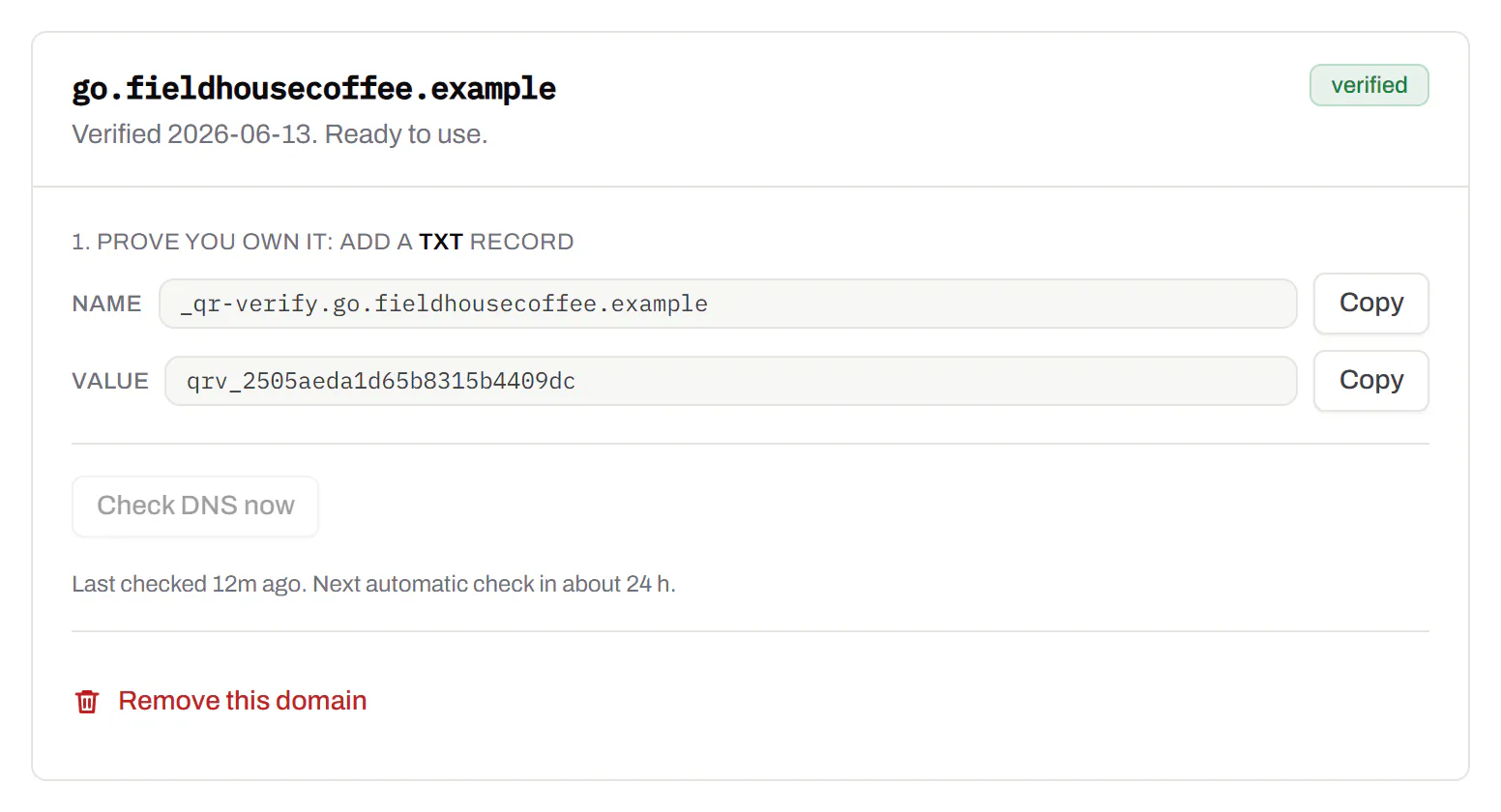
Bulk QR code generator
A spreadsheet in, one dynamic code per row out.Starter and up
Paste or upload a list of names and links, match the columns, and get a dynamic code for every row - one per table, stall, badge or product - each with its own scans and destination.
Starter and up
The bulk generator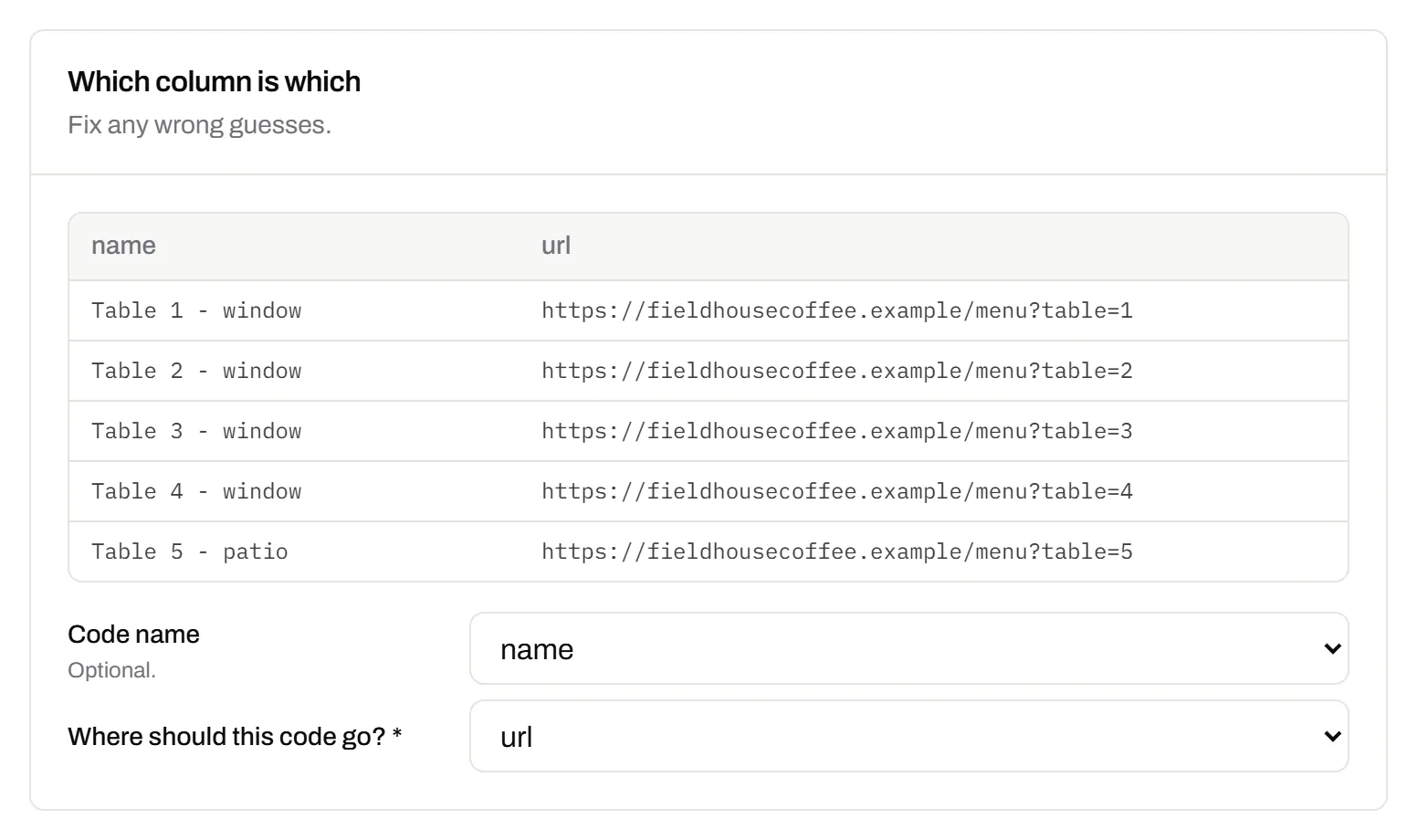
Change many codes at once
Tick the codes, then pause, tag, file or move them together.Pause and resume on every plan · folders and tags on Starter and up
Tick codes in the list, or pick every code with a tag, and pause or resume them, add or remove tags, move them to a folder or onto your own domain, or add campaign tags, in one go. The API does the same in one request.
Pause and resume on every plan · folders and tags on Starter and up
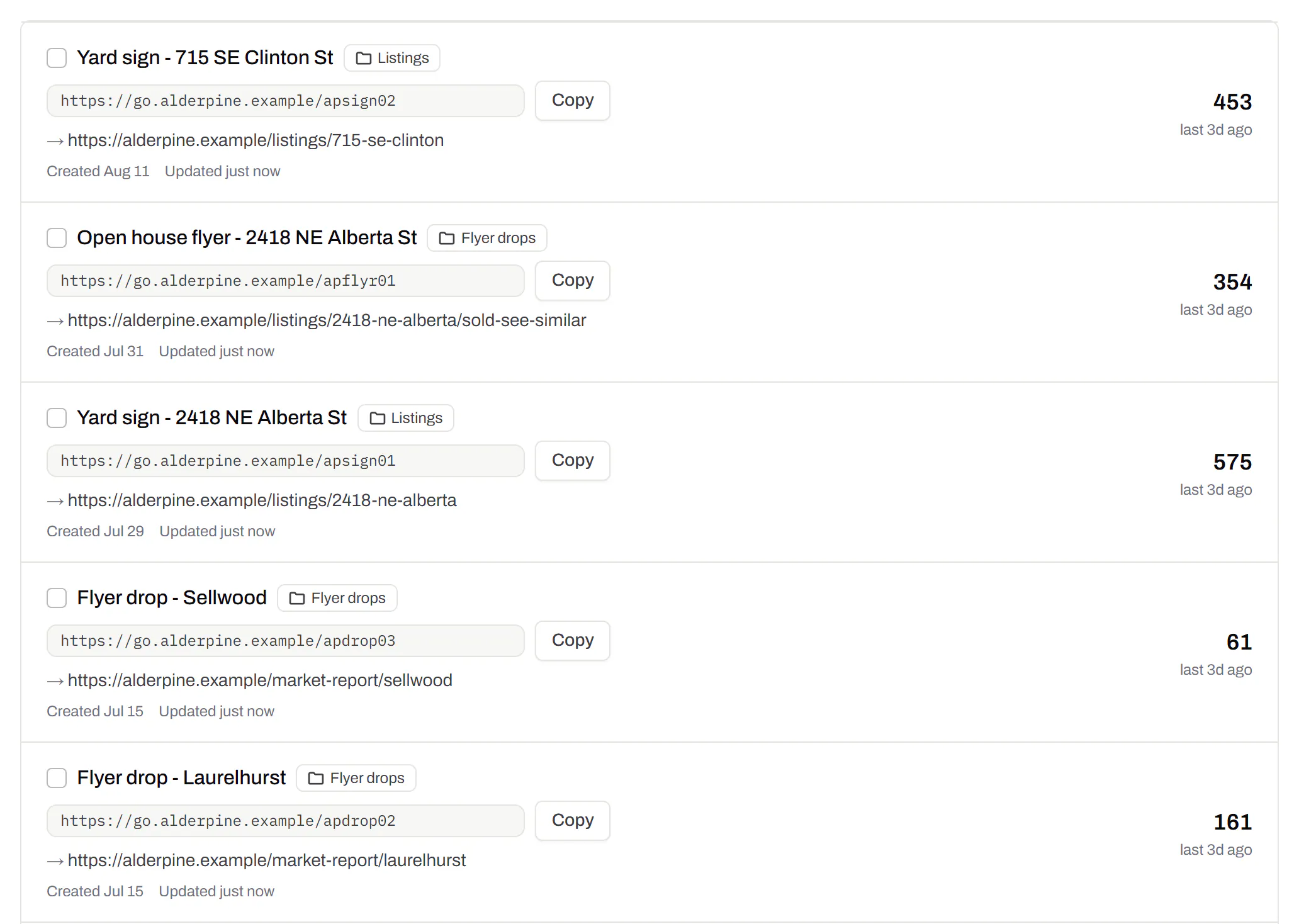
Short links, with your own ending
The link on its own, for a bio, an email or an ad.Every plan · custom endings on Business
Paste a link and get a short one you can change, route and count, with no QR code unless you want one. Every dynamic code already has its short link beside it, and a short link gets its QR code in one click - the same link, so clicks and scans count together. On Business you choose how the link ends, like /spring-menu, instead of random letters.
Every plan · custom endings on Business
The URL shortener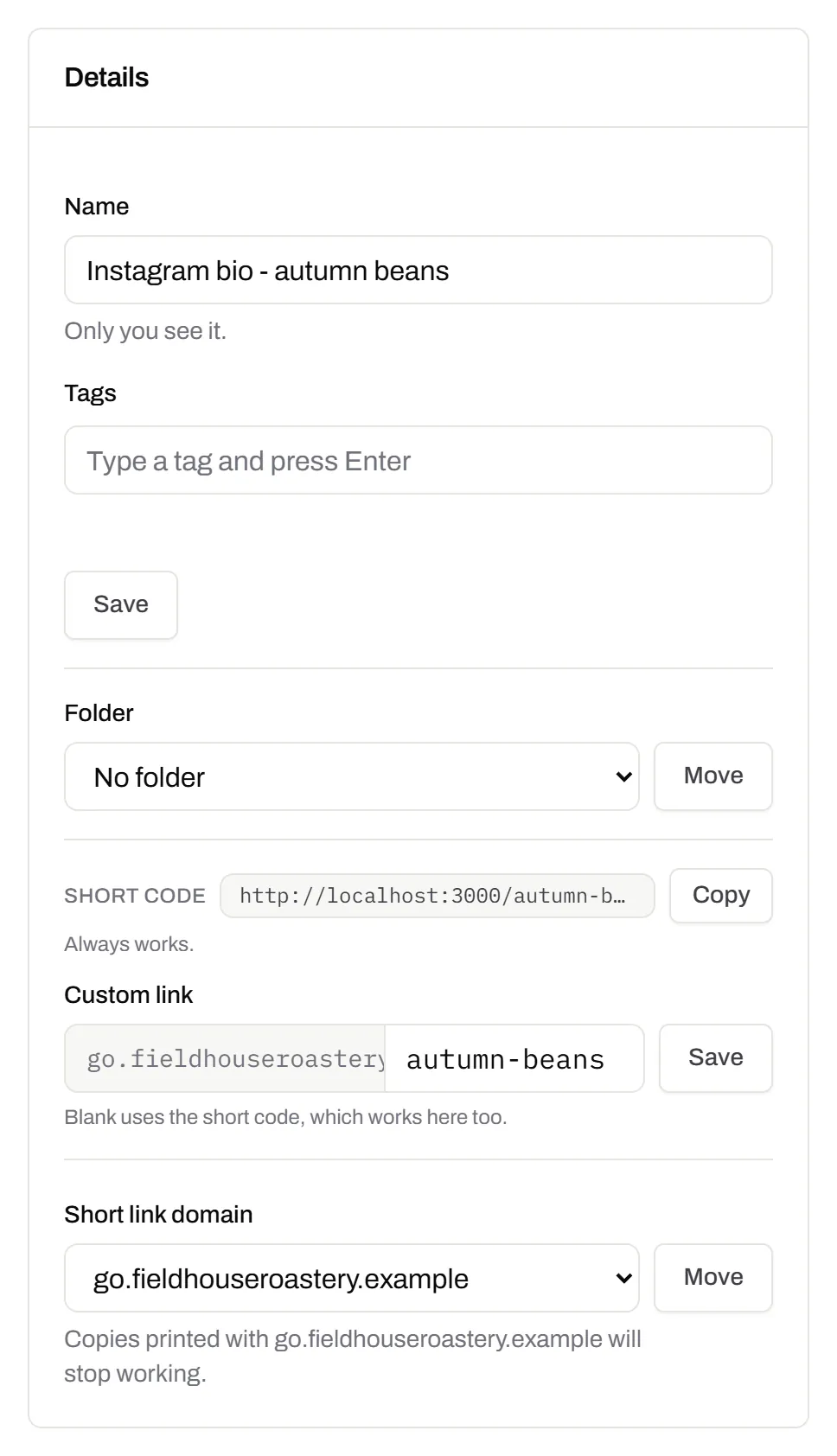
GS1 Digital Link for products
The retail code that carries your GTIN and still opens a web page.Every plan, Free included
Your domain and the GTIN from under the barcode, with batch, serial and dates if you want them, in the link format GS1 set for retail. A phone opens your page; the product data rides along in the address. The GTIN’s check digit is checked before anything is made.
Every plan, Free included
QR codes for packaging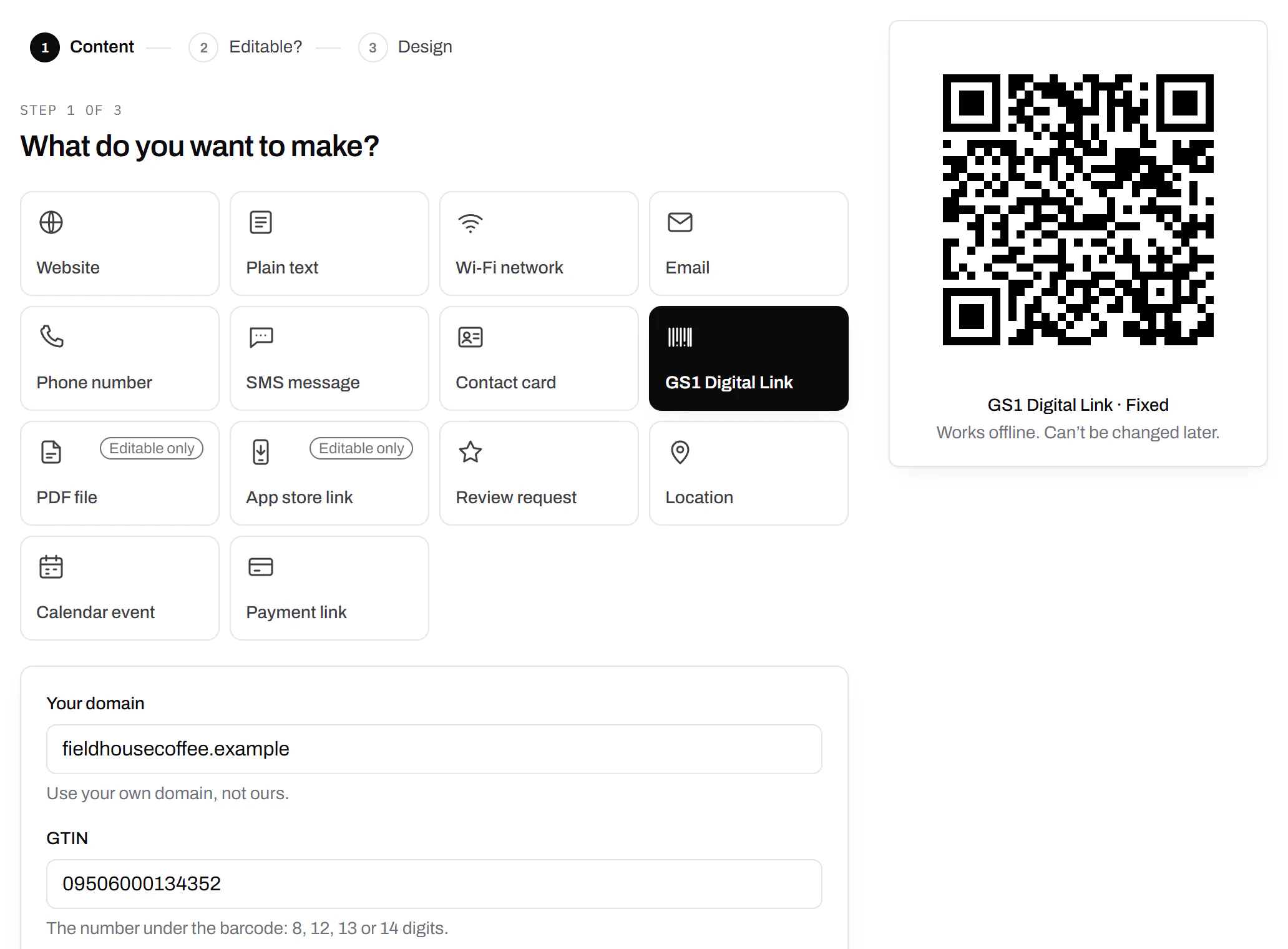
Wi-Fi, contact cards, email, phone and SMS
Networks, contacts, calendar dates and places, not only links.Every plan, Free included
A website, plain text, a Wi-Fi network, an email, a phone number, a text message, a contact card, a GS1 Digital Link, a PDF, a location, a calendar event and more. Most download free, with no account; the few marked “Editable only” need one.
Every plan, Free included
Contact card codes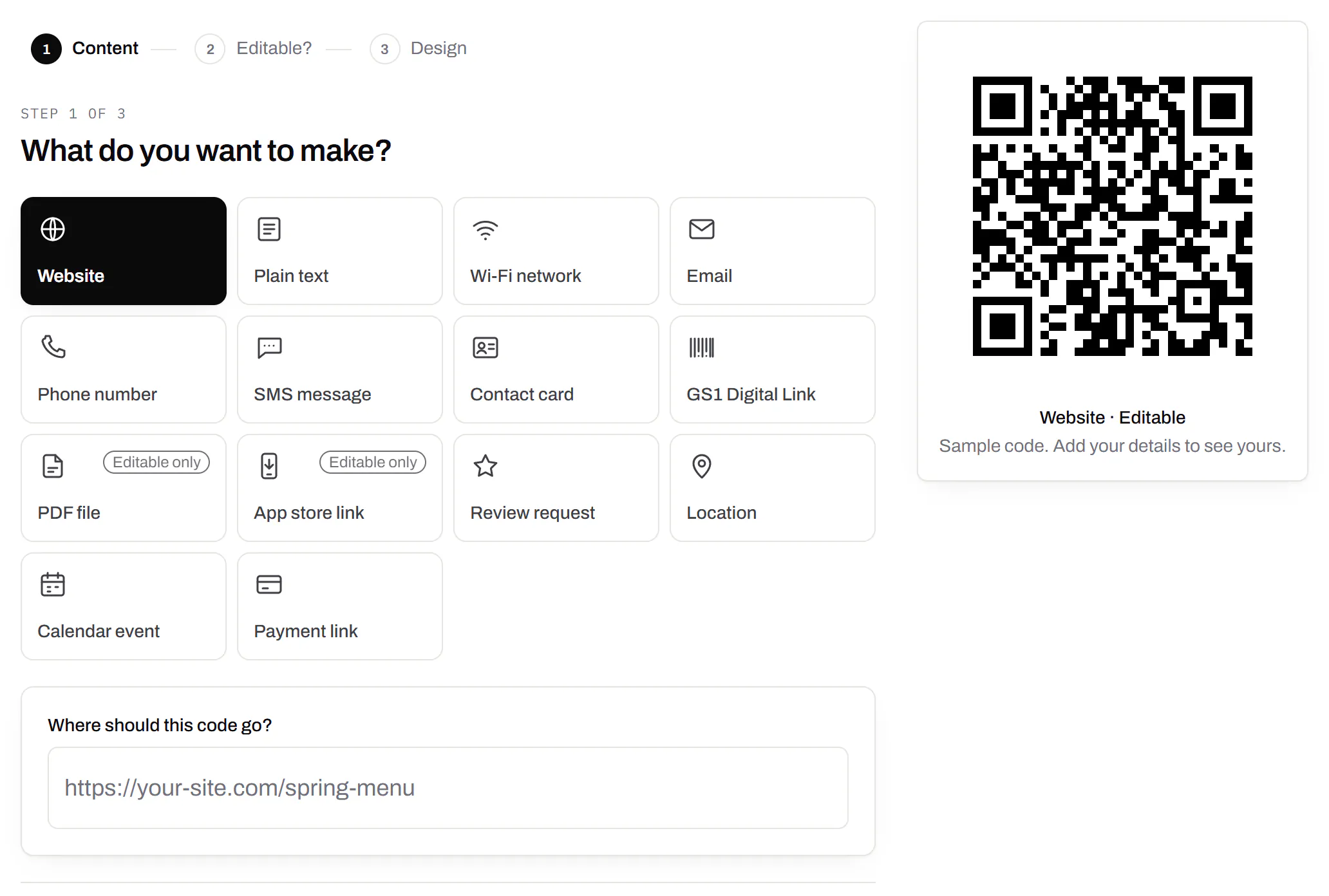
PDF codes you can update
Upload a PDF, print the code, swap the file later.Every plan, Free included
We host the file and the code opens it. Upload a new version and the same printed code opens that one, with the old file kept in its history in case you need it back.
Every plan, Free included
PDF to QR code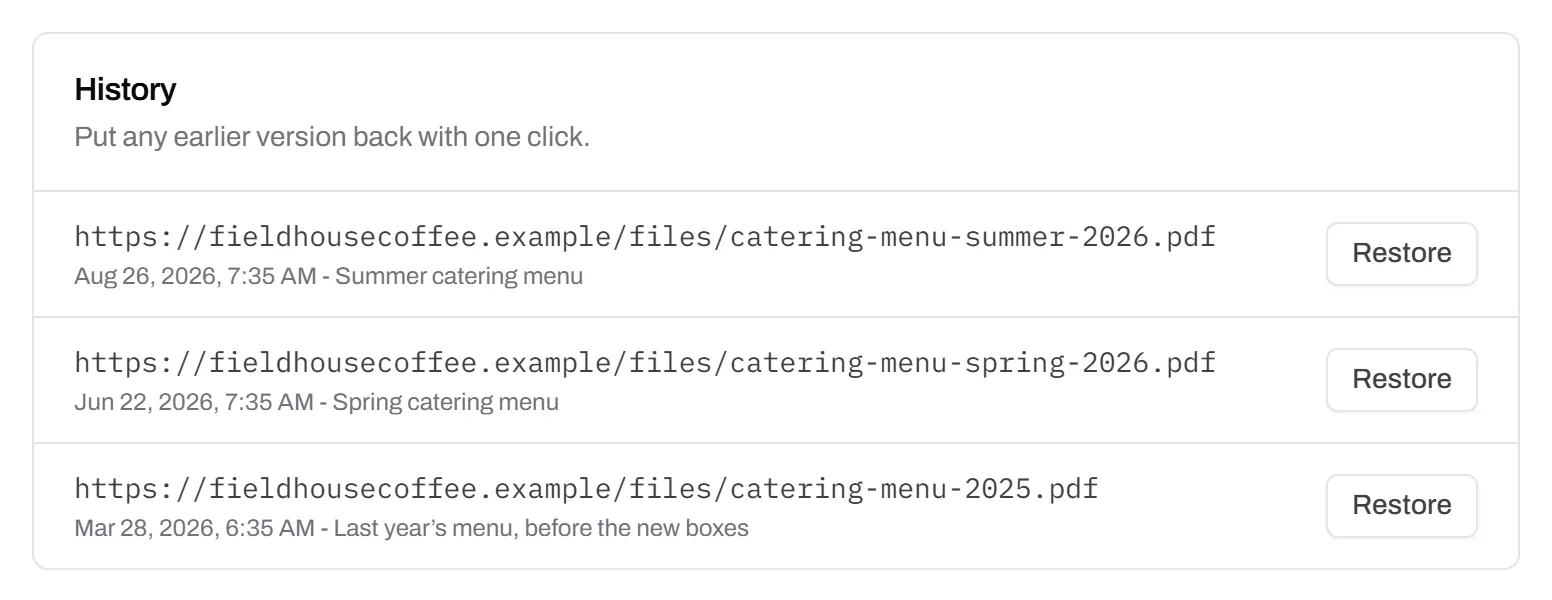
Your logo in the middle
Upload any image; we size it so the code still scans.Every plan, Free included
PNG, JPEG, WebP or GIF, up to 15 MB - we shrink it ourselves, so nobody has to compress a file first. Error correction goes up to make room, and the logo is never allowed to cover more of the pattern than the code can lose.
Every plan, Free included

Print-ready downloads
PNG and SVG on every plan, and a PDF for the printer.PNG and SVG on every plan · PDF on Starter and up
PNG for screens and quick jobs, SVG for anything that gets scaled, and a print-ready PDF on Starter and up.
PNG and SVG on every plan · PDF on Starter and up

Folders and tags
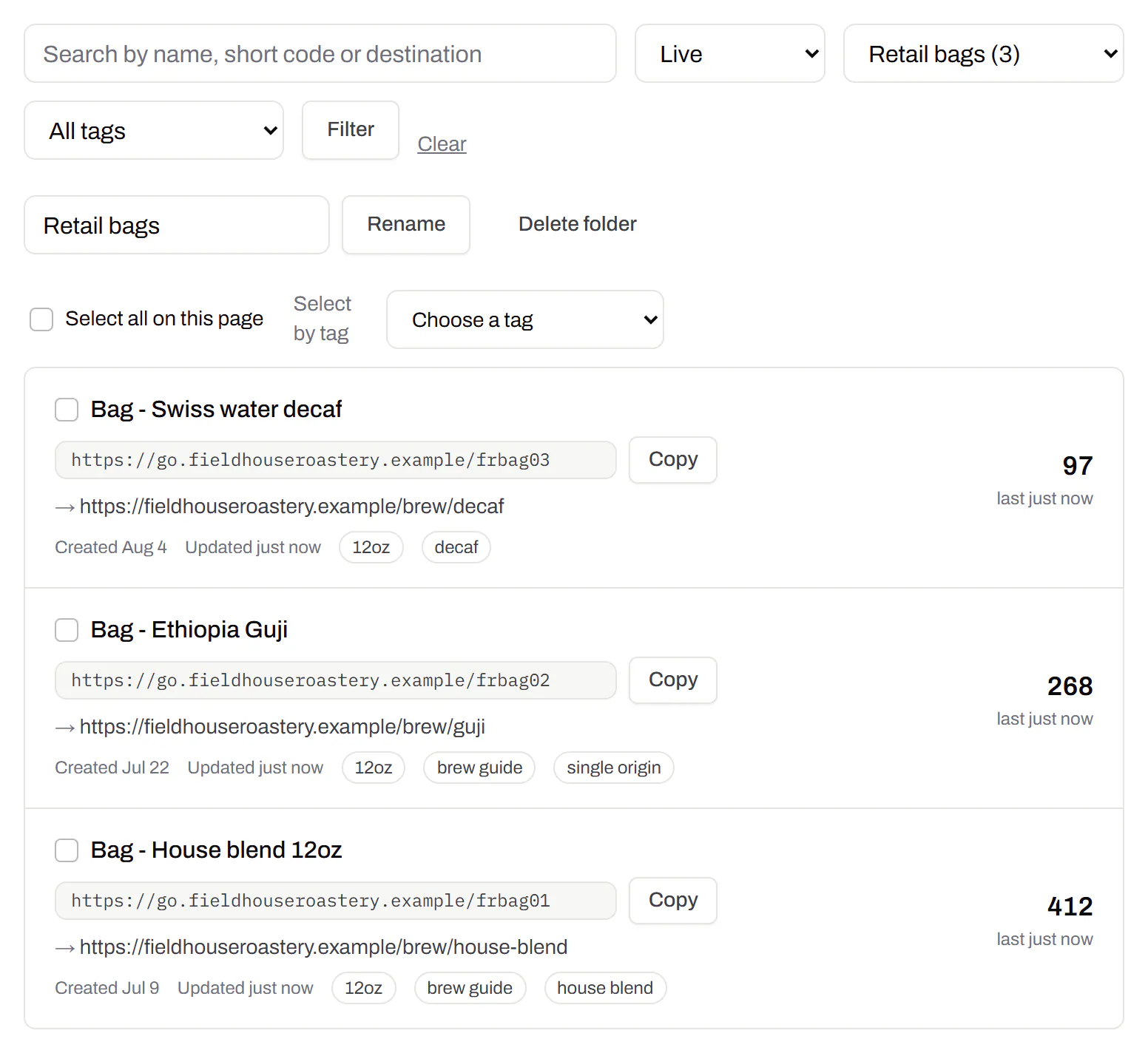
Keep one location’s or one campaign’s codes together.Starter and up
Put codes in a folder per shop, listing or campaign and filter the list by it. Deleting a folder never deletes a code - they move to No folder, and you can undo it.
Starter and up
Campaign presets
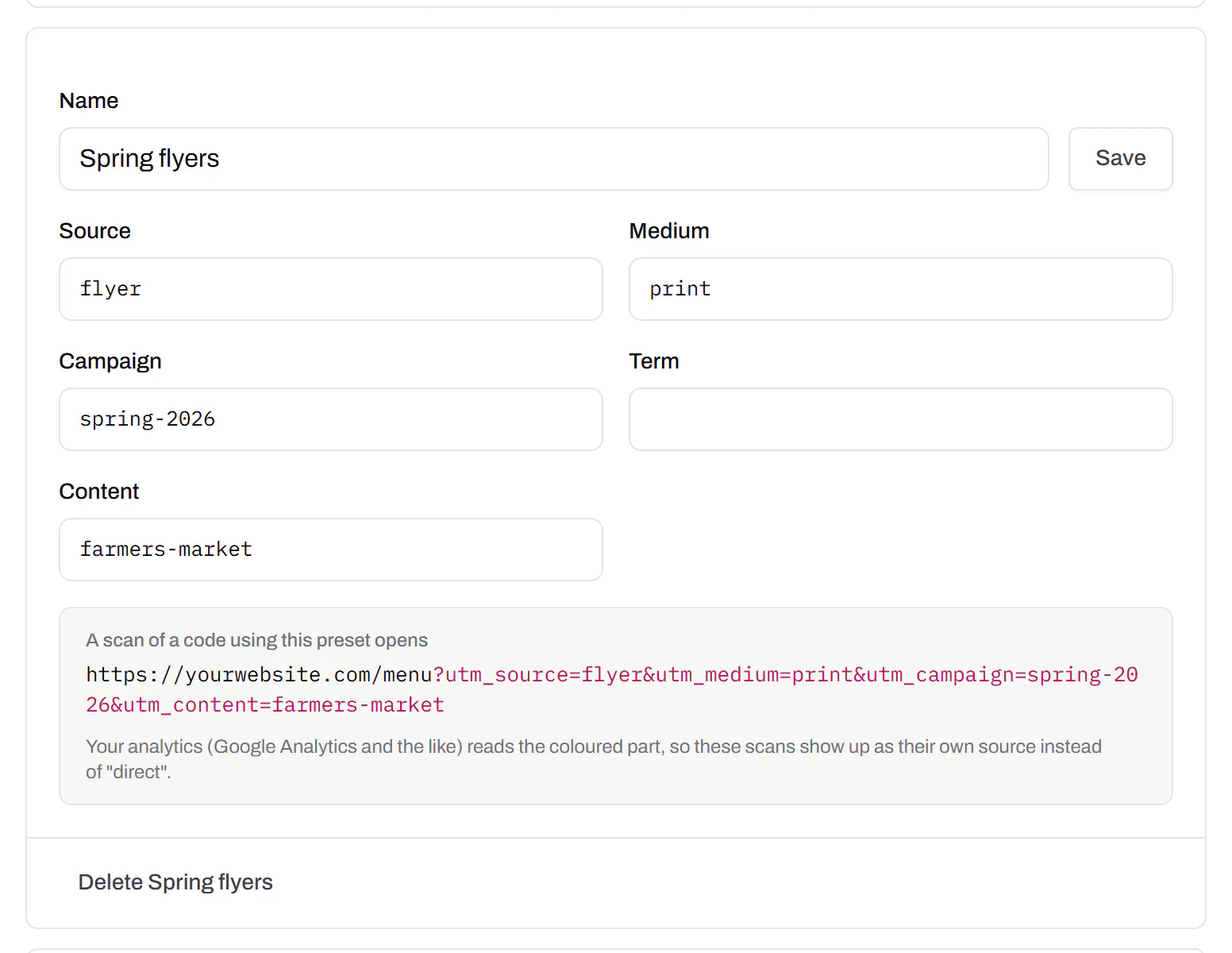
Saved UTM parameters, so printed scans are not “direct”.Starter and up
A printed code arrives in your web analytics as direct traffic. A preset fills in source, medium and campaign in one click, so the flyer and the table tent show up as themselves.
Starter and up
City-level scan locations
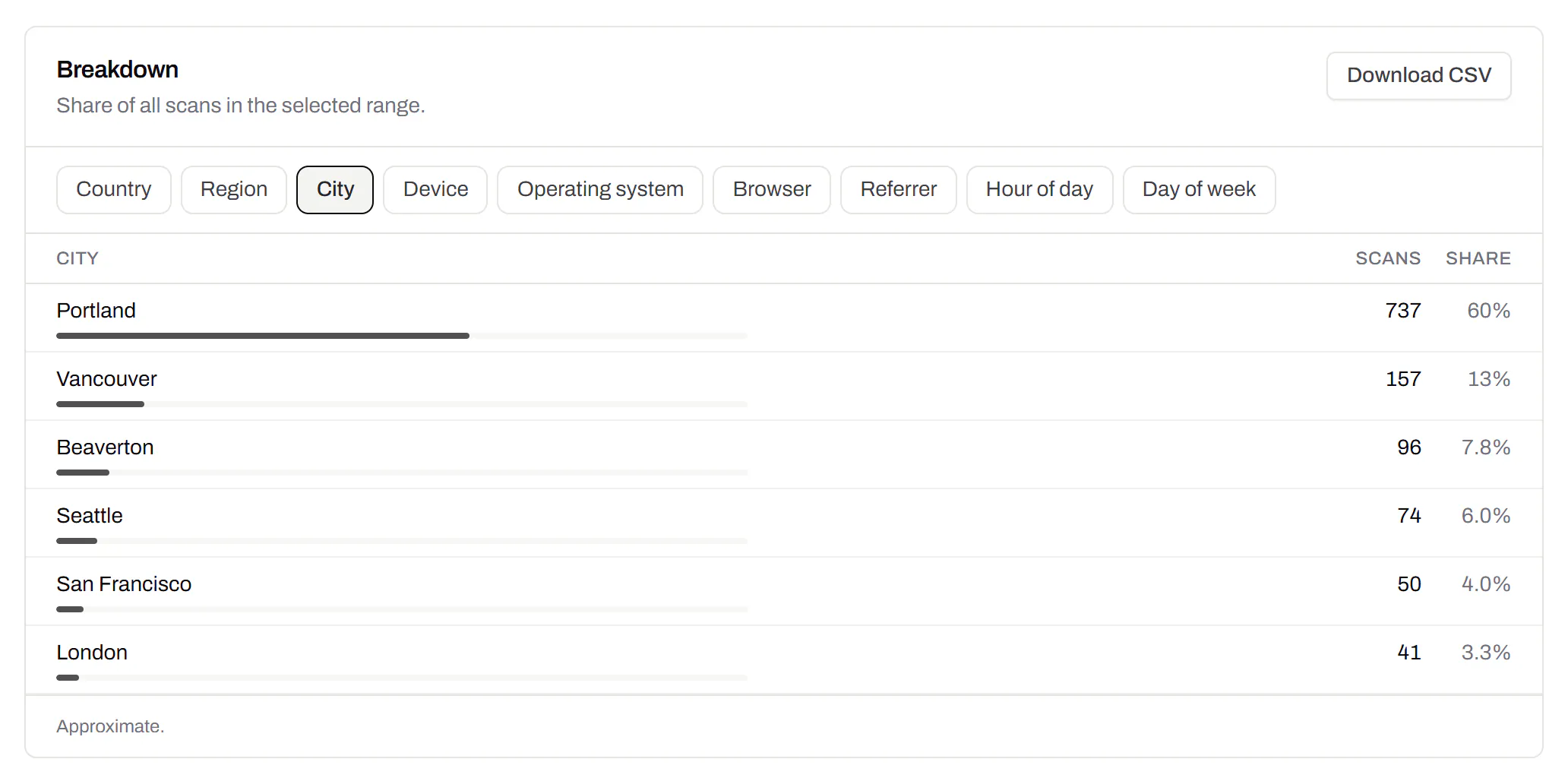
Which towns the scans came from, not only which countries.Pro and Business
Scans by city and region for each code, and towns on the live map. Coarse on purpose: the place the phone’s network reports, never a street or a precise position.
Pro and Business
CSV export
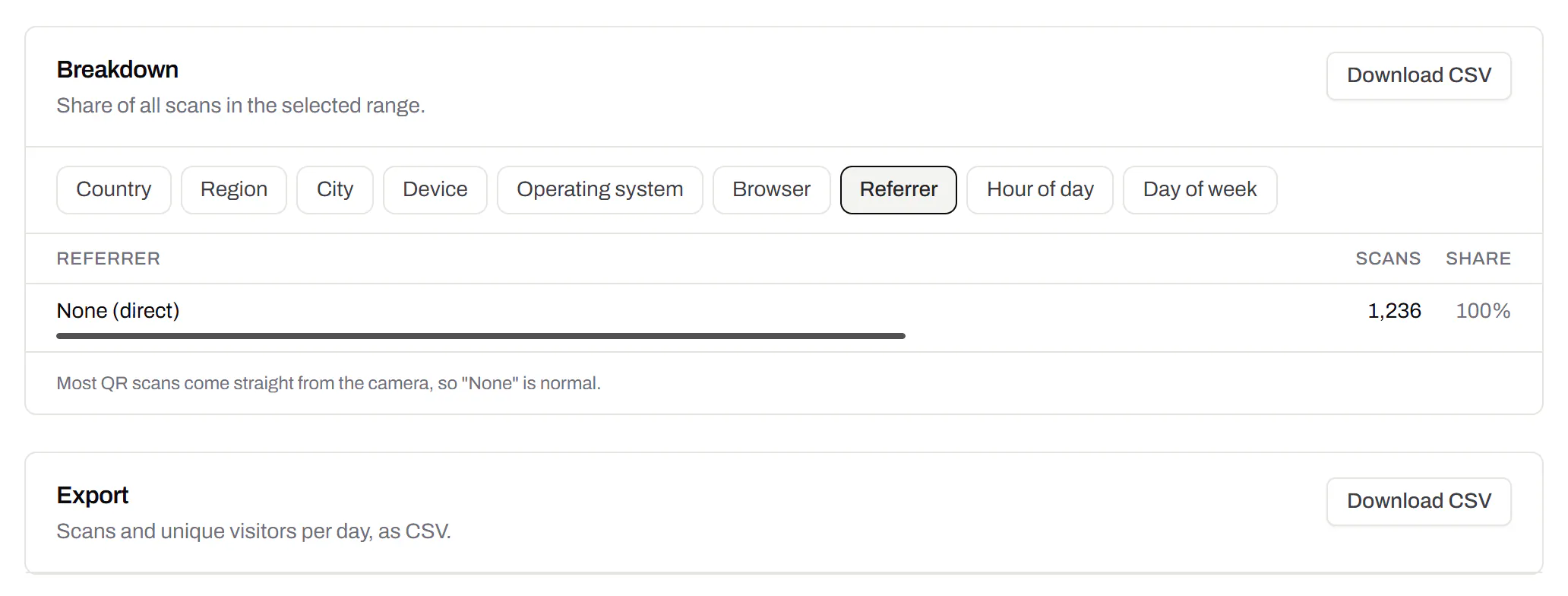
Daily scans per code, in a spreadsheet.Pro and Business
Download scans and unique visitors by day for one code or all of them - with each code’s name and short link - as CSV for your own reports, or for whoever asked how the campaign did.
Pro and Business
Webhooks
Your server hears about every scan and every change.Business
Pick the events - a scan, a code made or changed, a form answered, a QR Menu edited - and give us an address. Each one arrives as a signed POST, retried if your server is down, and every delivery is listed with the response it got.
Business
The API and webhooks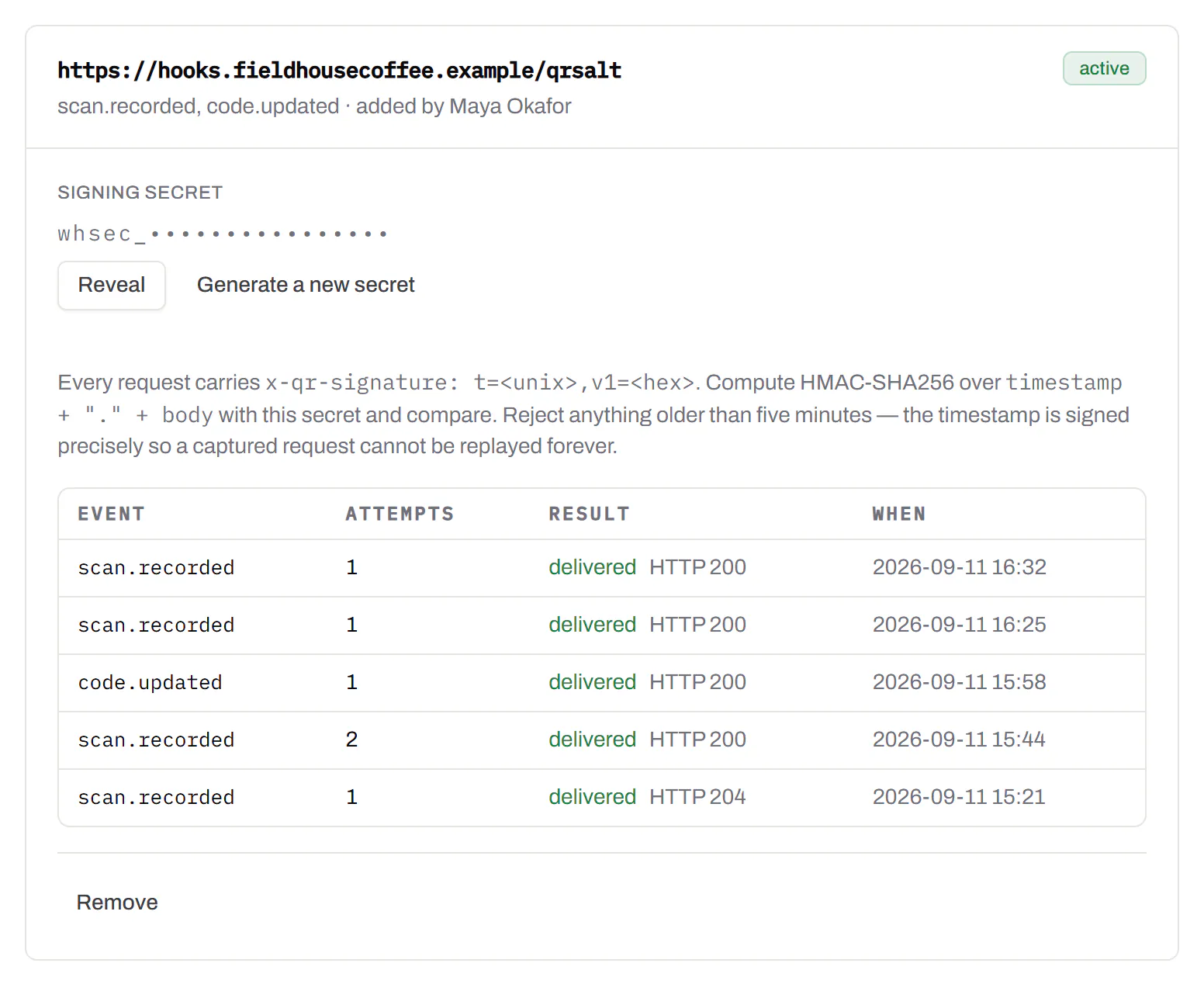
An API for your own software
Make codes, re-point them and render files from your own code.Pro and Business
A REST API for dynamic codes and short links: make them, change where they go, render SVG, PNG or PDF, add your own domains, and change hundreds of codes in one request. No-code tools like Zapier, Make and n8n call it with a plain HTTP step. Every request carries your key, and a key only ever touches its own workspace.
Pro and Business
Every endpoint, with a playground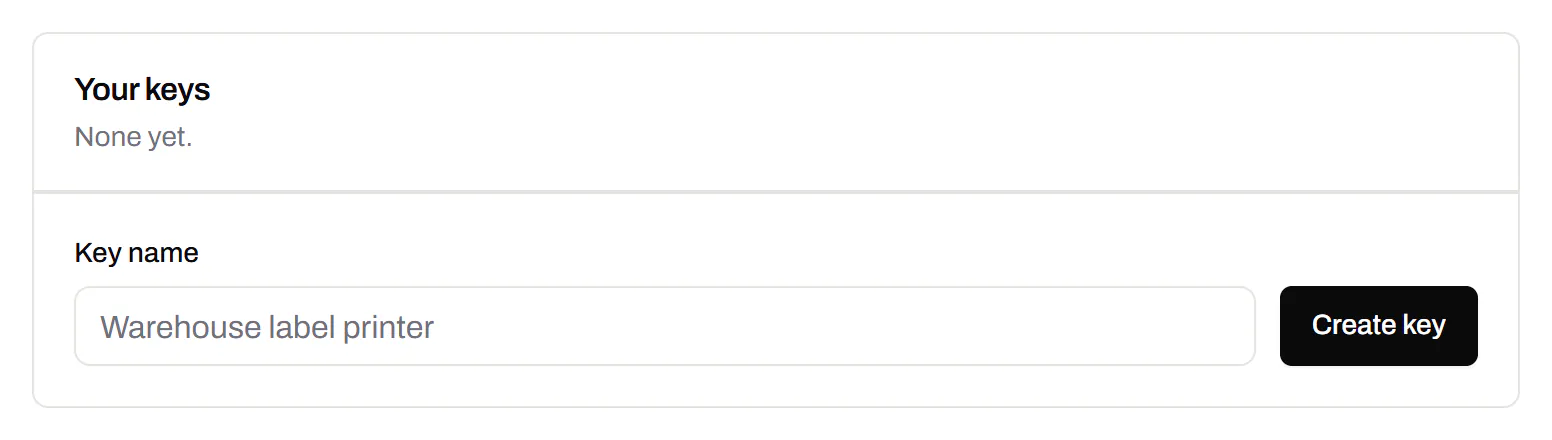
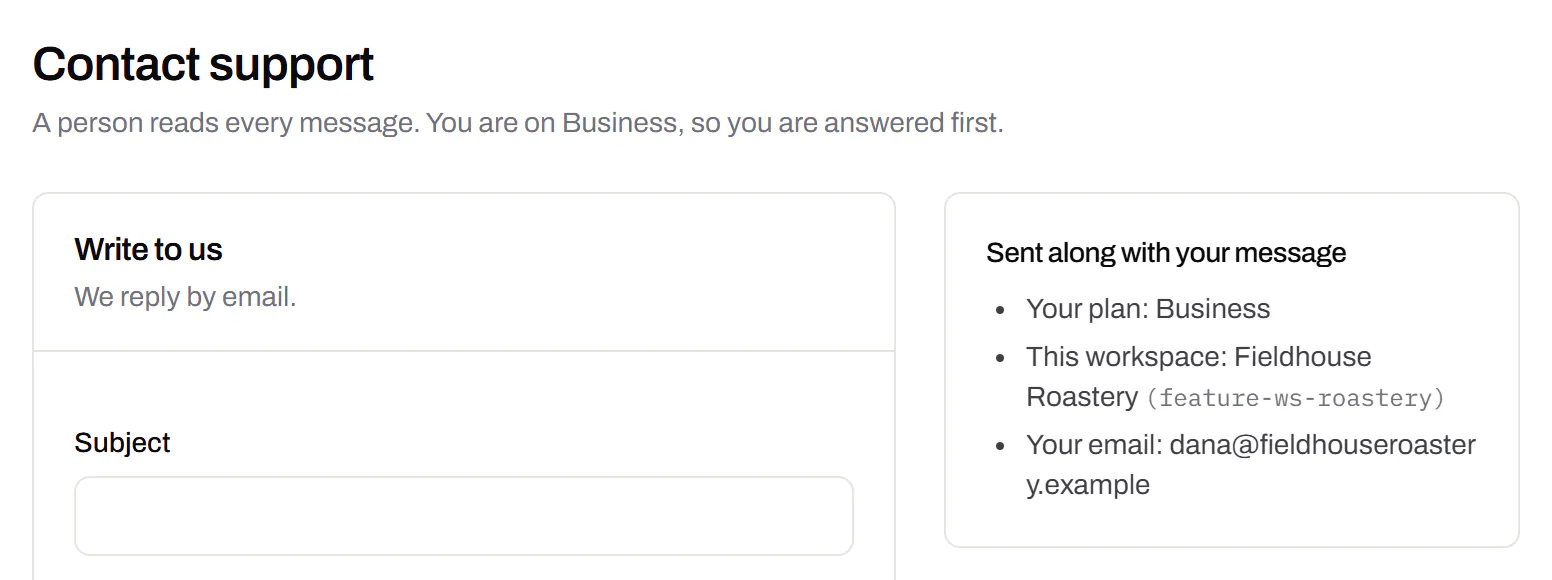
Separate workspaces
One subscription, a workspace per brand or client.Business
Each workspace has its own codes, team and analytics, so a client never sees another client’s. Up to 10 under one subscription.
Business
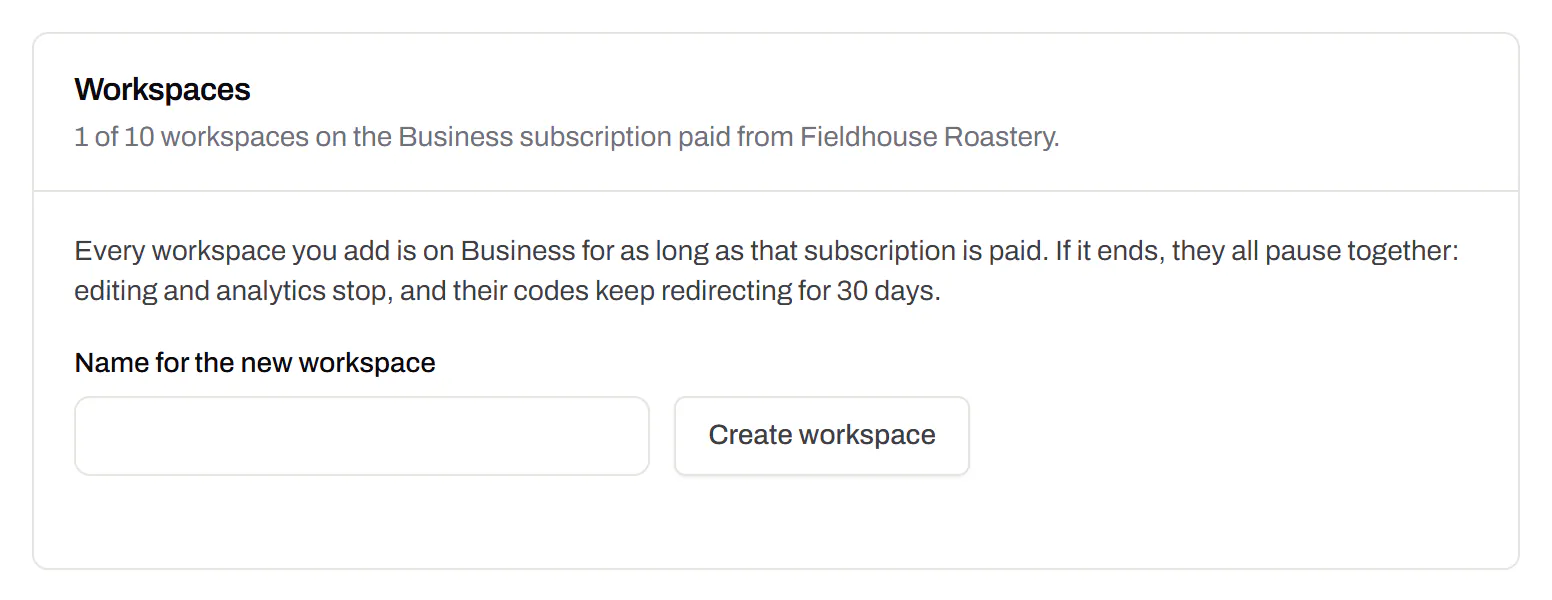
Priority email support
Paid plans’ emails are answered first.Starter and up
A person reads every message. On a paid plan yours is answered before free accounts’ - an order we keep, not a promised hour. Your plan and workspace go along with it, so nobody has to ask which account is yours.
Starter and up
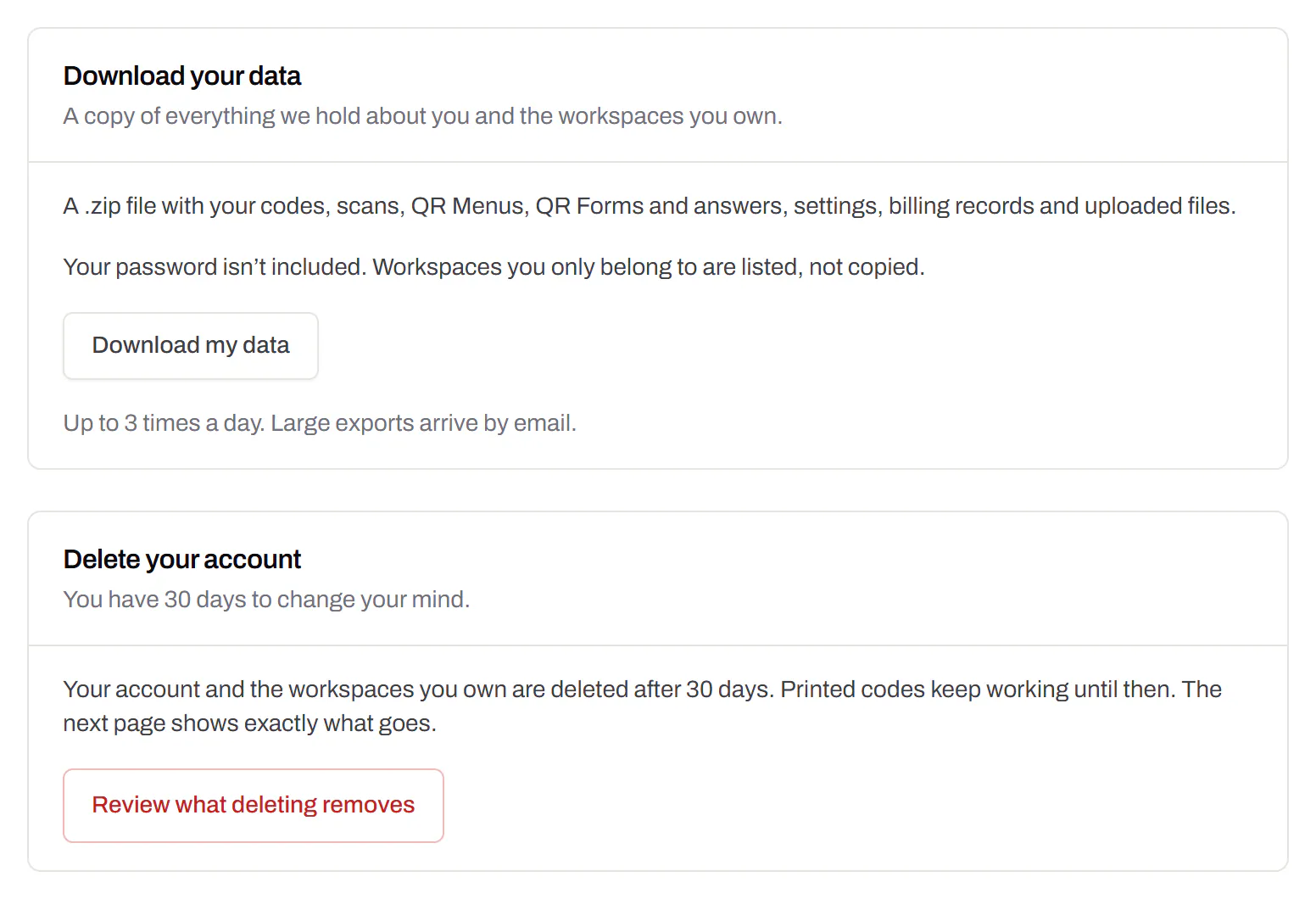
Your data, to take or delete
A full export any time, and deletion you can take back.Every plan, Free included
Download everything - codes, history, scans, form answers and the files you uploaded - as one .zip with spreadsheets inside. Deleting the account gives you 30 days to change your mind, and your printed codes keep working until then.
Every plan, Free included